hi everyone,
[ ]
]
Attachments



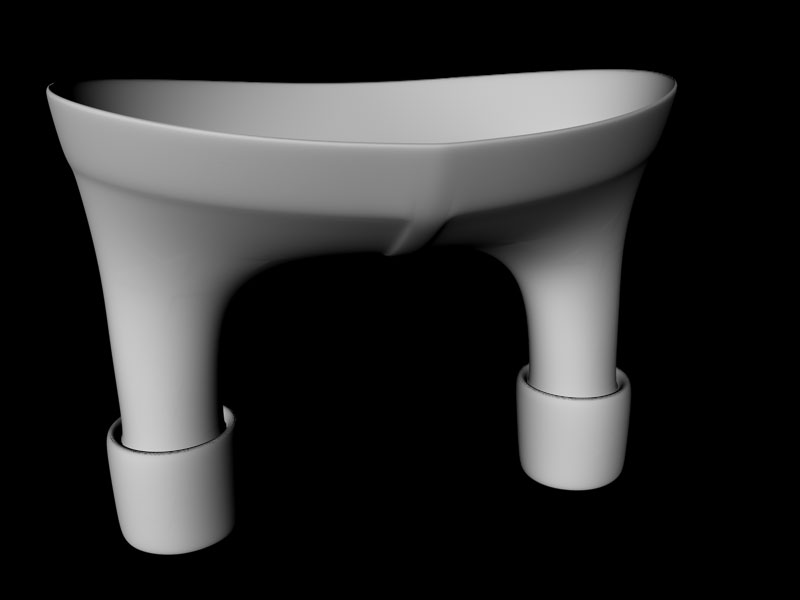
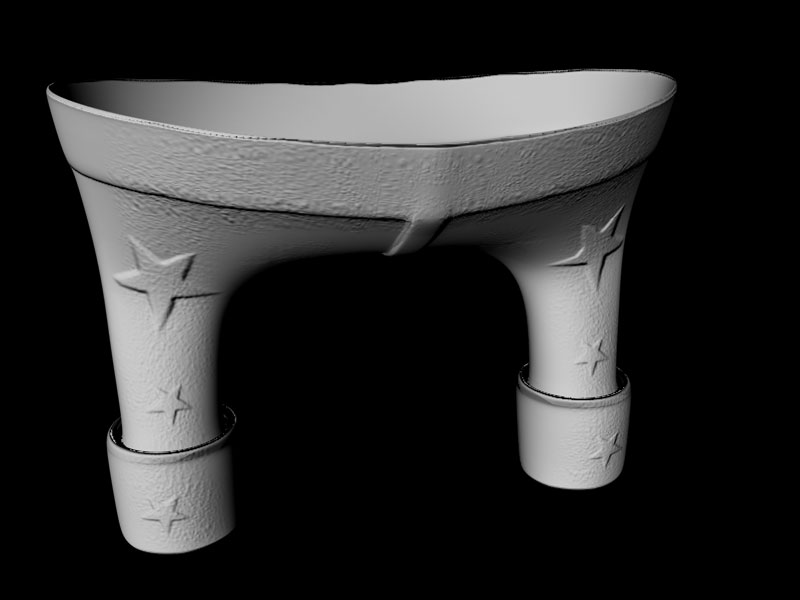
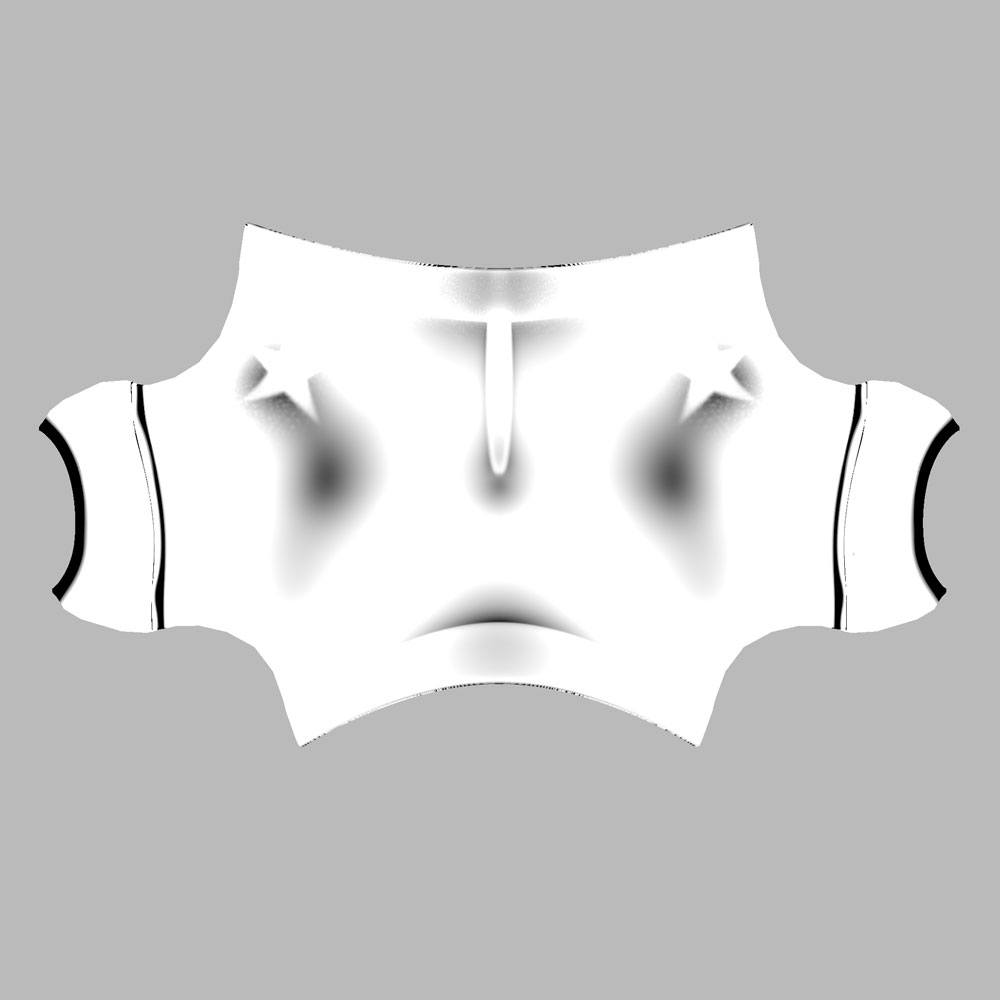
hi everyone,
[]
LoL I need your help for exporting OBJ FILE .
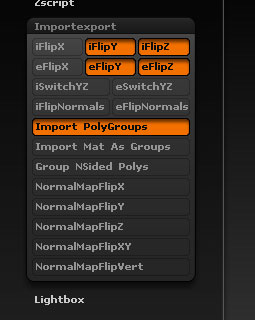
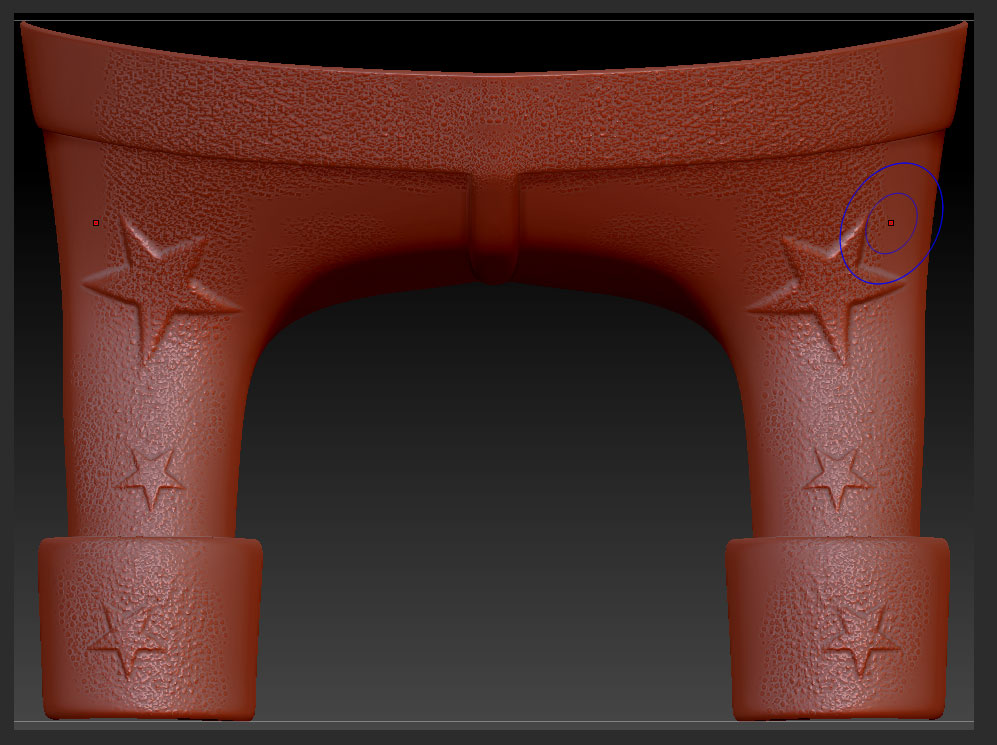
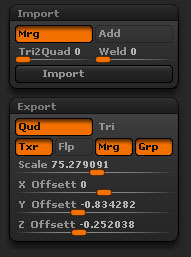
when we export obj file from zbrush and c4d . i can not get the material in c4d because zbrush give the material in another file { mtl } but c4d can not read it so if you export any obj to c4d . it will be without material . so please if you can help me about that . i am working at c4d 11 and zbrush 3.5 r3 and use pc .
thank you 
Firewireflow,
I’m looking at your pictures, but I’m not seeing the problem. Can you be a bit more specific about what actually goes wrong once you render it in C4D?
Nader Design, in the future you really should start a new thread instead of hijacking someone else’s problem thread.
C4D’s built-in OBJ importer can’t handle materials, so you need a plugin called Riptide (RiptidePro is the paid version with more features). Take a look at this site for more details about Riptide and RiptidePro.