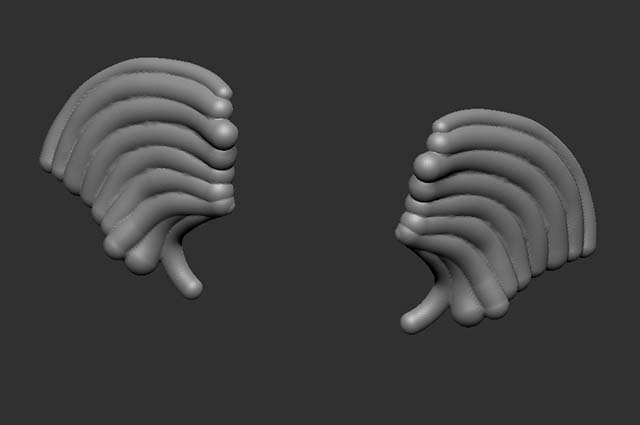
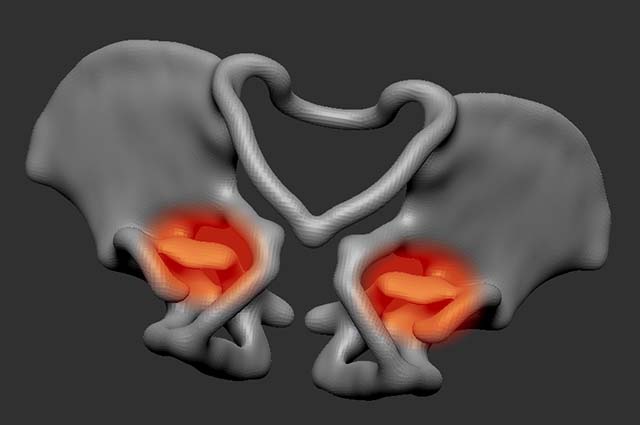
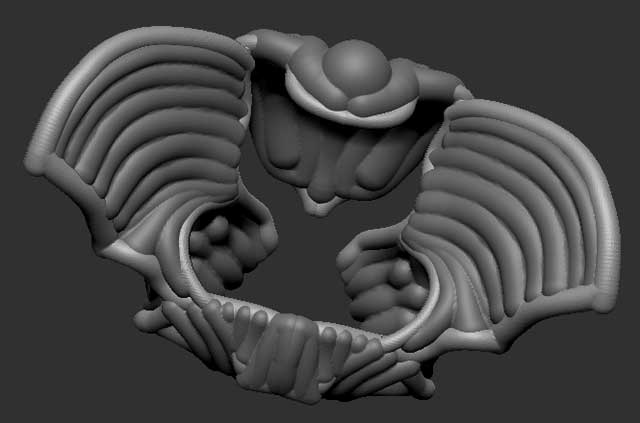
Having some problems with ZSpheres, Remeshing and combining of subtools. I created an armature for a pelvis with zspheres/zsketch and then went in and started filling in areas. These images are from an early stage.

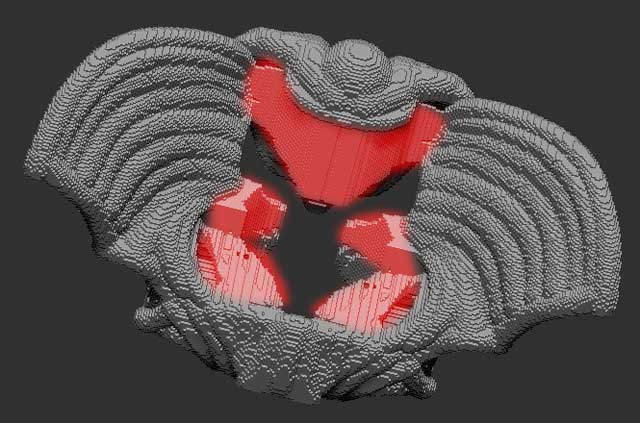
Basically, Remesh is putting in mesh where there was none in the component parts. I’ve marked the area in red in the images. These little nodes crop up in many areas in the later stages of this piece, making the remesh unusable. What’s odd to me though is that the zspheres unified skin technology doesn’t seem to have this problem. Shapes like this in zsketch will unified skin fine. If they were part of the same subtool, their unified skin wouldn’t show these artifacts.
Other problems I ran into with Remesh:
-
ZSphere/ZSketch subtools need to be set in their preview modes to remesh. This one is known and mentioned in a couple of posts on ZBrush Central, but no where in the docs.
-
Remeshing proceeds down the stack from your selected subtool. It doesn’t matter if the ones above it are visible; higher than the selected elements do not seem to play a role in the remeshing operations. In this case, if the armature was the first subtool and I selected the filling parts below it and did the remesh, the result was only a remesh of the fillers. Swapping the two in the stack resulted in an only armature remesh. Only by selecting the top element in the subtool stack could I get them to union.
Attachments