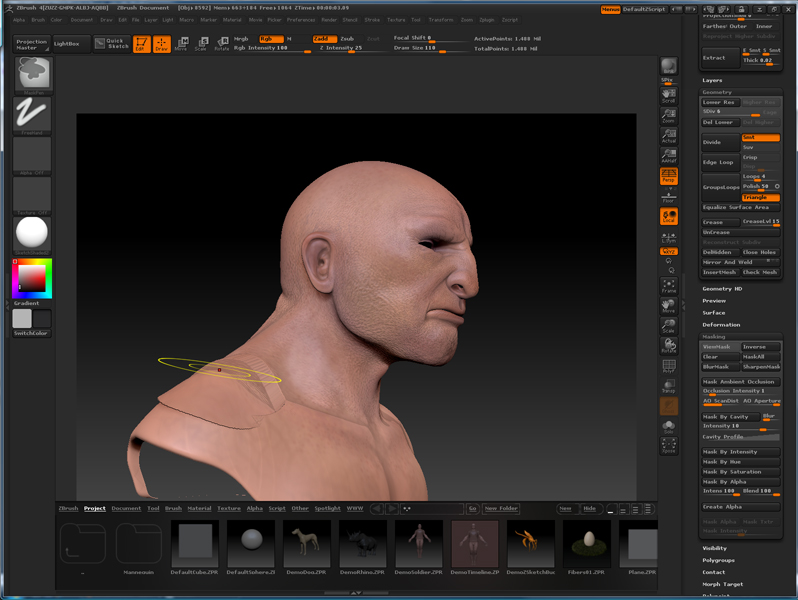
When I use the move brush, as soon as I try to click & drag my cursor over the area I’m trying to move, the brush seems to snap, pulling the geometry outward as shown in the accompanying image. When I release and rotate, the error goes away and I can see the geometry has been moved correctly. The problem is that this is more than an annoying glitch. I have a hard time seeing what I’m trying to do beneath the glitch. Anyone have any idea what’s going on? I’m using Zbrush 4.0. I tested this on other tools as well, including stock tools, and had the same result.
Thanks in advance,
Rev
Attachments