ZBrushCentral

Brush scaling anomaly-- new with 3.5

I’ve opened a ticket for this one-- it’s a real pain if you’re trying to apply some alpha effects with accuracy.

This problem is new in 3.5, it worked fine in 3.1. Simplest way to reproduce it is the following steps. Many of these steps aren’t specifically necessary to reproduce, but I use them for clarity and convenience:

  1. Init Zbrush
  2. size document to 640x480 or 1280x960 (skew effect is greater with larger doc)
  3. pick any color, ctl-F to fill canvas
  4. Select simplebrush
  5. select DragRect
  6. select Alpha 61 (the up arrow, easiest default to see with)
  7. Zoom canvas out to about 1/2 the size of the visible window-- this is to give room to drag a large arrow
  8. place mouse in center of canvas, drag out an arrow so that it extends off the edge of the canvas
  9. click on the scale tool
  10. slowly scale the drawn arrow larger horizontally by dragging from the right edge of the scale gyro.
  11. observe that arrow skews around a bit as it scales. It will stay skewed if it’s skewed when you finish scaling it, if the size you want it to be happens to be at the right point in the “skew.”

ZBrush 3.1 didn’t do this-- it scaled without any skewing. Note that it also skews during the initial dragrect of the arrow-- if you drag it slowly as it gets larger you’ll see it “wobble” skewing left to right while it scales. Again, this didn’t occur in 3.1

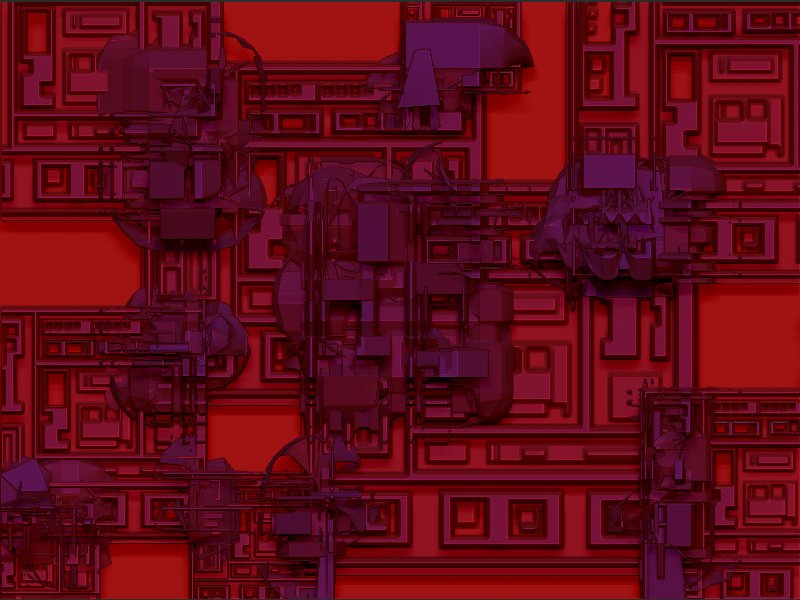
Attached is a comparison of ZB 3.1 and 3.5, using my own alpha that shows it off a little more than the arrow-- the green image is from ZB 3.1, and the red from 3.5, original image size 1280x960-- note how it is skewed slightly to one side-- as you scale, it “wobbles” back and forth skewing left to right as it scales and will stay in skewed position when you stop dragging-- I suspect some kind of rounding error has crept into the calculation somewhere. The amount of skew is more pronounced with larger document sizes. This is very annoying because I use this technique quite a bit and it’s just gone totally awry at ZB3.5…

Zinc

Attachments

I don’t have 3.1 on this machine so I can’t make a comparison but I suggest you try using the Alpha Brush instead for this sort of work. I think you will find it much more accurate.

Unfortunately, it looks like another difference between 3.1 and 3.5 is that when in spray, the Alpha Brush doesn’t have Z intensity control-- Z intensity doesn’t seem to be having any effect when in spray stroke in 3.5, when it does seem to in 3.1, unless I’m missing something here… I suppose I could scale the alpha intensity down as a workaround, but it’s not an ideal solution by any means. I will sometimes set Z intensity to 1 and do some real subtle effects with spray but in 3.5 Alpha Brush is far from subtle when Z intensity is set all the way down to 1-- spray now seems to have a depth varying characteristic that it didn’t have in 3.1.

Also, the alpha brush won’t apply the shape in color like the simple brush can, another area where the 3.5 alpha brush is a poor approximation of 3.1’s simple brush.

But WHOA! While playing around looking for another alternative I found really cool effects with the bump brush, but also I can crash 3.5 with it readily as well…

Check this one out:

  1. Init Zbrush
  2. Pick a color, do a ctl-F
  3. Pick Texture 13 – a b&w rectangular industrial type pattern
  4. Make alpha
  5. Texture off
  6. Select bump brush tool
  7. Select Drag Rect
  8. set Z intensity to 100
  9. Drag the shape out good sized in the upper left
  10. Drag it again in the lower right so that the shape overlaps the previously drawn shape. Note WILD effects where the two shapes overlap! Very cool. This is pretty useful and works in 3.1 as well.
  11. Click Move. Say hello to Dr. Watson… 3.1 doesn’t crash here-- you can actually move the shape and watch the wild effects go crazy-- very interesting…

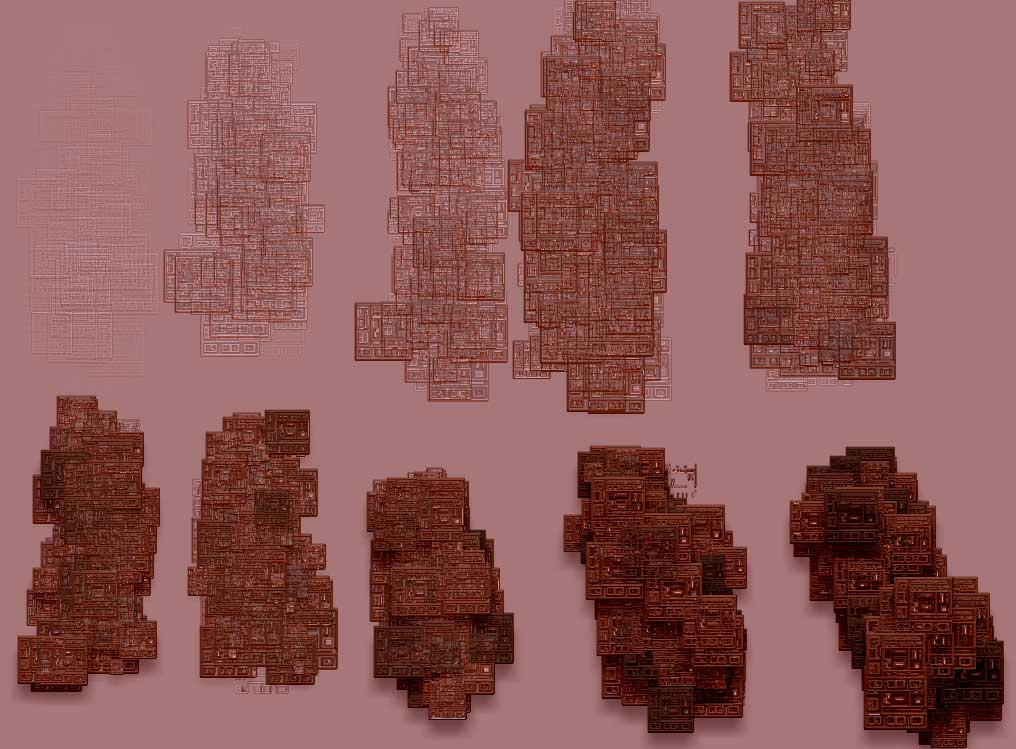
Attached is the kind of result I was getting-- dragging the same bump brush alpha overlapping itself a few times…

Zinc

Attachments

BumpBrushExp1.jpg

I can’t reproduce either of the problems you describe. For the AlphaBrush, you might like to experiment with the Depth and Imbed settings in the Draw palette. These can vary the effect considerably.

Are you using 3.5 R3? And what are your system specs? It’s important to have this information if we’re to investigate these issues.

Attachments

AlphaBrush.jpg

The skew problem occurs on two Windows systems-- one XP Home SP2 (laptop) and one XP Pro SP3 (desktop). The desktop is running 3.5R3, the laptop is running a previous 3.5 as I haven’t upgraded it to R3 yet due to some of these issues. I just tried the bump-brush crash experiment on the ZB3.5R3 desktop and it DOESN’T crash, so looks like that’s OK (unless it’s something about the two systems, I’ll update the laptop to R3 and see if the problem goes away in a day or so and report back as I suppose it could be an issue with the AMD), but the skew scaling “wobble” occurs on both 3.5 systems/versions and on neither 3.1 versions. I’m not sure how to check what the exact version/build info is in the non-R3 version of 3.5, is it on a menu somewhere? The 3.5 ZBrush.exe shows File Version 3.1 and Product Version 3.5.0.0. Both systems also have 3.1 still installed which I’ve used for comparison. The desktop is a dual-core 2.8GHZ Intel with 2G RAM, and has just had the latest Windows updates applied. The laptop is an AMD Sempron 1.79GHZ with 1.12G RAM and is somewhat behind on its OS updates.

Zinc

The only version of ZBrush that matters (for PC) is 3.5 R3. There’s no point in reporting issues that occur in a previous version but not in 3.5 R3. The version is given top left of the UI.

I would agree with you regarding the crash on bump-move, I reported it initially thinking it applied to both 3.5 and 3.5R3 before I realized it was in my 3.5 installation only.

On the other hand, if it turns out the problem is not actually 3.5 vs 3.5R3, but Sempron vs Intel, once I upgrade my laptop to 3.5R3 we’ll know that-- the jury may still be out on if it occurs with 3.5R3 or not. While I suspect it isn’t related to the CPU, experience has caused me to resist making such assumptions.

For the scale-skewing issue that occurs both in 3.5 and 3.5R3 though, it could be useful to know at what point in development the behavior crops up-- knowing if it occurs in 3.5 as well as 3.5R3 provides a clue as to what changes would and would not be related. Clearly, changes made after 3.5 wouldn’t be relevant, only changes older than that.

Zinc

As I suspected, once I upgraded to 3.5R3 on my laptop it no longer crashes when I do a move after using the bump brush.

However, my original issue, the scaling skew hasn’t changed, it exhibits the sloppy-wobbly behavior with either 3.5 or 3.5R3 and on either my Intel dual-core desktop or my Sempron laptop.

And related to Simple Brush behavior, another difference between 3.1 and 3.5R3, minor but now somewhat less intuitive, is with 3.1, if you drag out a shape with the simple brush, then click “move” or “scale”, and then adjust the Z intensity while the gyro is up, you’ll see it immediately update as you change the Z intensity value. In 3.5R3, it won’t update while you change the slider, to see the new Z intensity value you must first either do a move or scale, or click back to Draw before it’ll update. However, I did just notice that if I change the RGB Intensity slider instead of the Z intensity slider, it DOES update immediately (the sliders track each other in this mode). I suppose that makes it a feature instead of a bug-- a little odd though, one slider’s effect is immediate one is deferred now for some reason, even though both parameters are changed in tandem no matter which slider you drag…

Zinc

Thanks on the skewing behaviour of the Simple Brush.

As for the changes in Z Intensity not updating immediately, this has been noted. The simplest way to get the view to update is to click off the canvas.

Well, just downloaded the newly released ZB4.0. First thing I checked was this glitch that crept in after v3.1 (3.1 was solid in that regard, 3.5+ thru 4.0 is wobbly). Problem still exists in 4.0. This is a real pain for me, I’m still using 3.1 because this is a feature that I use a lot, and the loss of accuracy after 3.1 makes some of the techniques I’ve developed with ZB useless. Switching back & forth from 3.1 to 4.0 so that I can use the neat new features but w/o losing alpha-brush stability is a major headache…

I filed a ticket for 3.5R3, after some back & forth the support person was finally able to reproduce and see what I was seeing, so it’s not unique to my setup. Apparenty the issue was passed on to “the team” and the ticket closed, so it’s not clear how I should continue to monitor the status of it. I did just try attaching another reply to the ticket though, despite the fact that it’s closed-- perhaps that’ll wake it up again.

I realize it must be low priority for them, as they’re spending most of their time adding new 3D modelling features, and this is more of a 2-1/2D feature. Unfortunately, I spend a lot of time in 2-1/2D and have found some pretty neat painting techniques, but accuracy is critical on some of them. The loss of it when scaling an alpha brush at least for me, a big limitation, especially when the problem wasn’t there in 3.1 and earlier and I had got used to the tight accuracy of it. But, I may be the only one who cares about the brush-scale accuracy very much, most people probably haven’t developed specific techniques that are dependent on it…