ZBrushCentral

Bright Polygons at Higher Resolution

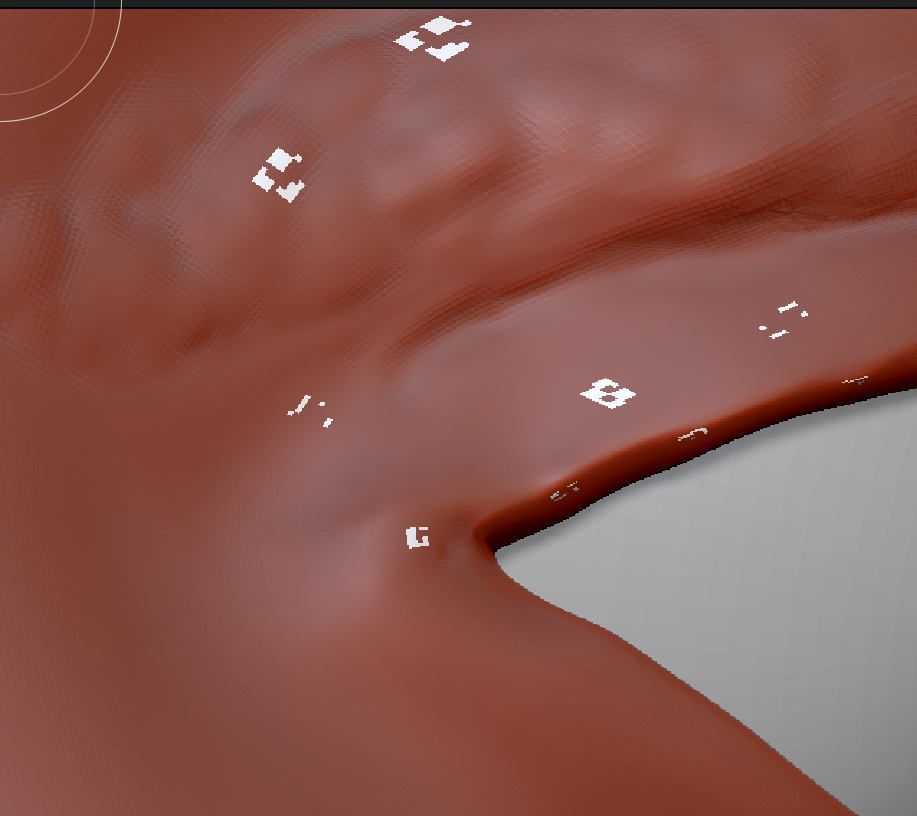
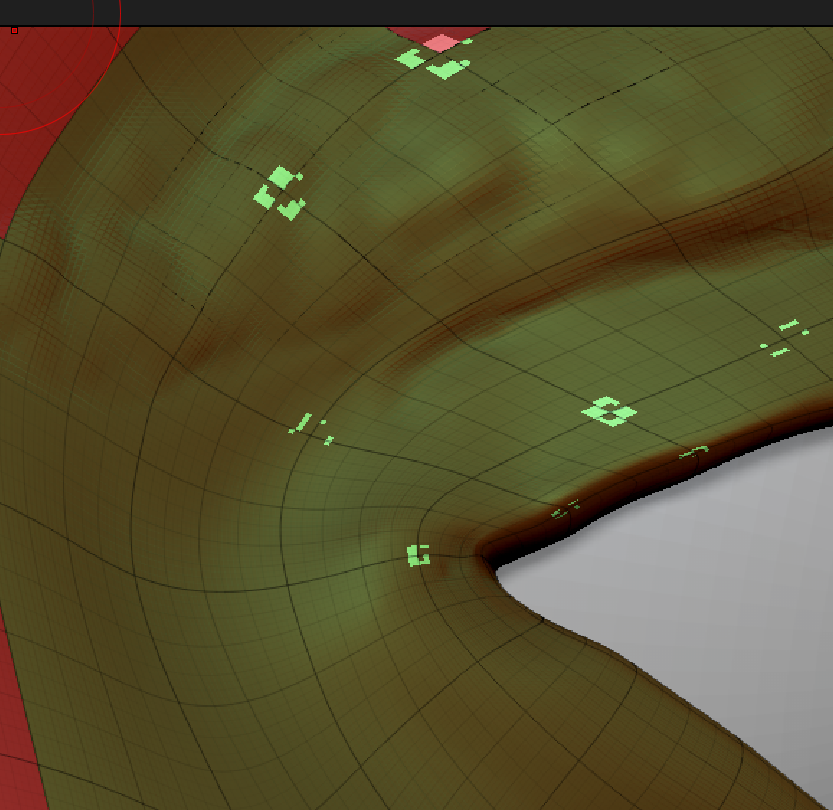
I am working on a sculpt with multiple resolutions. After working at a medium res and then switching back to high I can see a seemingly random selection of polygons rendered brighter than the rest. What is this trying to tell me? And how do I make it go away?

Attachments
Screen Shot 2015-12-05 at 15.44.27.png

Screen Shot 2015-12-05 at 15.44.50.png

Hmmm … most of the subtool is showing up as Mat Cap Red Wax. What I’m seeing is that when I switch the current material to Chalk - or any light colour material - then I get the bright polys. So - for some reason when I switch material only those polys are getting switched. I can make the bright polys go away by switching the current material to Mat Cap Red Wax, but I don’t really understand what is going on.

I think at some point material has been embedded in the model. You can solve it like this:

  1. Clear any masking by pressing Tool>Masking>Clear.
  2. Make sure just the Draw>M button is on, so that you are just working with materials.
  3. Select the Flat Color material.
  4. Press Color>Fill Object.

Now switch back to the Red Wax material or whichever material you want. Filling with Flat Color removes any embedded materials so that the model will now show just the selected material.

HTH,

Thanks, Marcus - that fixes it nicely!