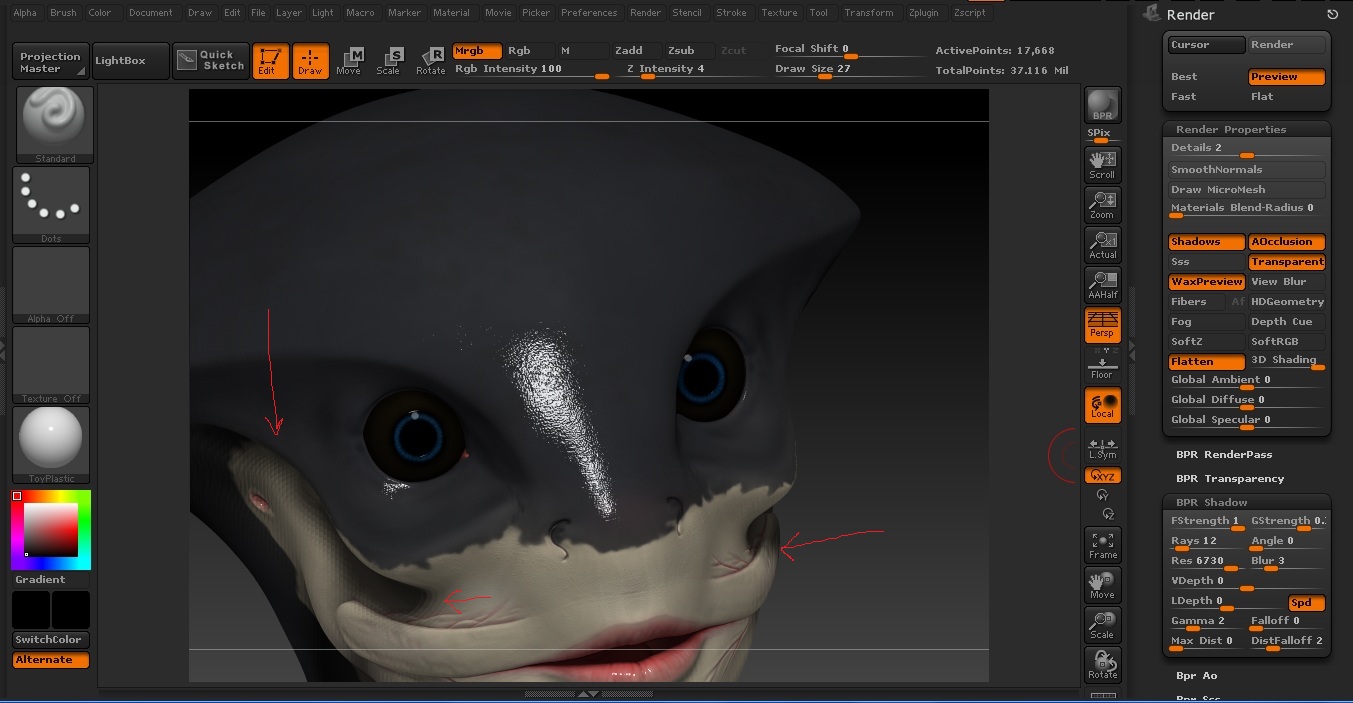
Hi! I’m trying to make some renders of my model if i press shift+r or the bpr button the shadows in the resulting render seem to be at low quality , but if I click on the best button in the render menu then i had a render with smoot shadows but without transparency etc…
Here is an image of the problem with the settings I used:
I don’t know much about how it’s better to set the render properties.
If someone could help me I will appreciate it a lot!
Attachments