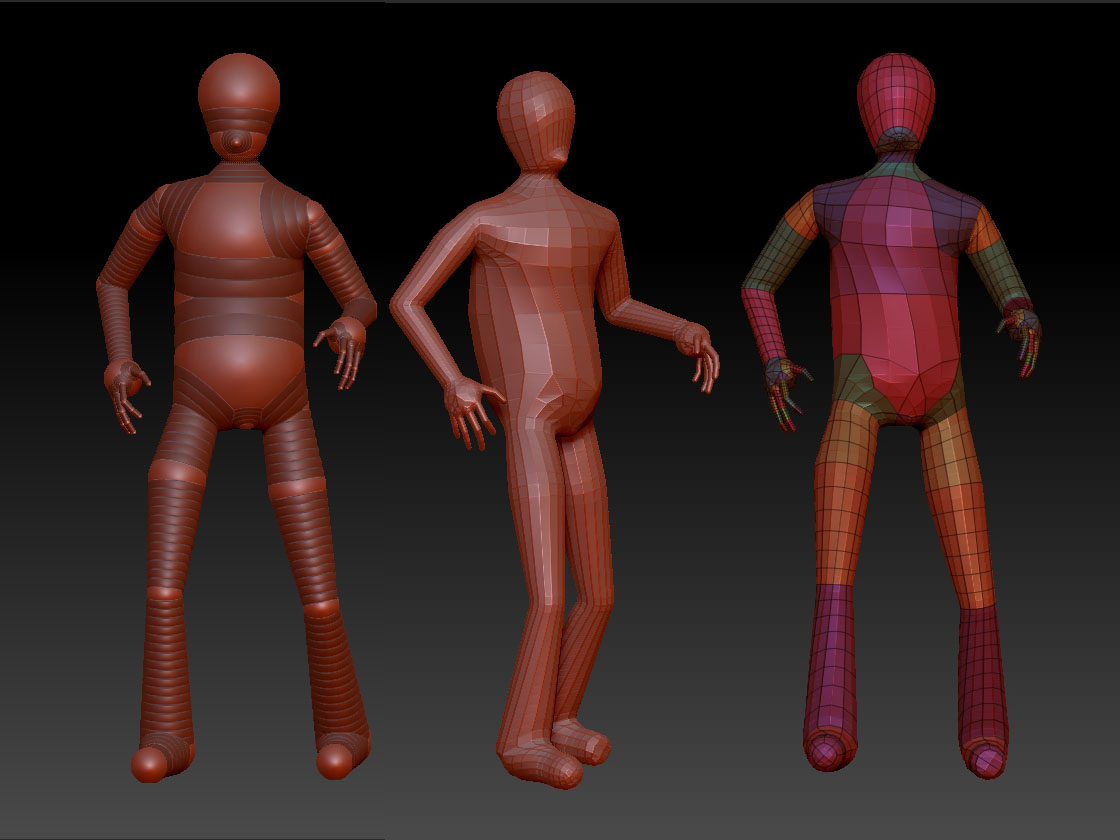
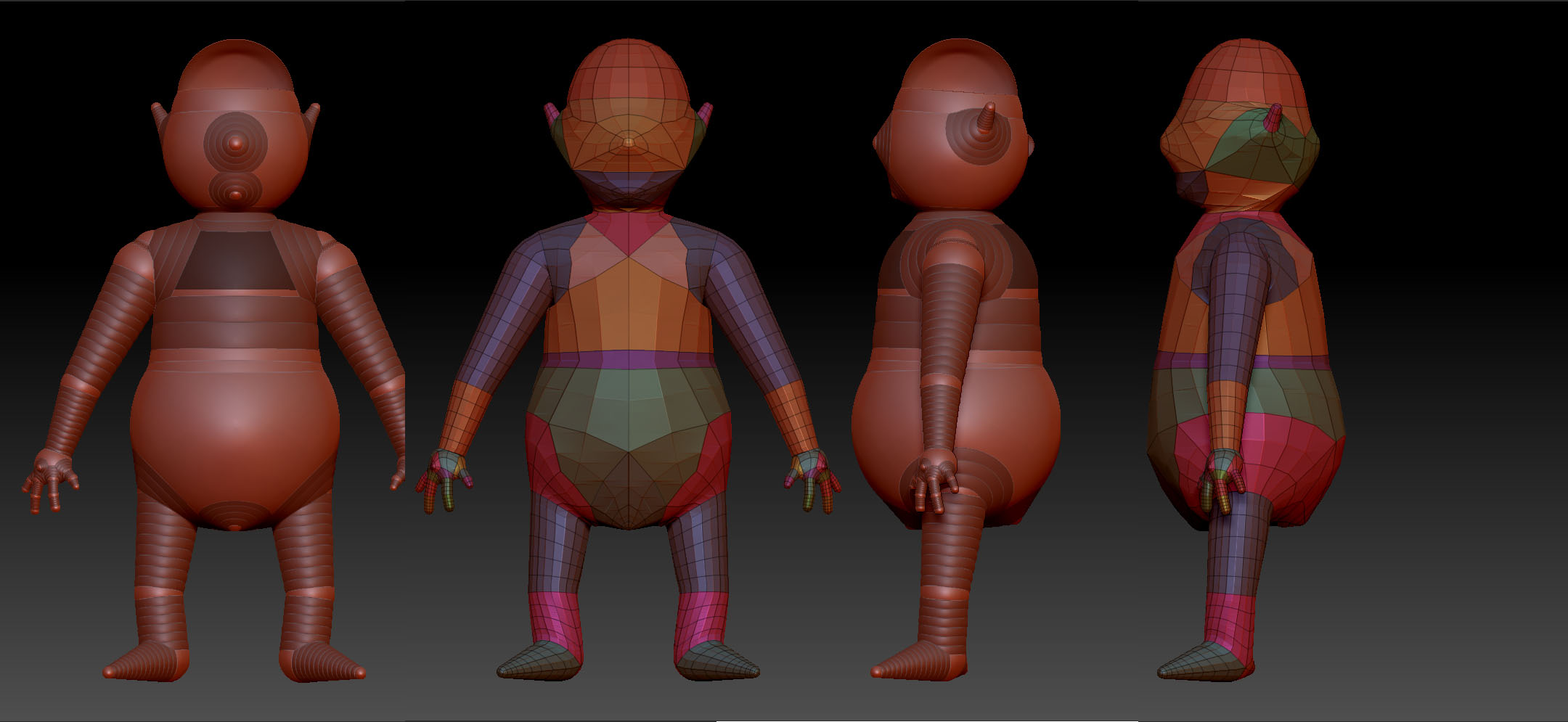
Might as well start a thread where I can ask questions, instead of looking around, especially when I don’t know what to look for.
I have recently decided, to try some 3d art, have been following tutorials on youtube, for zbrush and 3ds max. I have decided to learn zspheres, its definetly getting easier the more of these I do.
What is the difference between using zspheres and mannequins? Is one more restricting than the other down the track, such as if I chose to animate this character later on? I mean its so much faster to simply pose a character as a mannequin than it is as a zsphere, why do people use zspheres.
?
2.Zbrush comes with some premade body parts brushes. Can I import these (especially hands and feet) onto my character to speed up my workflow, or will they restrict me later on?
I apologise for asking questions rather than look for an answer, especially when you guys/girls have put such a good tutorial section, but like I said, Im not familiar with terms used in 3d software, so not really sure what to look for.
Mannequins are made from z-spheres and I recommend using them in your learning process. You can modify the mannequin to create the figure you want. I’d say use whatever aids you can to get you into your creative flow. That is what counts. When you get to the point where you can’t modify the mannequin to get where you want to go, then do some z-spheres from scratch.
Have fun. There are a zillion ways to get where you want to go in Zbrush. With some experience and practice you will find the flow that works the best for you.
thanks, sylviatrilling. Might as well work on a piece and get help as I need it. Here is something I would like to finish. At the moment Im working on a western comic book, and would like to do a 3d piece to go along with it. As you can see I have already positioned him in a finished pose. I understand it would be easier to pose him in arms spread even and turn on the symmetry. My question is would it be easy enough to change him into shown position, should I choose to go with symmetrical version? So do all the sculpting, finish him and then rotate body, arms, legs, etc. Also do I make this into “unified” or “adaptive” skin?
There’s a decent amount of debate over best practices to create characters that you can animate. A lot of people think it’s better to start with a box modeler to design a base mesh and then port it into Zbrush then detail and project details back onto the original simplified mesh. If on the other hand you are more like me… you like to just start in ZB and then create whatever you want on the fly… sketch and concept modelling as it were. Then if you want to animate you will most likely have to learn to retopo your model to get a model simple enough to animate. Zbrush is awesome at detailing and creating on the fly, but the models created from scratch at least are usually unusable as is for animation purposes… too dense of meshes for animation programs to handle for one thing. then there’s the need for a nice mesh layout with edge loops for proper deformation during animation. I imagine the majority of the more technical aspects will be automated eventually, but it’s still in progress.
If you want a really simple way to make a custom animatable bipedal character… try taking a look at Daz Studio… I think the pro version of it is still free… you can get a likely still free plugin for it that will let you send models from it into Zbrush. So long as you don’t break the mesh, you can sculpt it into many varieties and then send it back to Daz Studio with animatability still intact… However, you won’t learn anatomy fast that way and you can’t claim it as your own model since it would just be a derivation of their genesis model.
If you’re serious about animating, you’ll have to learn about rigging and retopologizing eventually. You may want to look at topogun or 3dcoat eventually if you want an easier time with retopology.
If you’re really new, just choose things you’re interested in learning and get good at them… trying to learn everything at once can be really overwhelming and confusing. The more you learn about 3D in general… the more concepts keep falling into place.
Both Max and ZB are pretty deep programs that have a bit of learning curve to them. Mastering what you want to learn may take a while. So try to pace yourself and have fun while you’re at it
Sorry to butt in, but I would personally do all the symmetrical sculpting before posing… it’s quicker… you can add assymetrical details after posing and correct any warping that looks wrong at that point. I use adaptive skin myself. I’m sure Sylvia may have better ideas though
Agreed. You want symmetry to make your figure look realistic and yet an assymetrical pose gives your figure more life and appeal. I like to make the symmetrical tool as detailed as I can and save a copy of it. Then I’ll mess with posing which I do with move brushes and masking if needed. If I go too far I can go back to the symmetrical tool I saved.
Thanks to you both, i really appreciate it. Yes i agree on concentrating on one thing at a time. So sculpting will be first step. I will post wip here and ask for help/critique as i go along.
Here is a piece which I wish to animate using 3ds max. before I start sculpting, what would be a proper procedure to set up this piece for animating it? I have seen you tube tutorial where a guy inserts zspheres skeleton inside a sculpture and is able to make the body parts move around without much distortion. So my question would be can I make this into Adaptive skin and start sculpting it without worries? Also if someone knows of a Zbrush to 3dsmax animation tutorial, would be a big help, sorry to be a pain guys/girls.
So far as I know ZB rigging isn’t something you can export to Max. I’m not an expert, but I think you’ll need to retopo your model and then rig it in Max for animation. It takes some learning… basically you sculpt your model just how you want it with all the details… painting, etc. then you make a lower resolution cage either by retopologizing or possibly using the lowest subdivision level of your sculpt. Then you project the higher subdivision level details onto your “cage” using various maps… or you design a low poly character in Max taking the detail as far as makes sense and then port it into ZB for detailing then project the details back onto the original low poly model.
ZB rigging is more for quick posing to show a client a dynamic pose before having to worry about retopo and animation. Basically for quick and dirty posing, not animation. there is a decent amount to learn as far as proper topology for animation goes. you might want to google for some tutorials on rigging for animation in Max. There are other people on here who know a lot more than I that may be able to walk you through the whole process, but I actually don’t worry too much about animation myself. It’s a hobby for me really… I make assets for my mainly 2D art… it’s nice to have re-usable pose-able characters and props though. I don’t have Max either, so I’m afraid I’m not personally going to be a lot of help there.