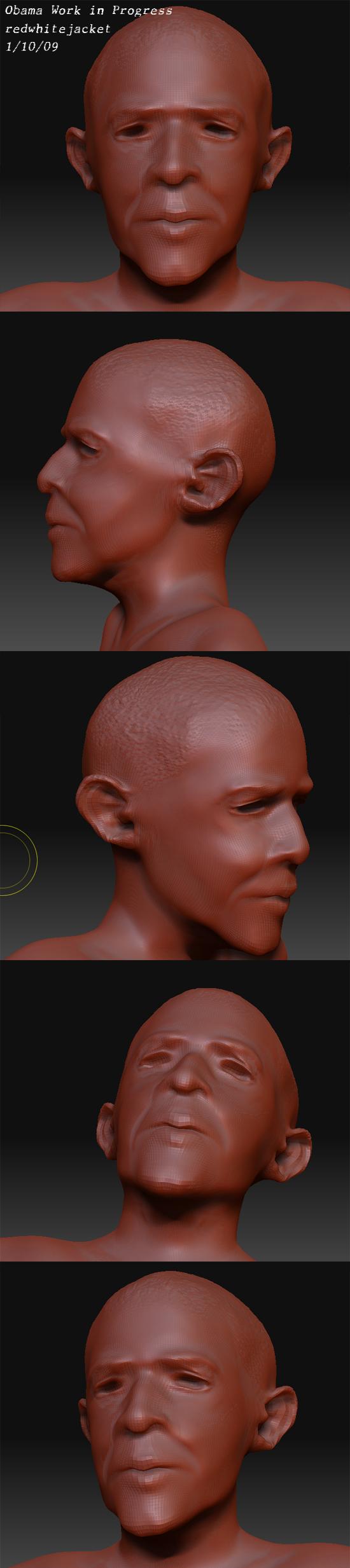
Hi, I’m new to Zbrush. Here’s my WIP so far, blocking in the basic head shape and a few details. Crits/comments are welcomed (especially crits, tear it apart so I can improve  Thanks).
[attach=124676]ObamaWIP.jpg[/attach]
Attachments

Hi, I’m new to Zbrush. Here’s my WIP so far, blocking in the basic head shape and a few details. Crits/comments are welcomed (especially crits, tear it apart so I can improve Thanks).
[attach=124676]ObamaWIP.jpg[/attach]
Well, I can see the similiarity. You seem to be on the right track with the proportions. I would recommend focusing on staying away from any detail work and not working on your higher subdivision layers for now. Work on the overall form, structure, anatomy, and proportions on the lower SubD levels. Like say, don’t sculpt above SubD 3 or 4 (depending on your mesh density) until you have established your likeness. If your likeness is off on the lower subd levels, adding pores and fine detail isn’t going to help make it look much more like him. And adding detail too soon may make it more difficult for you to achieve your likeness if you need to make some major changes to the model, since you’ve already committed to a fair amount of effort and detail work that you may not want to loose it or have to change it even though you may need to. Know what I mean? Oh yeah, get lots of reference! Good luck!
Here’s the latest update. I’ve struggled with the eyes several times, and just decided to smooth out that area for now and add this update.
EDIT:
I just did some work on the eyes and such. Below are the pics. For the image I first uploaded which has more views before this update, click here.
[attach=124677]ObamaWIP2b.jpg[/attach]
Looking like him already.
you got my vote!
looking forward to see how this turns out
Thanks for the comments, I appreciate it 
I would like to move on to adding details, the eyeballs, hair and then a few different expressions, but first I want to get the basic head down well enough for him to look like Obama at each angle.
I’ve already been combing through a ton of reference images to help me. If any of you see areas where it does not look like Obama, please let me know.
Thanks.
he’s just been on the news over at a fast food resturant eating a hot dog!
plenty of reference there!
[attach=124679]Obama7.jpg[/attach]
[attach=124680]Obama3.jpg[/attach]
[attach=124681]Obama4.jpg[/attach]
[attach=124682]Obama5.jpg[/attach]
[attach=124683]Obama6.jpg[/attach]
[attach=124684]Obama1.jpg[/attach]
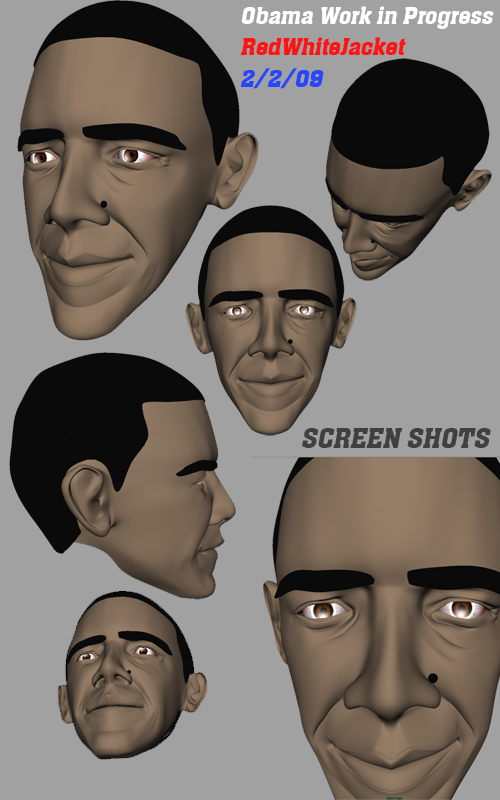
This is an update to the Obama model. I edited the mouth region and a few other parts then changed the topography to incorporate edgeloops for eyes, ears and mouth. 2 minute texturing job (obviously more to do there (including mole)), eyes complete but haven’t been placed yet, more to come…
EDIT: I know he looks really young, but I just changed the topography. I’ll add a few light wrinkles and a touch of grey hair
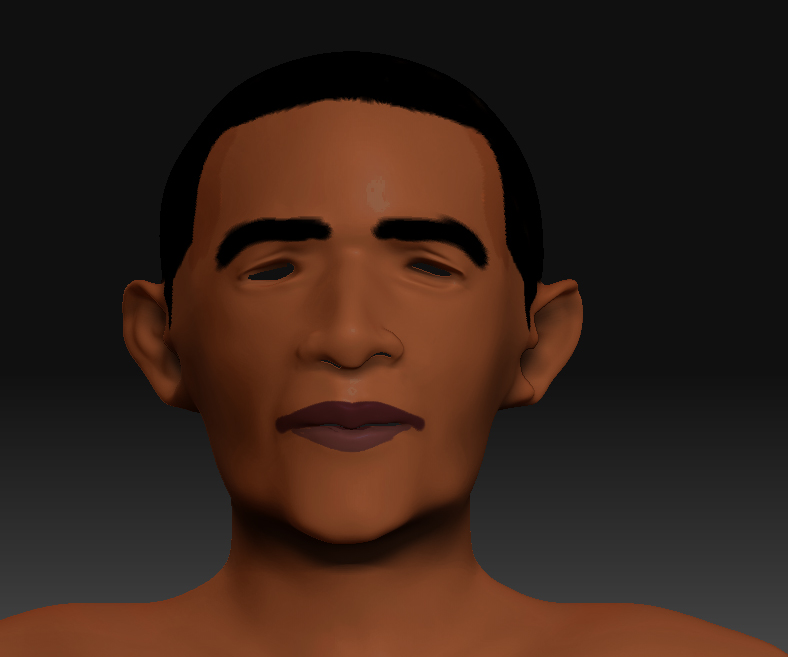
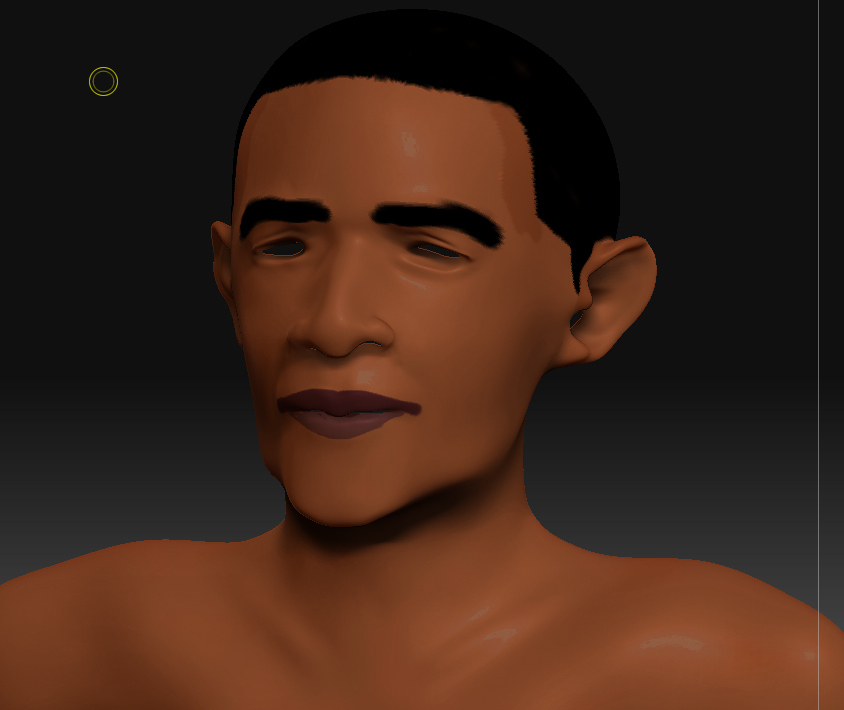
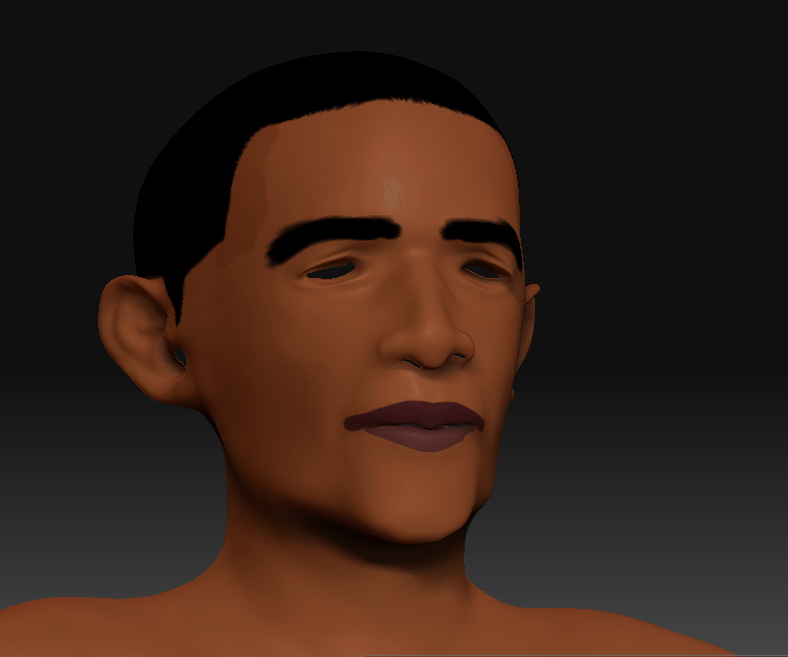
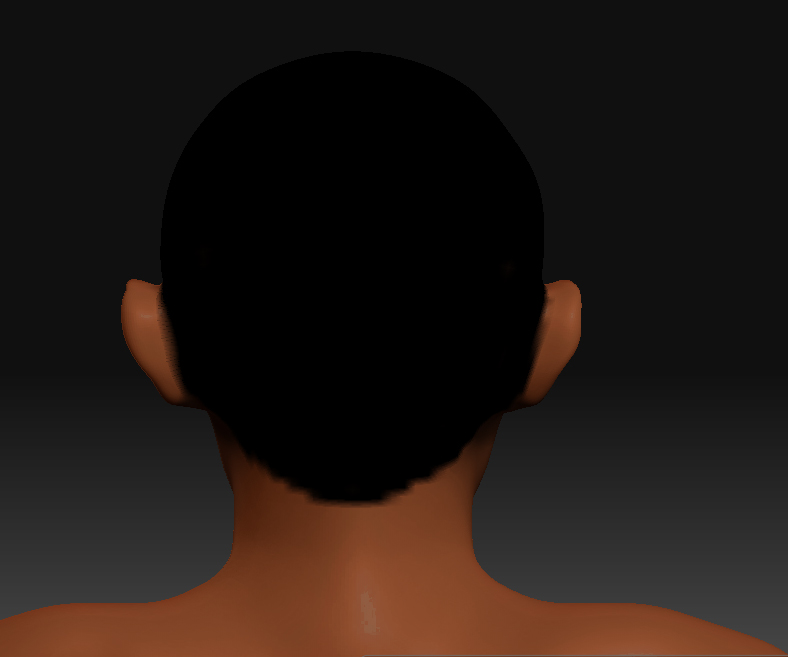
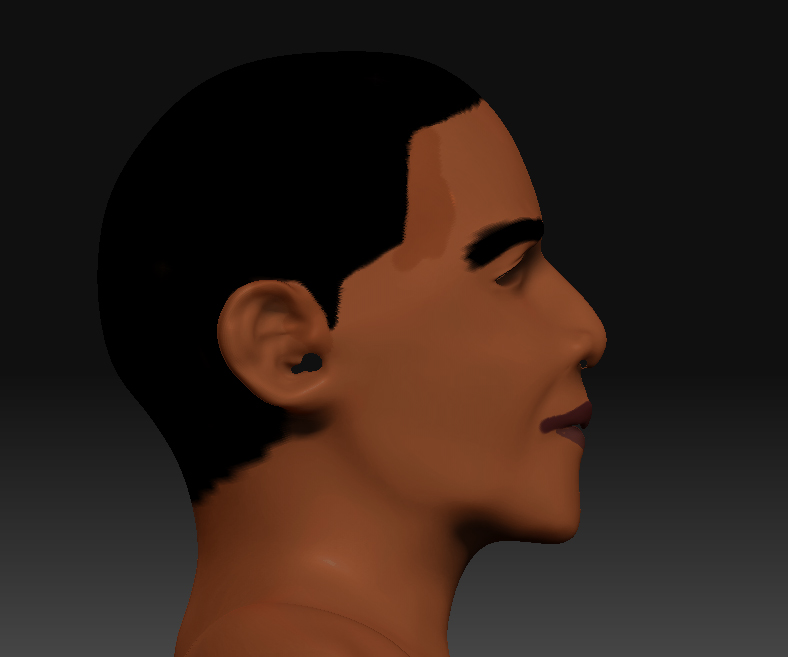
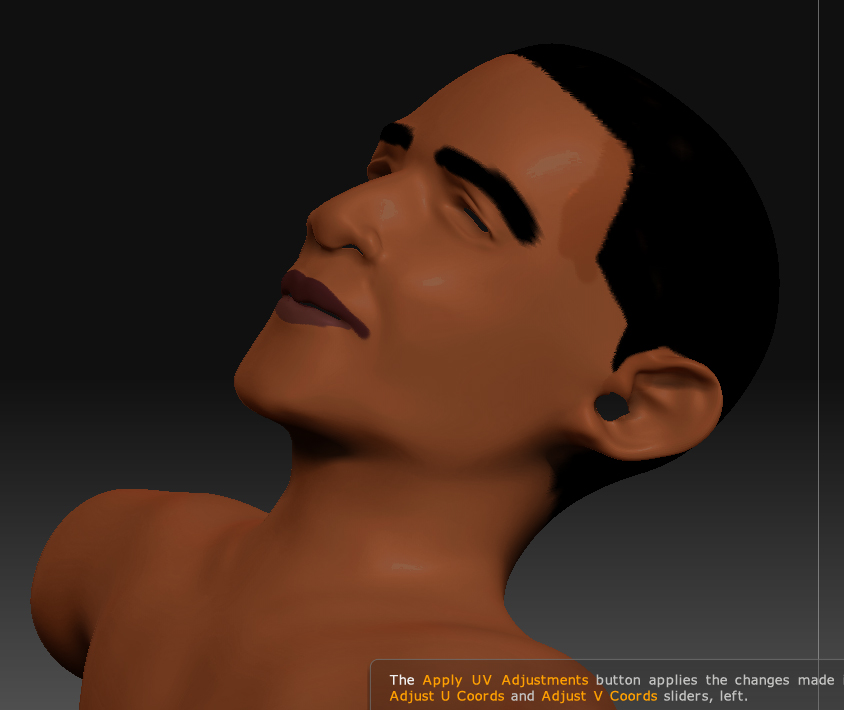
I know the update lacks detail, which I am currently adding in. However, do you think (structurally or overall) it looks more like Obama than previous posts or not? Any input, help or suggestions would be appreciated.
Also, 1024x1024 map for texturing seems pretty small (imho) to provide detail to the entire head, neck and shoulders. I just got UV mapper (total novice at it) and I’m pretty much new to UV mapping. I know in Maya you can add multiple projection maps to to a model, but is this the best way to add detail to a head? I worry about having a “patch” looking texture job, as textures might not blend properly. Also, animation seems like it would be a problem, especially if the model opens it’s mouth, etc.
THoughts?
yes it does look like obama
just need details now, the overall shape is there
Yeah, good job so far, but I think his head is a little bit too wide.
[attach=126607]1.jpg[/attach]
[attach=126608]2.jpg[/attach]
For previous posts in this thread I created a base Mesh in Zbrush. However, after working at it, I now think the best way to go about things is the traditional way of creating a base mesh in an application like Maya, and then use Zbrush for details only. So that’s what I did. This model was created in Maya over the weekend in between the Super Bowl. I’m thinking I might make an exception for the body though, and do that in Zbrush, simply because the Zspheres are so amazingly fast and cool to work with.
But yeah, for faces, I’m sticking to tradition.
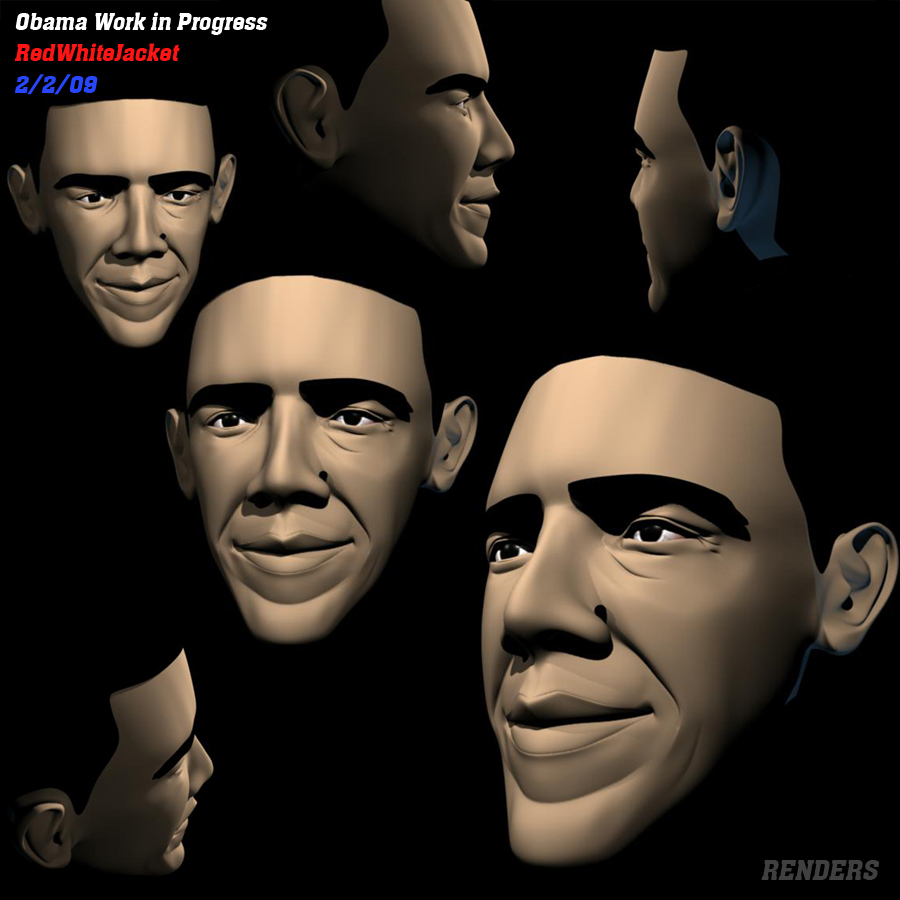
you started out good, but i don’t like the shading. You should work on that.
Agreed - give him more lifelike shading unless you’re trying to go for a more cartoony look then it’s not bad.
