ZBrushCentral

banding with bump material

Hello all,

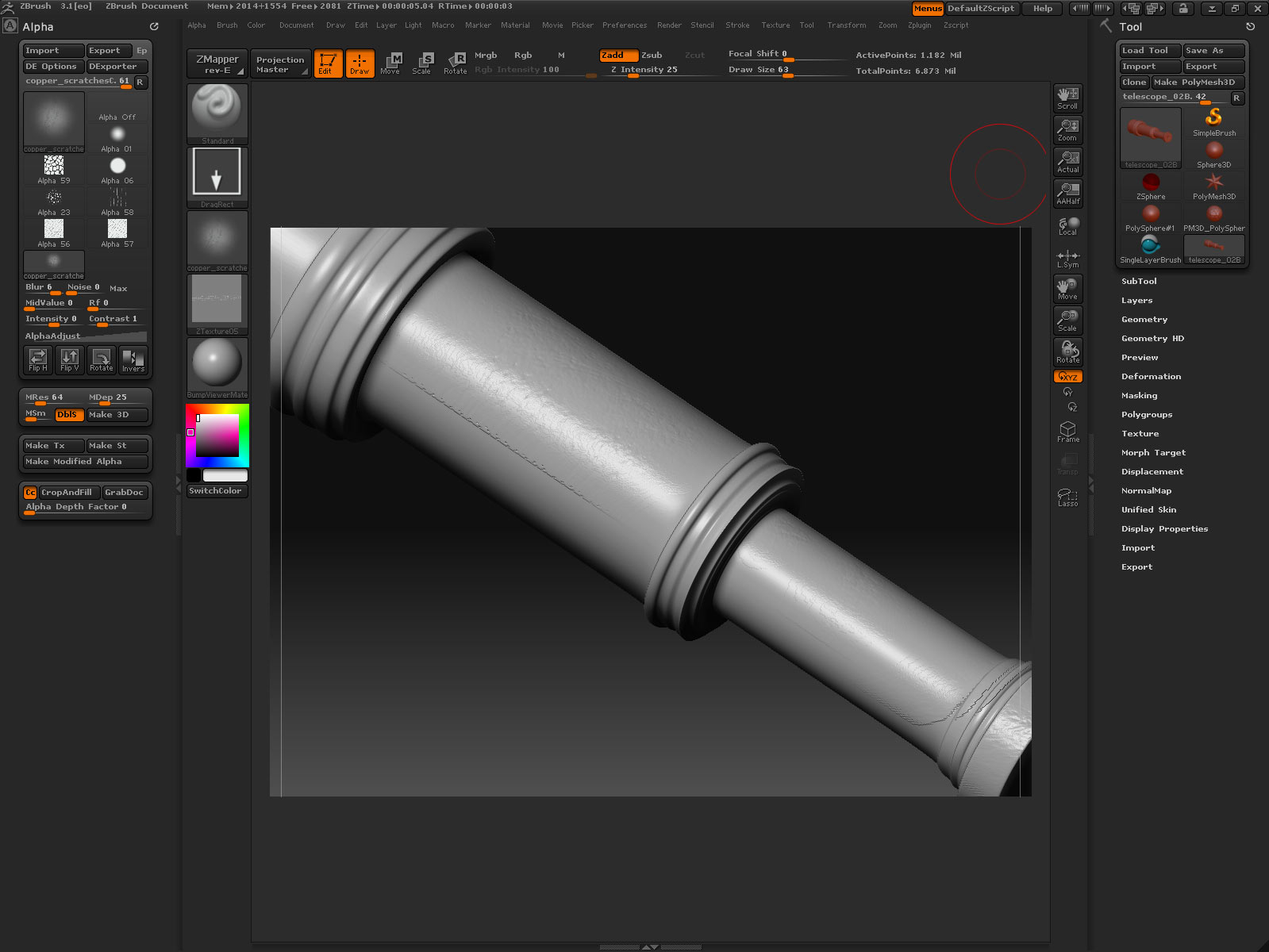
I am pretty new to zbrush and I bought a copy last year. I can create displacements fine, but my problem is this. When I use the bump material, on any object, I get this horrible banding thing. I don’t really get it. Any help please. I just want to paint a bump map for an object and not have to create a normal or displacement. Is there another way to do this. Basically I just put a bump material on and then paint the map by hand with a dark grey color.

[badbanding.jpg]
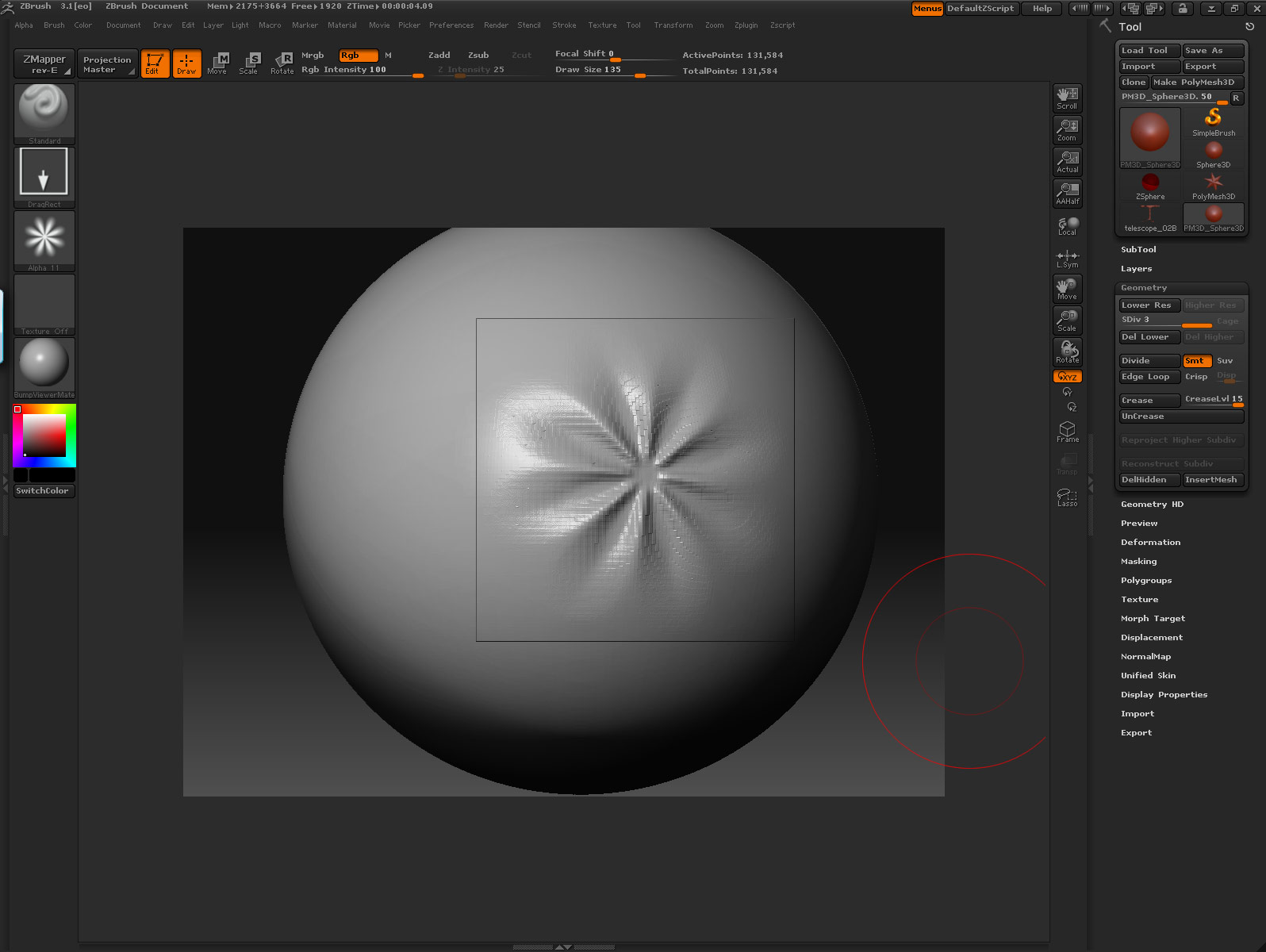
My computer is

SUN ultra24 8 gb of ram
windows vista ultimate
quadro fx 4600 graphics
wacom graphics tablet
nec multisync (high end) monitor with an extra sun monitor for reference.

Thanks in advance.
J.
as far as I can tell you’re getting the aliasing because of the polycount of your object, you have 100k over that entire object, and you’re painting on an 8th or so, so you’re at…what, 12k. Anyway, bump up the SubD’s a couple of times and see if that helps with the transition.

Thanks for the reply.

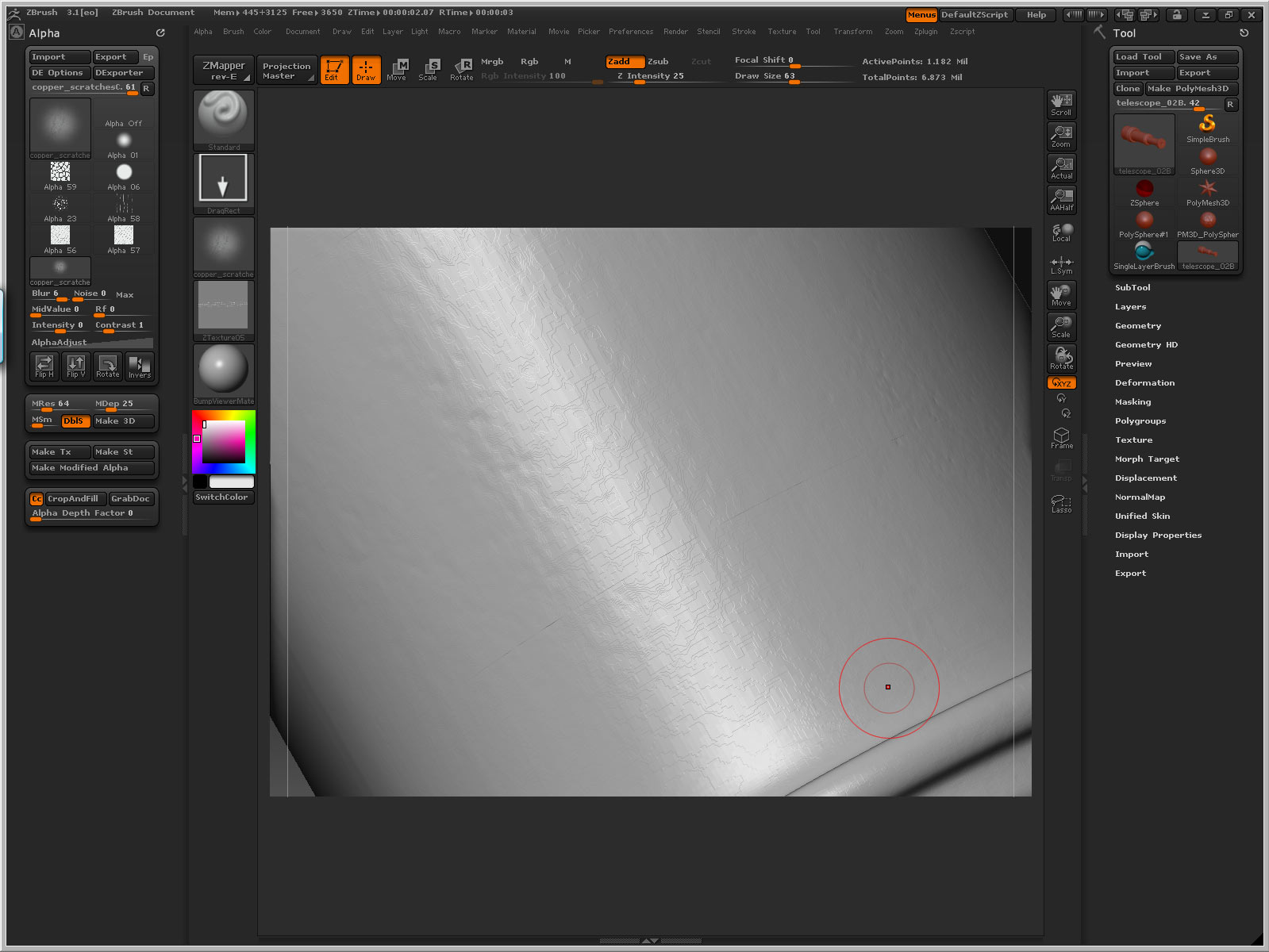
I figured out that I have to do the bump map material in projection master. Or else it looks bad. I created a huge texture and then painted the bump with an alpha I made custom. I had this problem to begin with but I blamed it on my system and upgraded it. The problem persisits. I can’t seem to figure this out. Is it the alpha that is the problem?

Heres the alpha
[copper_scratchesD.jpg]badbanding2.jpg
and projection master seems to create these nasty lines. I tried taking off the fade option but it doesn’t help. Am I missing the point completely or what?

Thanks
Joey
eo
:confused:

Attachments

badbanding3.jpg

Hmm. I see what you mean now. And I’ve never tried to paint a bump map in Zbrush. I played around with the material for a bit and the banding is very apparent regardless of the mesh density.

The only thing I found that really helps the view port display this correctly is doubling your canvas size and then viewing and working in AAHalf. Granted, this is a system taxer, and the banding is still there, it is just getting smoothed out. Hopefully Aurick or someone else will have a better solution to this, but at least this is a do-able workaround until someone comes up with a better solution.

So I did a little test.

I updated all the drivers for my new computer. I reinstalled zbrush 3.1 and activated it.

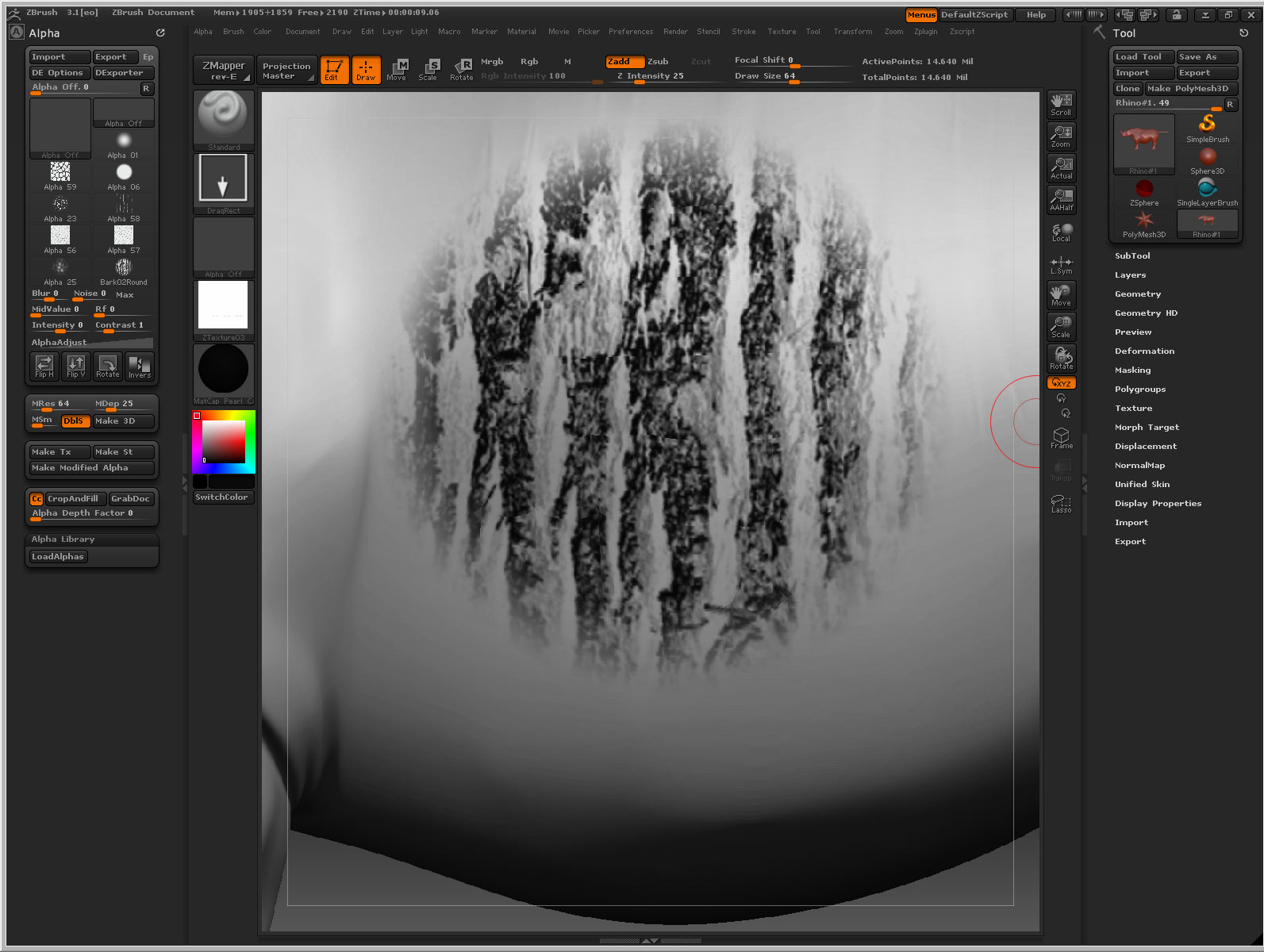
I loaded the rhino model that comes with zbrush. I uped the subdivisions to 20 000 000 million polys. I created an 8K texture. 8000 x 8000.

I doubled my canvas size.

Then to projection master. I used a custom alpha. But the alpha is clean. I checked.

Projection master sucks!!! I mean this can’t be true can it. I can paint on my model without projection master just fine. But in projection master all things end up horrible. Is this a zbrush BUG?? I can’t seem to find anything about it on the net. It’s kinda driving me nuts.

[banding6.jpg]

Is this problem only on my computers. I can’t believe this because I just upgraded computers and this problem was on my old computer also. I guess I should of bought mudbox to get into this high rez sculpting/painting thing, but I see such good work on the zbrush community and that is why I chose zbrush in the first place.

Please help.

Thanks
Joey
eo
www.eo-art.com

So after a lot of heartache. I finally found out what happened with this. I figure it’s my graphic card settings.

I have a Nvidia quadro FX 4600 as I mentioned earlier.

I uninstalled the card driver. The problem dissapeared.

I reinstalled the driver. The problem reappeared. It basically doesn’t like the projectionmaster somehow. I had to change settings on the card so that it works better. Projection master in my opinion has many flaws. It’s not that clean. I think the painting on the surface is a better option.

In the Nvidia control panel for the card I selected 3D App - Modeling AFR
This seems to help. I’ll keep this post updated with progress.

If anyone out there uses the same graphics card that I have I would be interested to know what setting you are using. So that I can optimize zbrush to work at it’s best.

:slight_smile:

Thanks
Joey.
eo

Ahh, you are correct sir. I also have my FX3500 running in OpenGL, changing it to DX helps as well.