Im wondering how to get a clean mesh after remeshing then projecting all. . This is the result of several subtools remeshed, polished and projected all. Any advice would be awesome !
Attachments
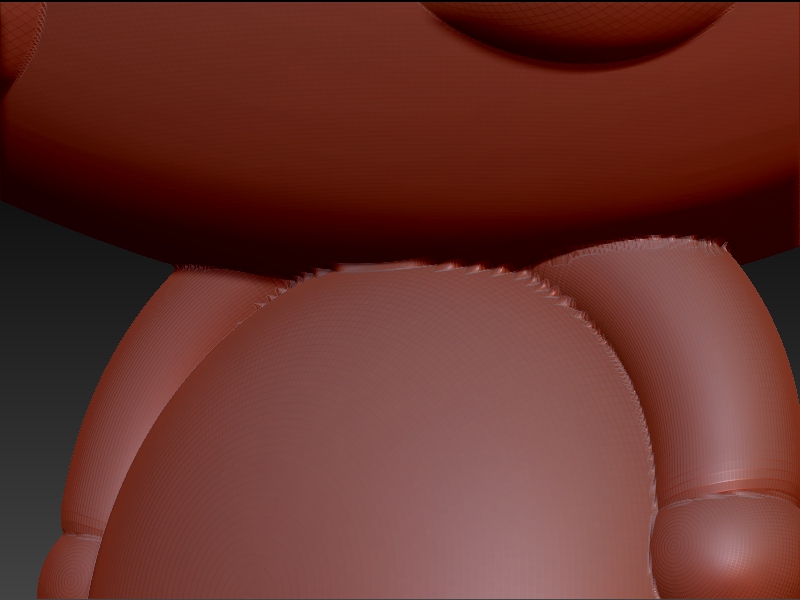
Im wondering how to get a clean mesh after remeshing then projecting all. . This is the result of several subtools remeshed, polished and projected all. Any advice would be awesome !
Instead of remesh you could try MergeVisible. Select one of the subtools, (not the top one because you won’t have the option I said). Be sure you have u/v’s assigned first.
Thank you for your suggestion. When you merge subtools together, the result isnt that great when you continue sculpting…
Merge all subtools together then click ‘DYNAMESH’ with polish and project enabled. Raise the res slider up to desired level of detail. CTRL + click and drag. now you have a great looking mesh :lol: