ZBrushCentral

Bad normal maps to maya?

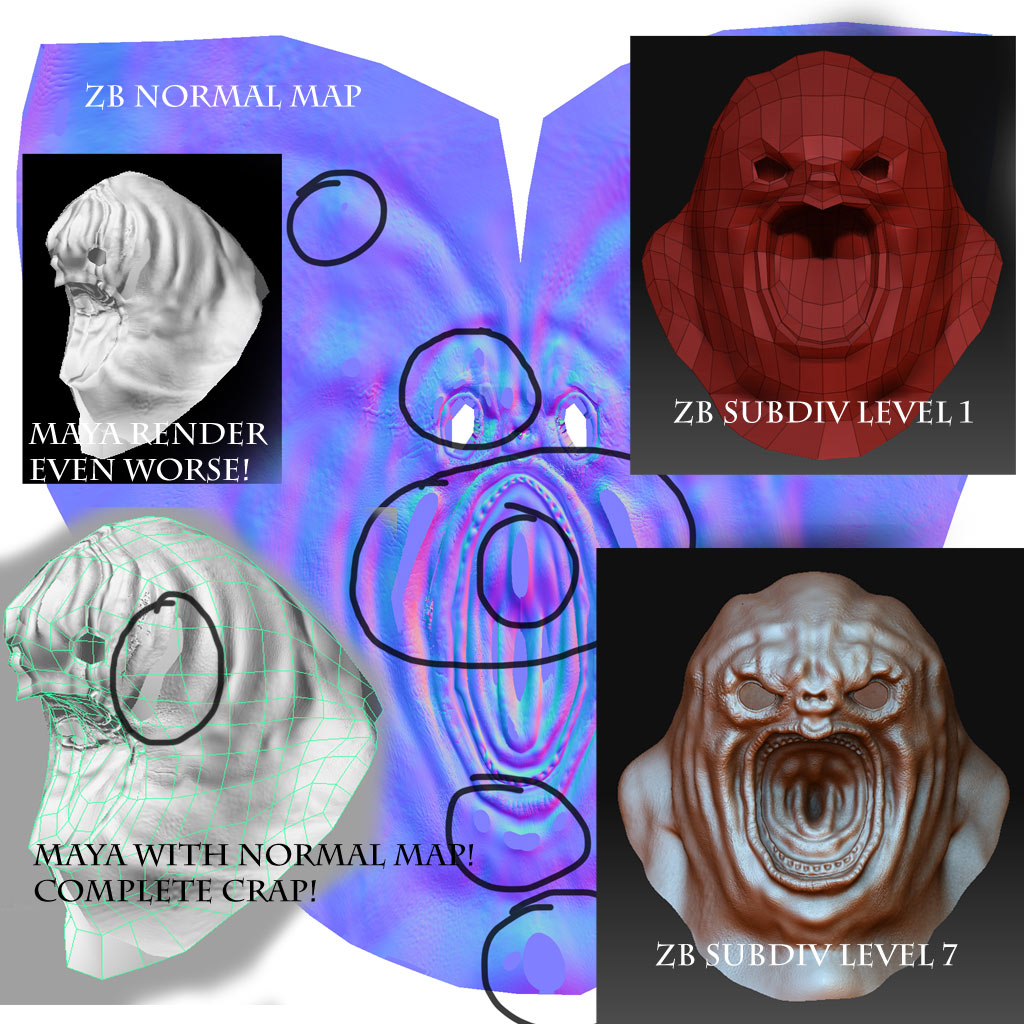
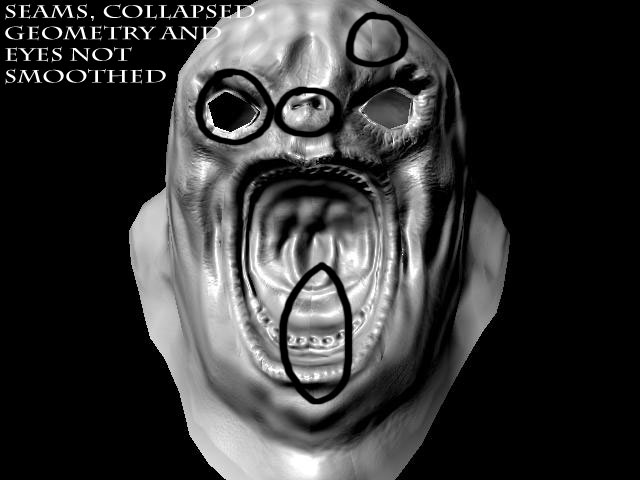
Looks like zmapper is dead in 3.5, but the normal maps I am getting from the normal map menu are garbage.

I am guessing I don’t have the right setting, but since there’s 4 buttons someone must know which I need. It’s not possible for me to see whether the map is good or not visually because I have auto UVs so it’s not easy to figure out.

Hopefully someone knows, or maybe I am doing something else wrong?
use xnormal imo

Well, if I have to I’ll use something else, but I hate using a separate program for every single thing. It warps my brain changing back and forth constantly. It also seems there must be a way to make this work, especially since as far as I’m concerned making a normal map is the whole point of sculpting.

guys, can anyone help me here as im struggling?
problemsAgain1.jpg

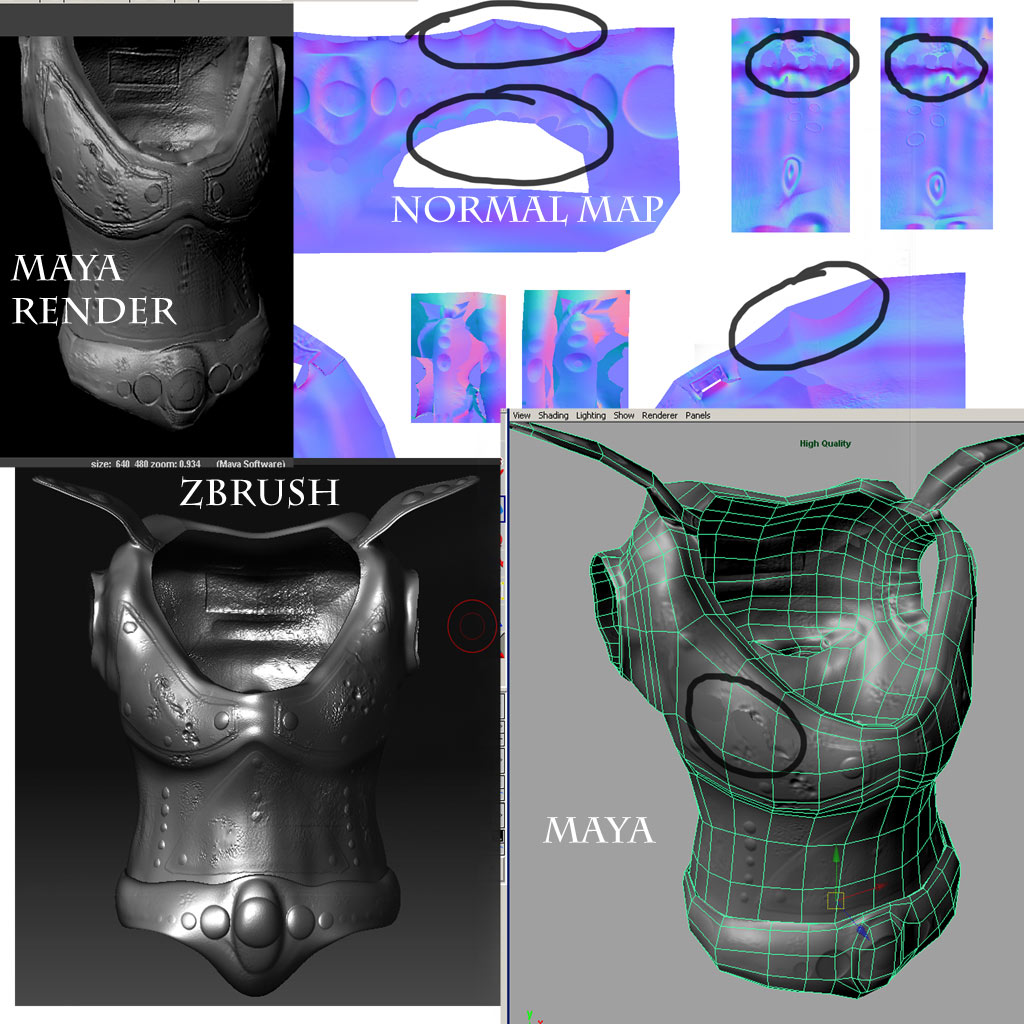
ive been working on a character for ages and want to render in maya, but im having trouble displaying normal maps correctly. right so i have modelled the character and spent ages unwrapping, after that i imported to zbrush, i have then subdivided 5-7 levels and sculpted then exported meshes at level 1 for maya then ive extracted normal maps using zmapper (im using 3.1 by the way) then ive assigned normal maps to maya object (low res) via bump slot but im getting flat pieces and things just aint working (see images) can anyone please help here?

also how do you post a new thread on here and how do you turn on mental ray in maya?

please help it will be appreciated!

jimbo

Attachments

problemsAgain4.jpg

problemsAgain5.jpg

Well, I figured out that you need to switch r and g channels in zbrush to make normal map. Looks like the one I got is OK.

Is it possible to switch r and g channels for xnormal? Anyone know.