ZBrushCentral

Backface masking feature. Help me, pls!

Hallo all! Please! Can someone give some advice what switches and pref. settings influence the functionality of backfacemasking feature when poly painting? Always whem I turn backface masking on, my simple brush stops painting. I cannot find out why this happens. I need to paint thin ears and want to have different colors on two sides of them.

Thank you in advance!

V
I don’t have any such problem. Have you made sure that your brush has Draw>Rgb turned on? By the way, you said simple brush. Did you really mean standard?

You might also try adjusting the BackMaskInt slider, or the BackMaskCurve.

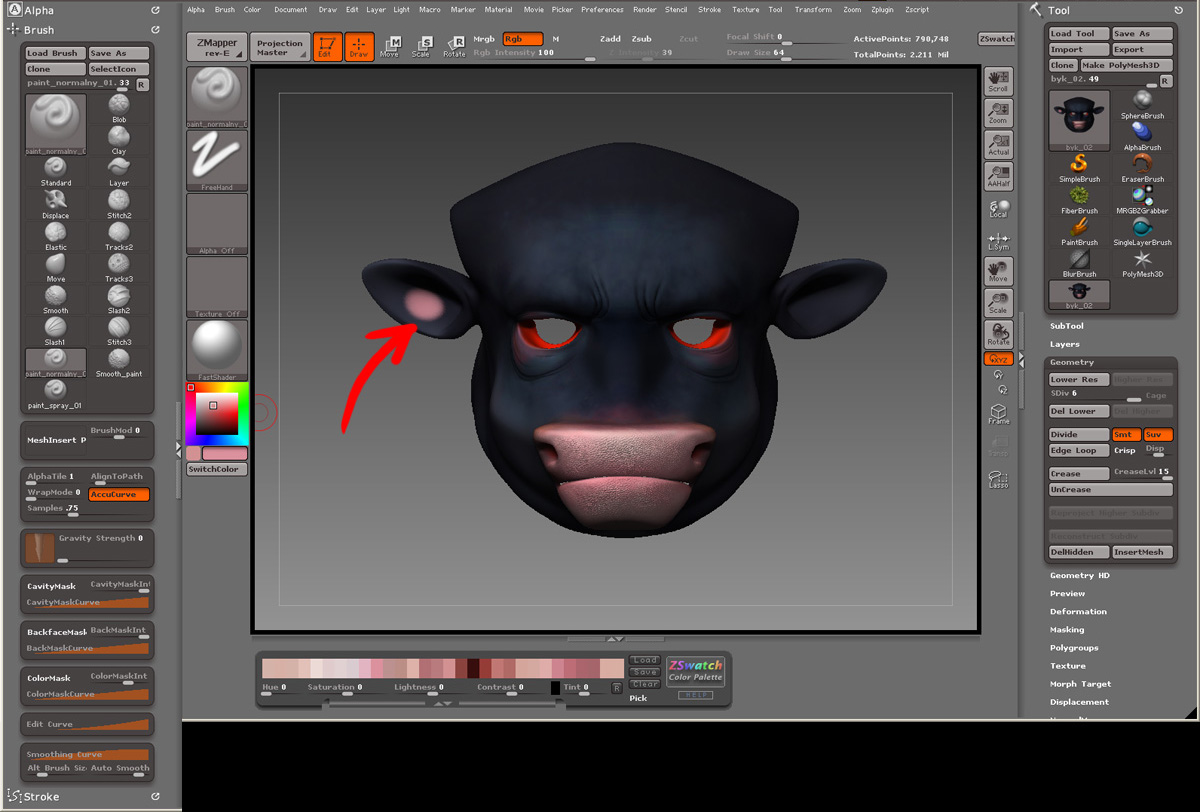
Hi aurick. I’ sending you screen shots of what I was doing exactly. Backfacemasking still doesn’t work.

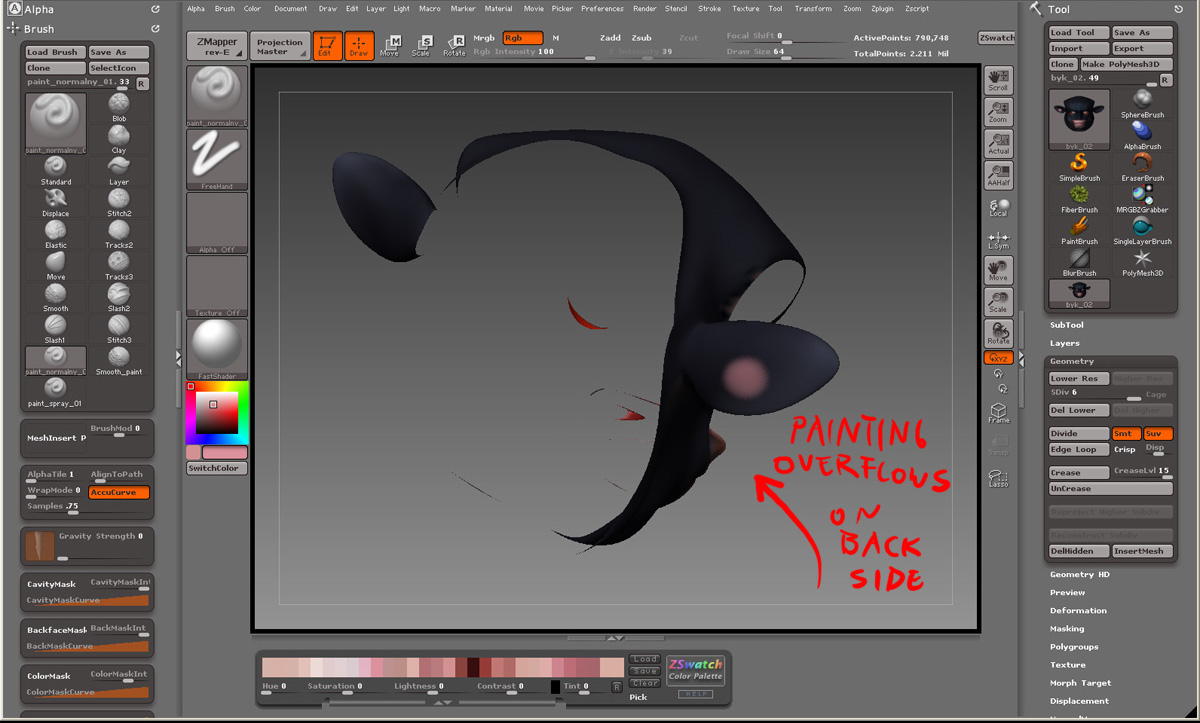
  1. With polygroup head visible, I chose my painting brush and appropriate color.
    2)Then I painted a color on the inner side of the model’s ear.
  2. Color of paint strokes appears on the back side of the ear, which is what I don’t want.
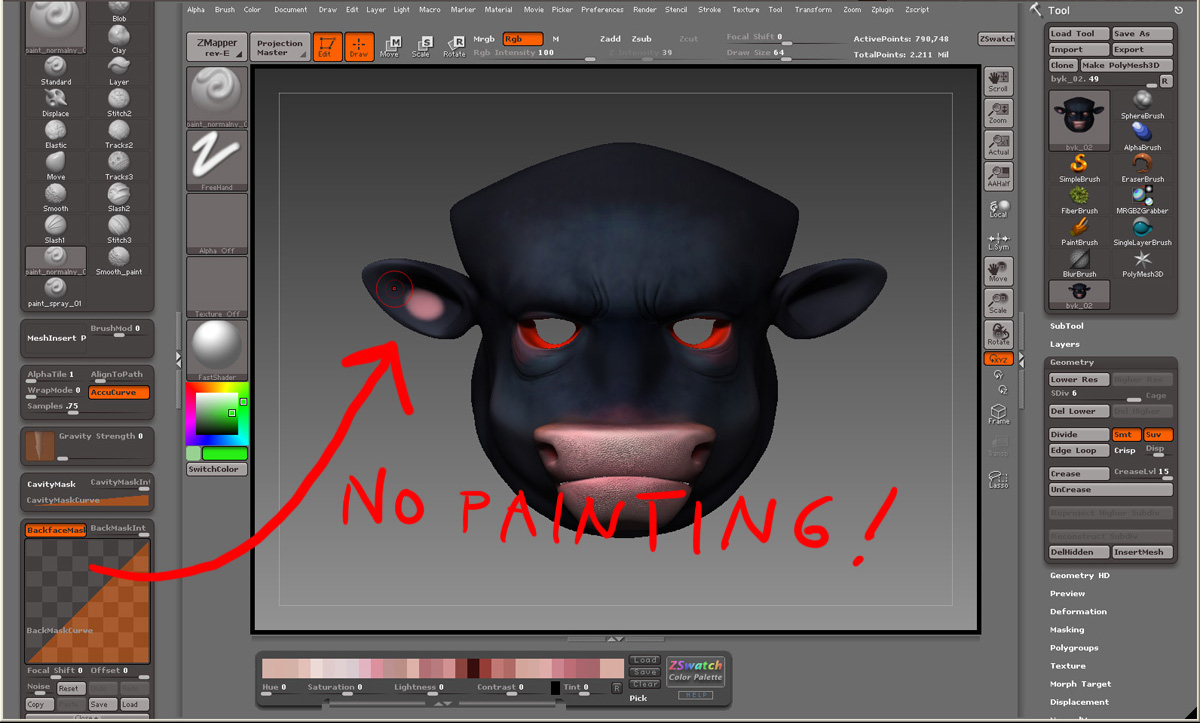
  3. I turned on “Backfacemasking” option in Brush settings pallete and tryed to paint again , but no painting was made.
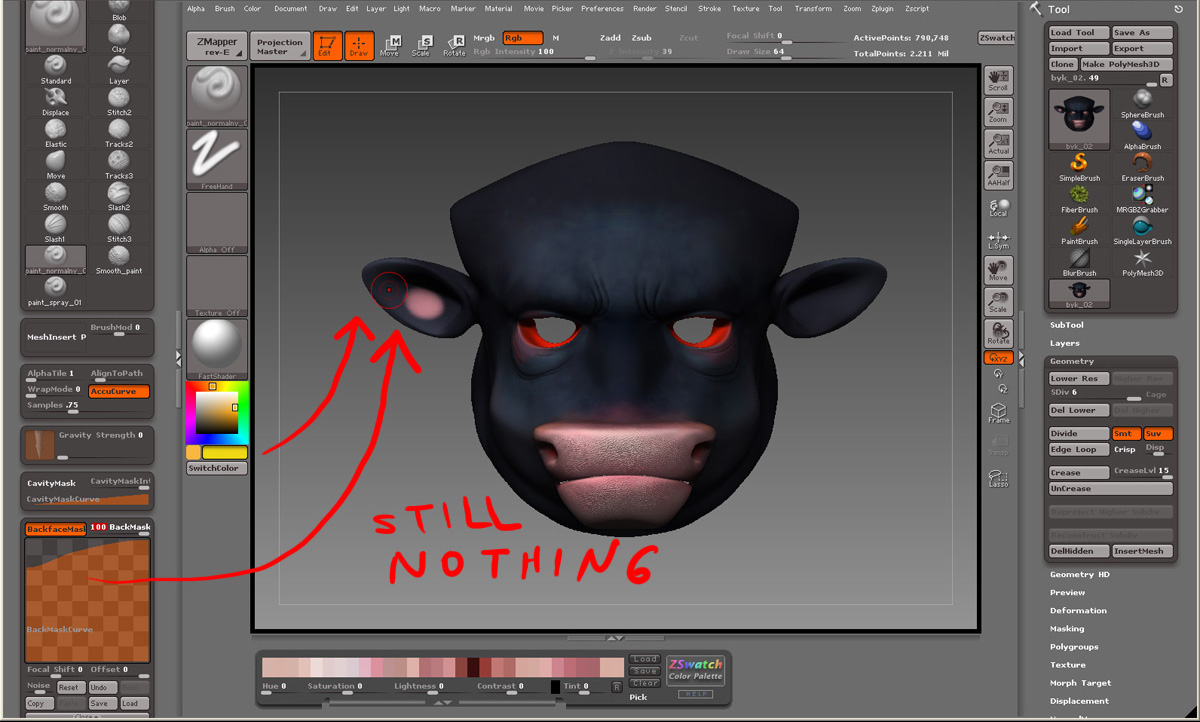
  4. I tried to adjust Backface masking editing curve and tried to paint again. With no success.
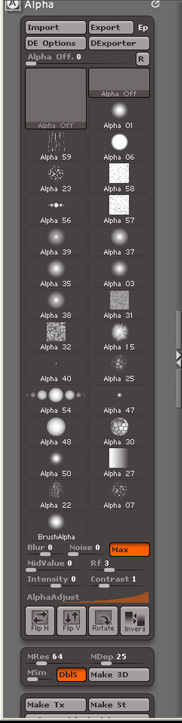
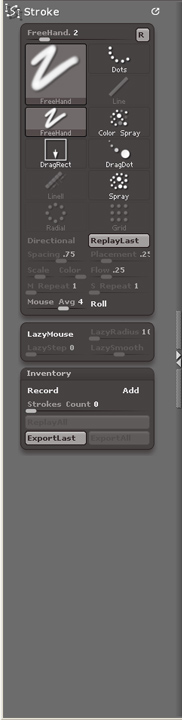
    I add here alo some screenshots of my Alpha and Stroke settings, just to make sure I send you everithing what could affect my work.

If you find out what could be the matter, write to me, please.

Thanx

V

Attachments

01.jpg

02.jpg

03.jpg

04.jpg

Yes and here are missing screenshots.

V

Attachments

alpha_settings.jpg

stroke_settings.jpg

By the way, which version of ZBrush are you using?

3.1

Come on guys! I’m having the same problem here.

Is the tool backface masking tool busted in Zbrush 3.1?
I can’t paint ****e on thin surfaces. :cry:

Sparky.

I can not recreate the problem you guys are having either.

It could be a plug in you have installed…maybe…