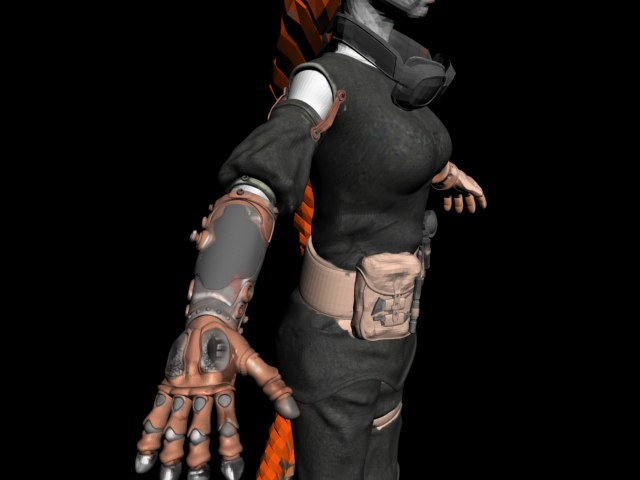
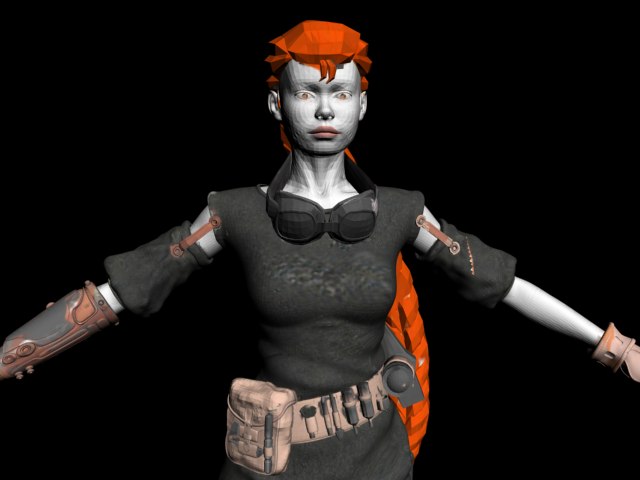
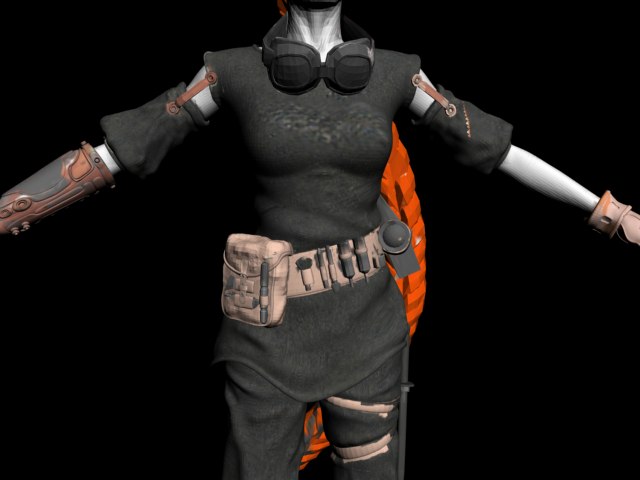
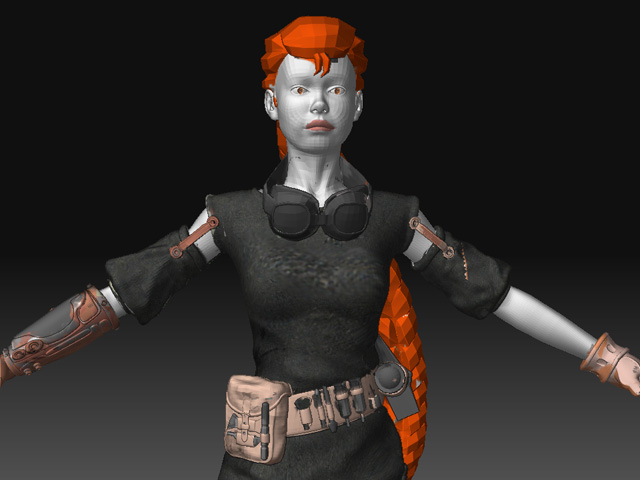
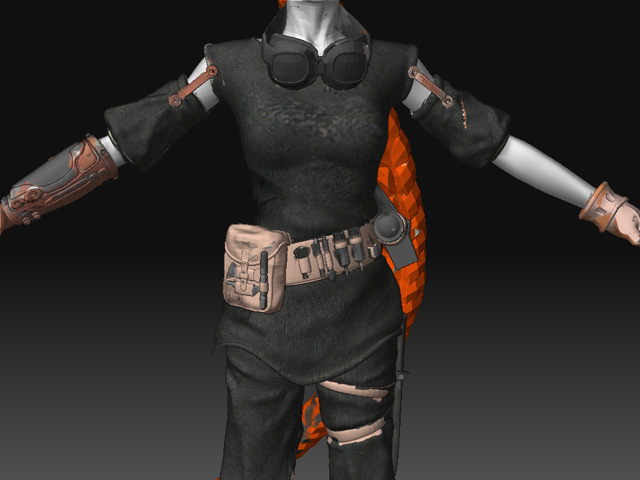
Hey how do I export my obj. file with the auvtiles map to 3ds. max. The image render all ****ed up I took 2 weeks texturing the model in zbrush all day every day with a 8000 5132 file jpg and the model is 318000 poly and I have to have the model exported for rigging and we have a skeleton for the model already animated for a movie and I have.
The Auv tiles give the same texture space to all polygons creating a grid-like uv Layout (as far as I can see, Auv tile texture looks fine)
Usually, zbrush exports some textures upside-down, try mirroring your image (i.e. in photoshop, or in 3dmax texture placement), though I’m not a max user, that happens always in maya.
[
](javascript:zb_insimg(‘141390’,‘Steam%20Engineer.jpg’,1,0))
That not work the model ****ed up and .
Let me send it to you what is your email.? ???
it seems that the UVs aren’t lining up the way they were in zbrush…
i know that maya reads the UVs up side down. compared to the way Zbrush does.
when you export your texture… try to flip the texture in V.
hopefully that helps.
ciao
Is it really THAT hard?
Look… it works, and I just flipped the texture Vertically… please read a little, and try harder before posting “It didn’t worked” replys…
[
]
Attachments

What how did you do that?
I flip the verticle and horizontal it worked. The texture on it not look like yours. The texture was right sort of the textures were not right, there was lines everywhere and also, the pictures you posted look nothing like the original.
My pictures look like your except with lots of lines on it.
In phtoshop go to Image>Rotate Canvas>Flip vertical
Your “Original” texture, is a texture with a material applied, so, all your texture has a pink hue in zbrush, but the image hasn’t got that pink hue (your texture IS the one from my pictures).
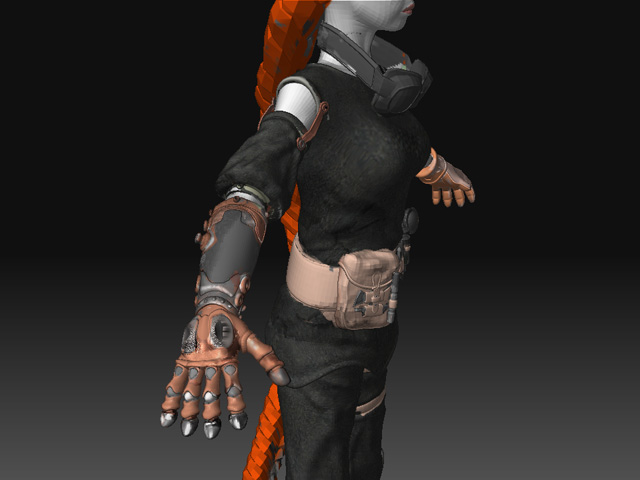
Here is a Zbrush render of your texture, with a basic shader (no matcaps… they are the DEVIL while texturing)
]
The texture placement is correct after flipping the image vertically… the pink hue issue can be solved creating a pink layer over the texture (in photoshop), and assign the transfer mode to “Multiply”
Attachments

[
](javascript:zb_insimg(‘141524’,‘ZBrush%20Document.jpg’,1,0))
I will work on the pink texture, max you have to flip the texture virtical and horizontal and you have a lot of lines on it.
Your image show a awesome texture on it after vertically flip.
I flip vert and the texture not right, I flip 2 and it work and not right like yours. Probably max so I have to get a copy of maya.
damn maya
I swear.
I have to make the model texture look like the model I have, I sent you the finished model and texture and post a screen of zbrush render.
The materials, how are we to make that work?
I have to retexture her on max right no.
That is not right.
That is not right.
under the texture menu in zbrush you also have the option of “flip V”
try it there and see if it solves the problem you were getting with ‘lines’.
you ran out of UV space also
When I look at your model and the AUVs that you have assigned it in picture 1 with the hand your AUV is too packed.
Especially since your trying to pull off a 512 map (at 512 you have to be very sneaky on using your UV space and still get any real detail)
Break up your model a little
Subtool your model so that
The girl
The clothing
The tools
are all on seperate subtool layers (3 in total)
Then AUV them as seperate maps
The reason is AUV sucks to begin and when you pack so many things on one map using AUV tiles the Texture resolution goes down the tubes.
Look into UVW mapping in blender for game quality UV layouts.
(UVS that unfolded to match a flat surface making it easyier to paint on the model using both photoshop and zbrush)
Its a little work to learn but worth it, and its a free program.
The renders are done in Max…
Edit -
And… you can make the uv layout and project the texture using xNormal… so that you dont loose your job… but I don´t think that texturing could take that long :rolleyes: - Edit
Ok Someone needs to make a plugin for Zbrush to drop all materials as pixels.
Zapplink does just that
Not that.
Zapplink it allows paint on photoshop that is nothing to the materials Zbrush has, I can not make that Steam Glove like that with photoshop.
I want to make the materials mrender like a texture. I take a screen of the dropped materials and paste that on photoshop on Zapplink and lie up and drop, the pixells are not right it works.
That takes a lot of hrs to transfer when you can make a script that painbts the materials on texture.
The materials I want I have to have .
You should be more polite, or soon there will be no one willing to help you.
Sounds like he’s wanting his materials converted to textures, but maybe doesn’t understand that different material properties have their own maps?
Maybe he is being polite and there is just a communication or language problem? I can’t tell.
zapplink can bake material information into your diffuse texture. typically this isn’t something you want to do though. Materials are a specific set of instructions for a render engine. Every render engine is different. If you want the actual material to show up on a realtime model or an animation model you’ll need to recreate the material in the render engine that it will be used in.
MR looks different than Vray.
Unreal 3 looks different than Crytek which looks different than Marmoset, which looks different than Unity, etc.
I’m not sure what you’re trying to achieve in your work. Do you want your diffuse texture to be shiny and reflect light? Or do you want it to have the appearance of being shiny but not actually having any effect from the light?
funny thread