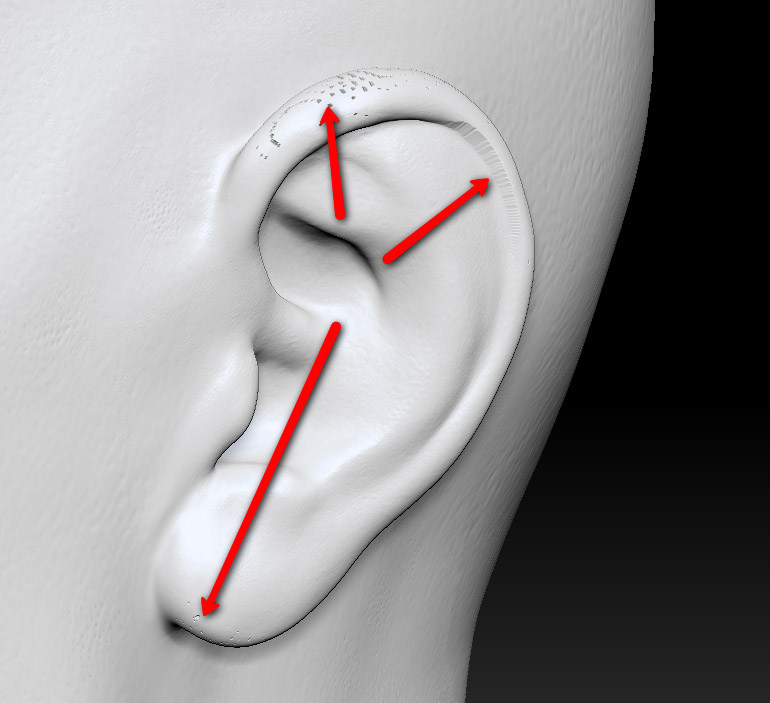
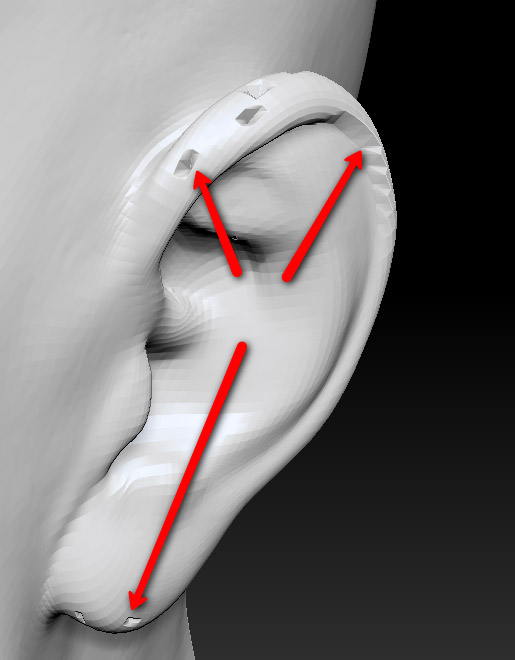
I’ve got a head I modeled a little while ago and now I’d like to attach it to a body to do a whole character. I thought I could accomplish this via the ProjectAll button in the SubTool palette, but when I attempt this, I get a bunch of small artifacts in the resulting projection.
Here is what I’m doing:
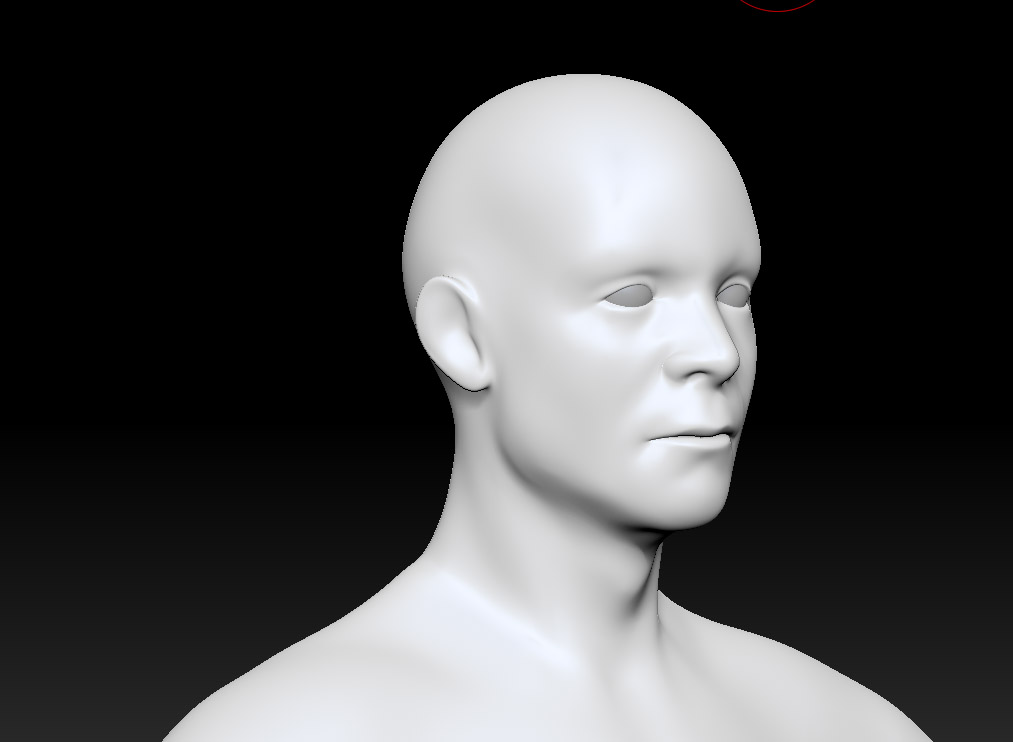
- export Subdivision 1 of the sculpted head to obj. the original head looks like this:
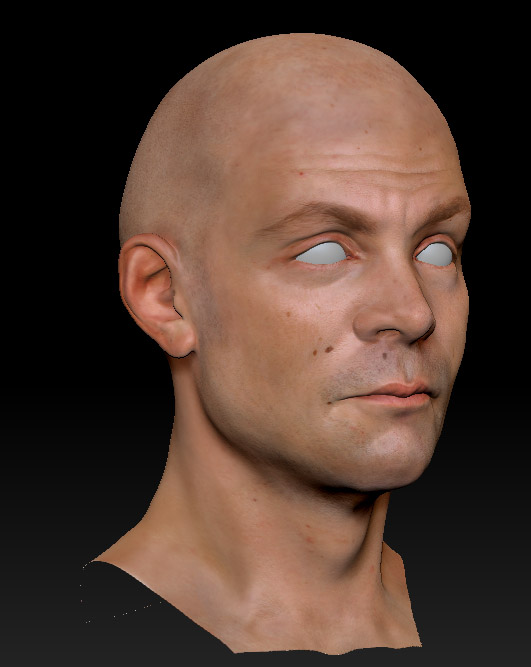
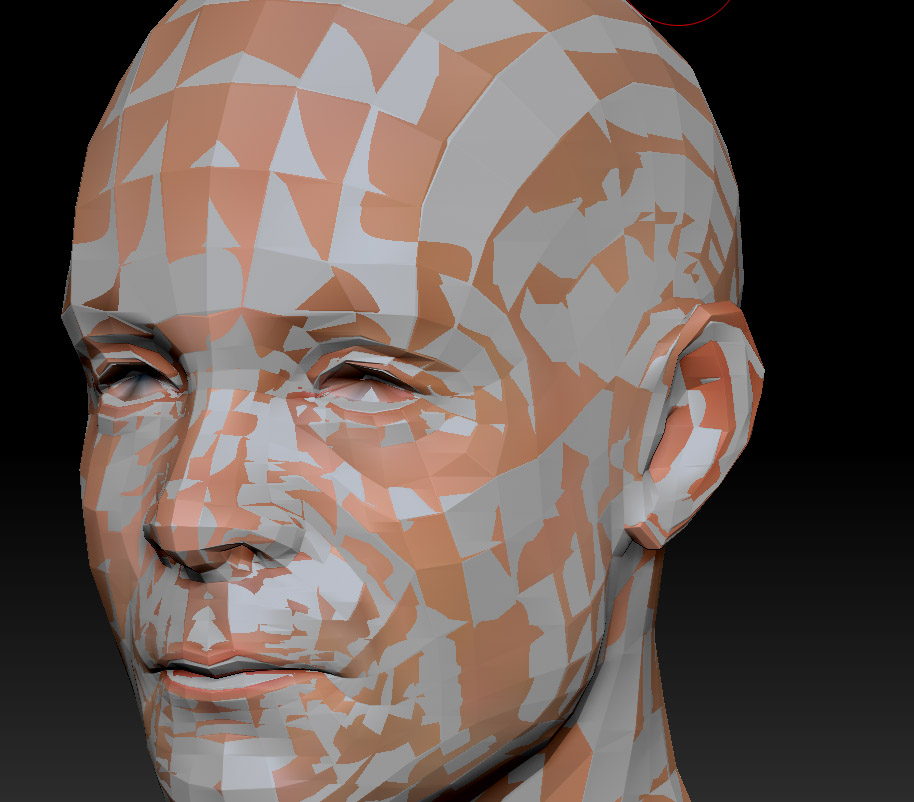
I’m not sure why not since, as I stated above, I exported Subdivision 1 of the original head sculpt and welded it on to the body…I would expect the heads of both meshes to be perfect matches until you get to the bottom 2 rows that i had to move in order to weld the 2 meshes together.
I’ve tried setting the Dist to .99 and .001 for the projection and I don’t see much of a difference between those 2 settings. Are these artifacts a known issue that I just have to deal with when using ProjectAll or is there some way I can recreate my head sculpt on the mesh with the full body connected?
Thanks in advance to any and all help!
Attachments