EDIT: “Didn’t find a solution to this. There was more to it than meets the eye. It looked as though when previewing the adaptive skin there were two skins displaying in the same space. I must have screwed up at some point along the process because I’ll be damned if I know what’s going on. I’ve ended up rebuilding it from an obj. Gave me the chance to clean up some of the edge flow anyway I guess.”
Hi there,
I’ve looked everywhere I can think of and I’m sure there’s a ridiculously easy answer to this but I have had no luck finding it so any help would be appreciated.
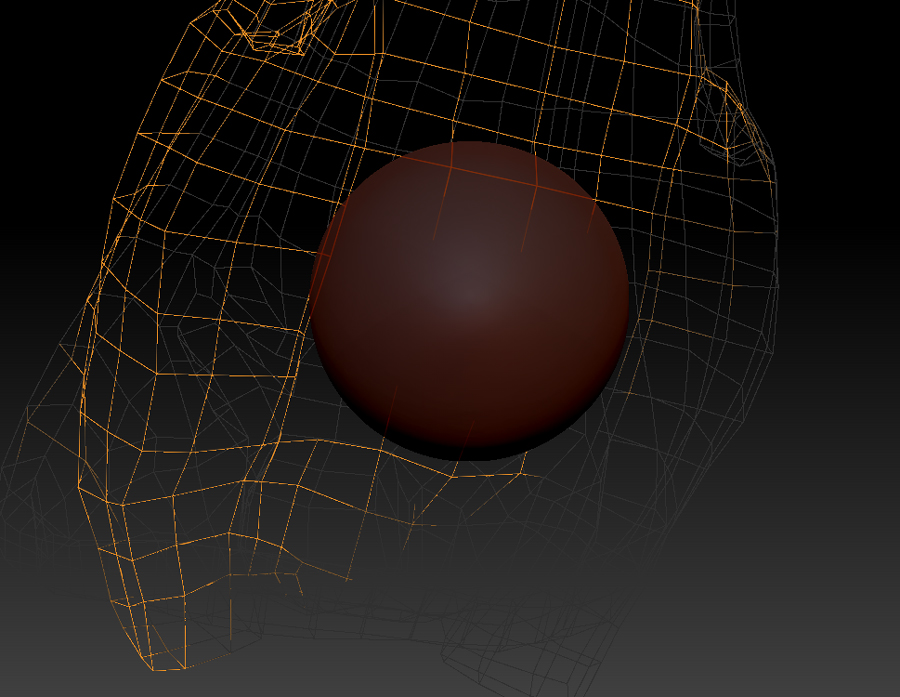
I’m in the middle of retopologizing my rough sculpt. That zsphere that pops up and is onscreen while you work at clicking in the new mesh is right where I need to build (See pic).
I thought there would be a way to hide it or scale it down or just to get the thing out of the way so I can finish putting in the last connections. Does anybody know of how I can do this, or even just a work around?
Cheers
Attachments