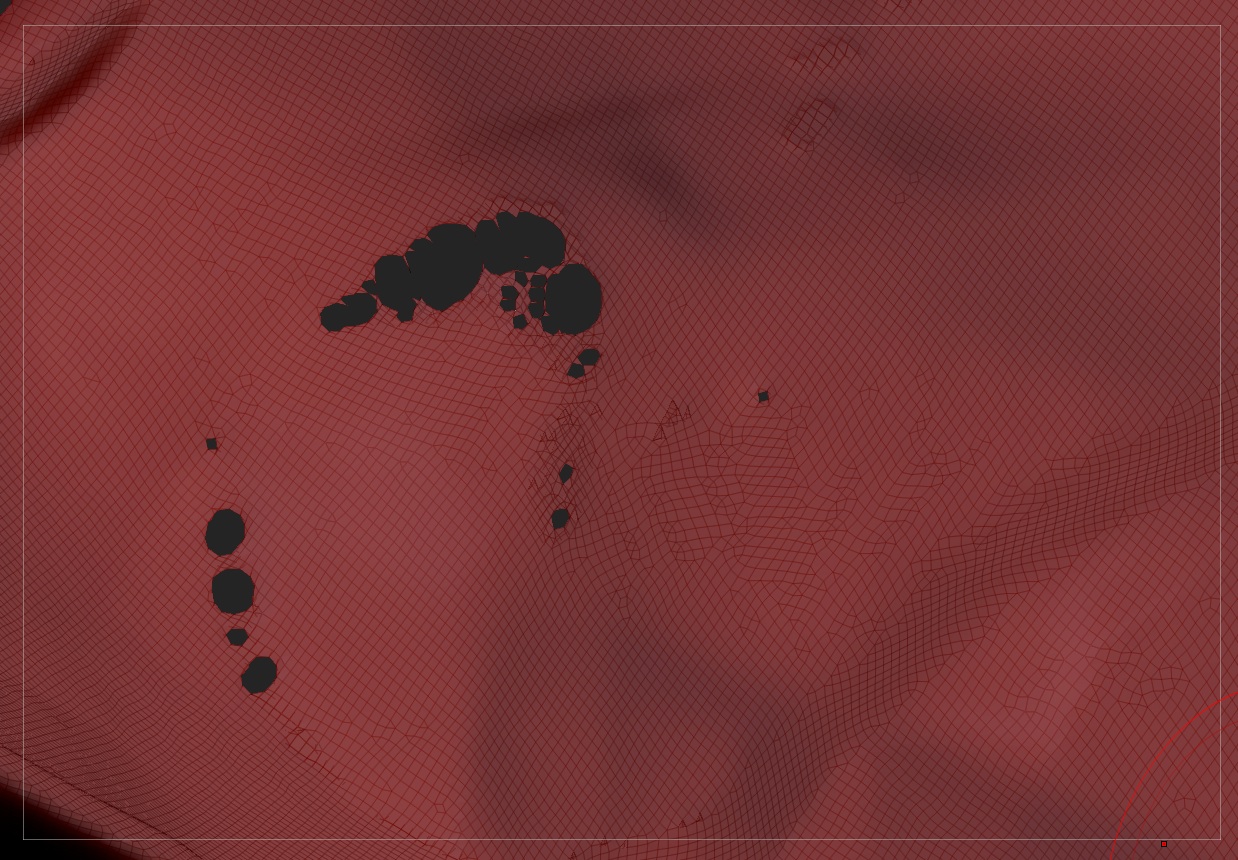
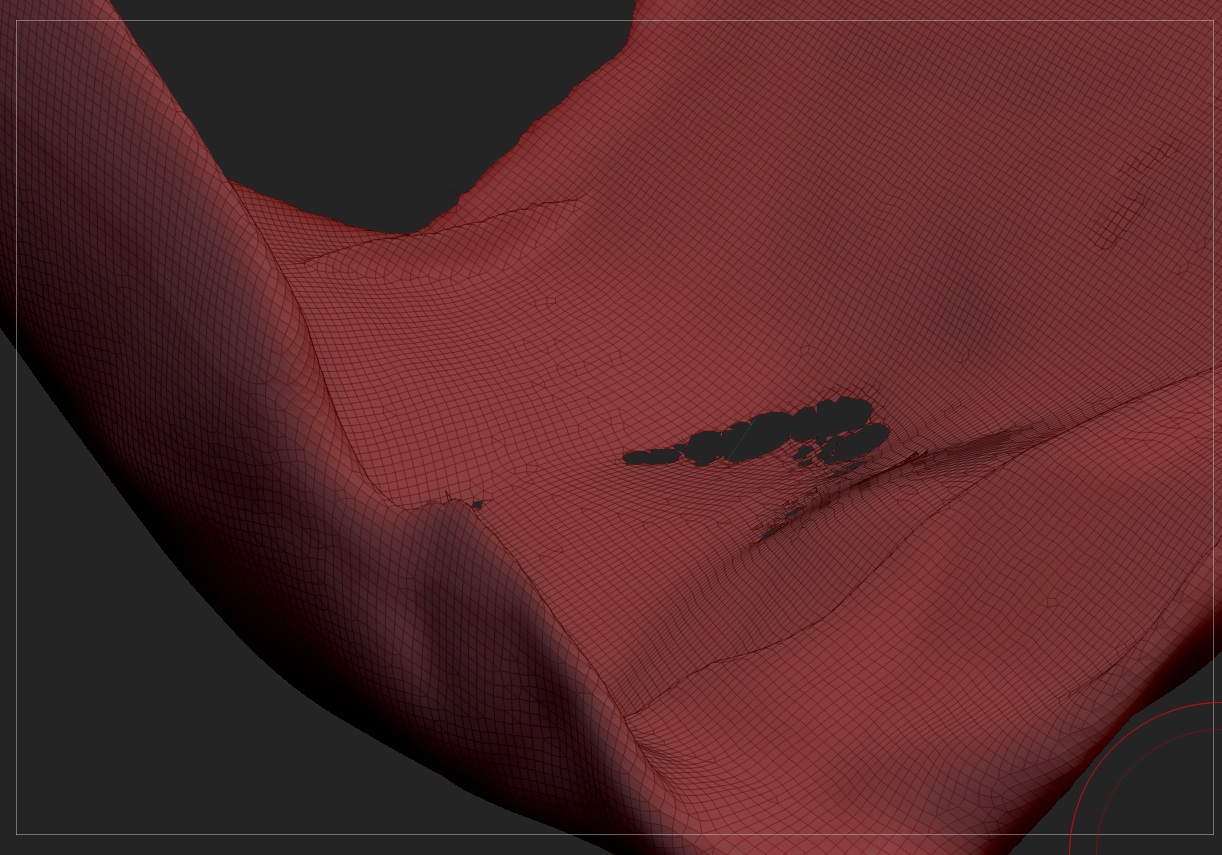
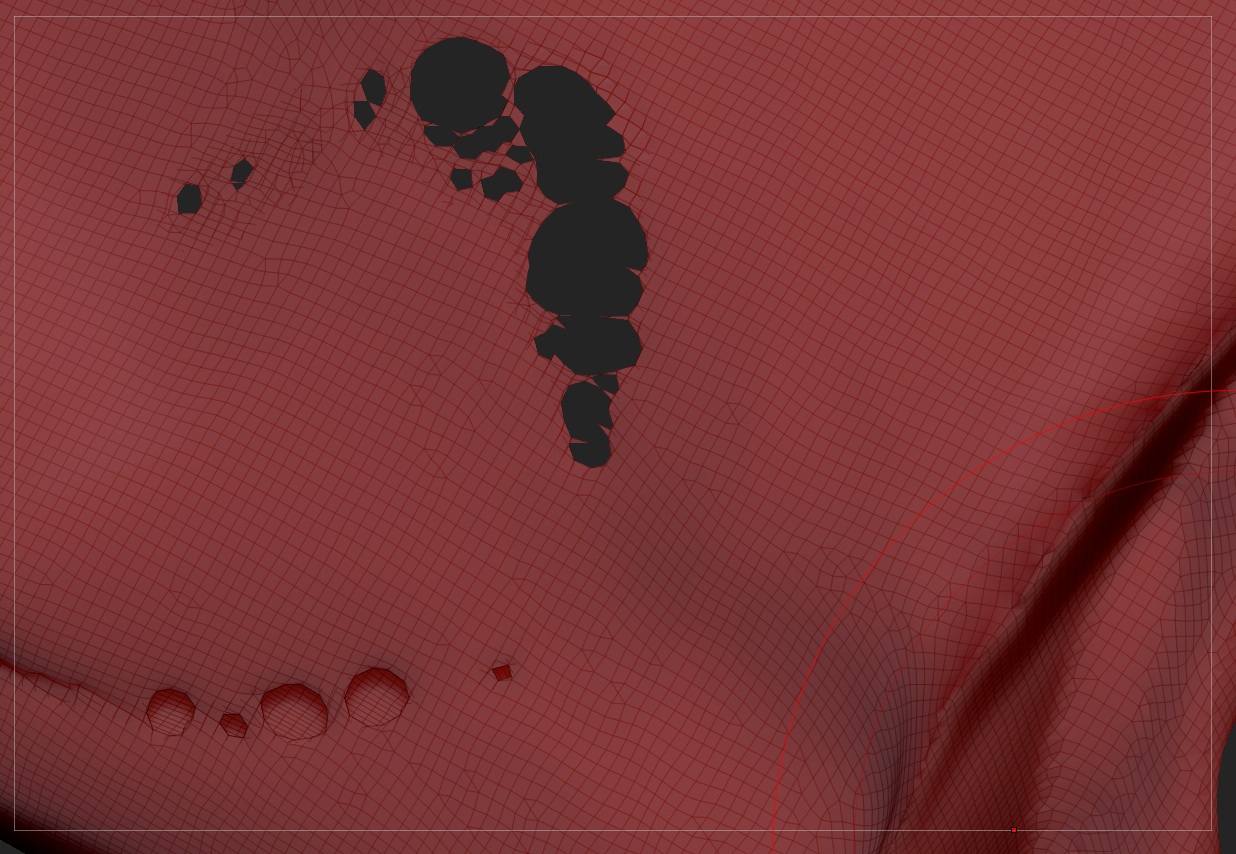
Sorry I’m very new to this app and I have read already some post about filling holes but I just generated some really awfull ones and don’t know how to close this holes at once.
But well the actual big problem is that these holes are not actual mesh holes but holes trough a thin 3D object, so that it actually connects front and back of this thin object. I hope the images can explain it better.
Do you have any sugestion how to avoid that? I think it came wile stretching with the move tool and regenerating the mesh with DynaMesh.
thanks a lot!
ciao Simon
Attachments