ZBrush 4 Not Opening (Win7)
How do I get it running again?
I tried a restart and run as admin and it will not open it get this as if it’s open but nothing there
[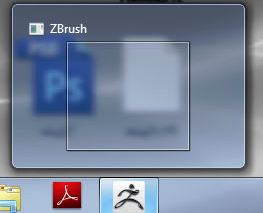 ]
]
I did an uninstall - got web activation and reinstalled - works now.
Don’t know what the problem was.
The same thing happened to me yesterday on my windows xp machine. I also re-installed. :rolleyes:
This has just started happening to me windows 7 64bit. The funny thing is if i tap on the desktop zbrush will open otherwise it wont load.
Hello! Same thing is happening to me right now and I am about to freak out.
Win7 Pro 64 here. It was working the first time I installed it…Later on since few hours back I tried it and it showed the message box saying that “Zbrush 4 stopped working, check for solutions.”
Is there any permanent fix to this?
Hi,
The same thing is happening to me. What is the solution? I am on a win7 64b system. I am needing to get stuff done for work and I cant open it.
Attachments
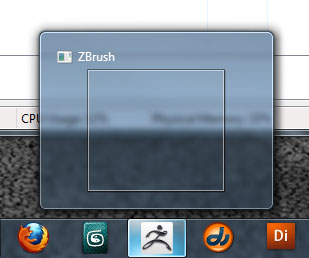
The problem is. You may have 2 Wacom drivers installed. I had a cintiq installed and intuos 4, so I had to delete one to get the zbrush working. If you have 2 wacom drivers installed zbrush would give you a blank warning message or it may give you a message related to your tablet. So you gotta go to the Control panel and drivers to see if you have 2 drivers installed.
Hi,
Thanks for replying. I don’t have two wacom drivers installed. I uninstalled the one I do have and it didn’t help. I removed all the plug-ins from zbrush as well. I eventually got it open once and I got this message (see attached pic)> it said I was out of virtual memory. I checked virtual memory and raised it substantially and that didn’t help either. I restarted like it said and it won’t come up again. I am ready to uninstall and re-install. I just hate to lose all my set up. I am curious why it would stop working after a month. Our two other production machines, which are identical, are still working fine.

I gave up and decided to deactivate, uninstall and then re-install/activate. It works fine again. I hope that this doesn’t happen very often or that there is a way to fix this without uninstalling.