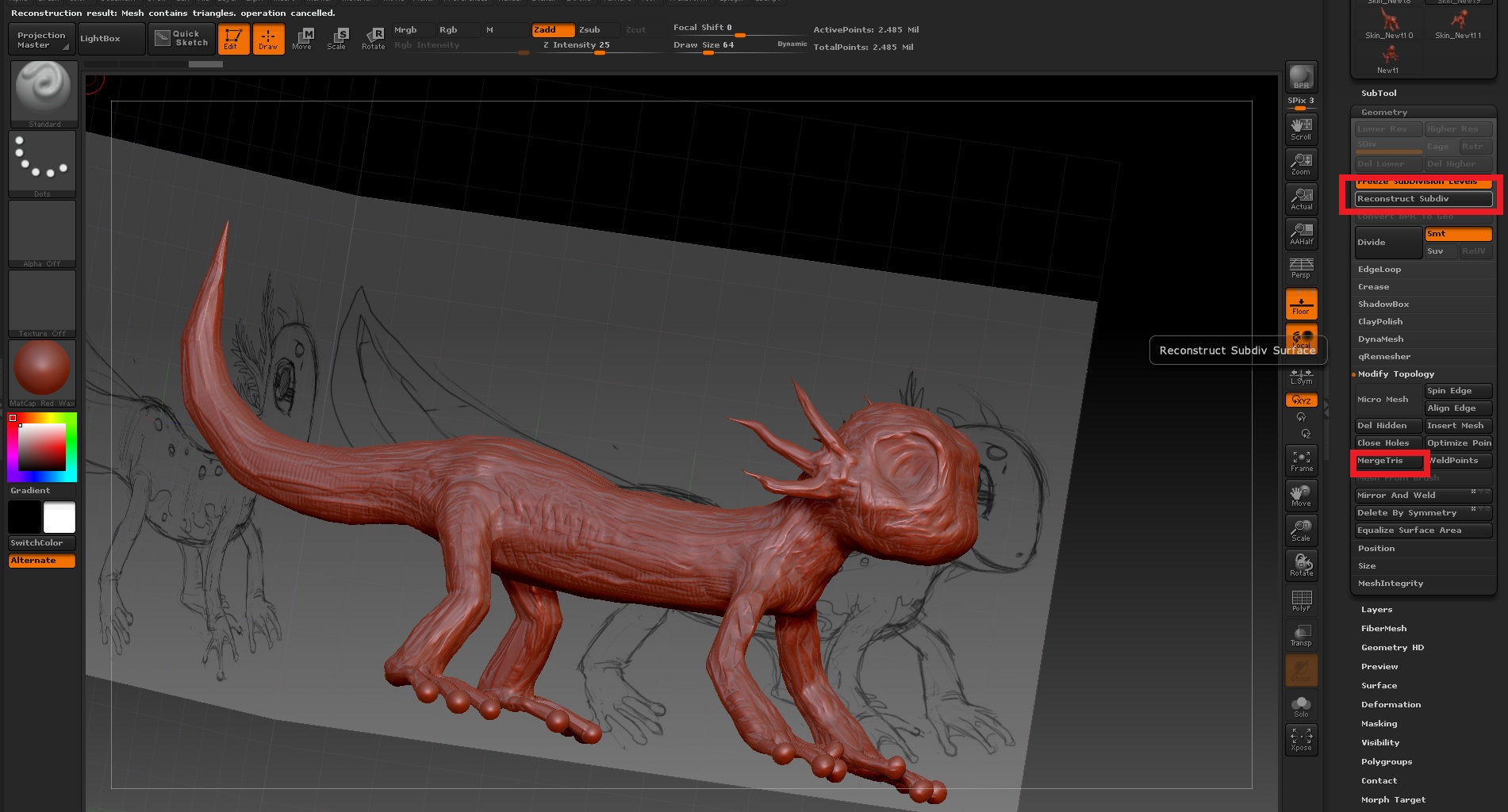
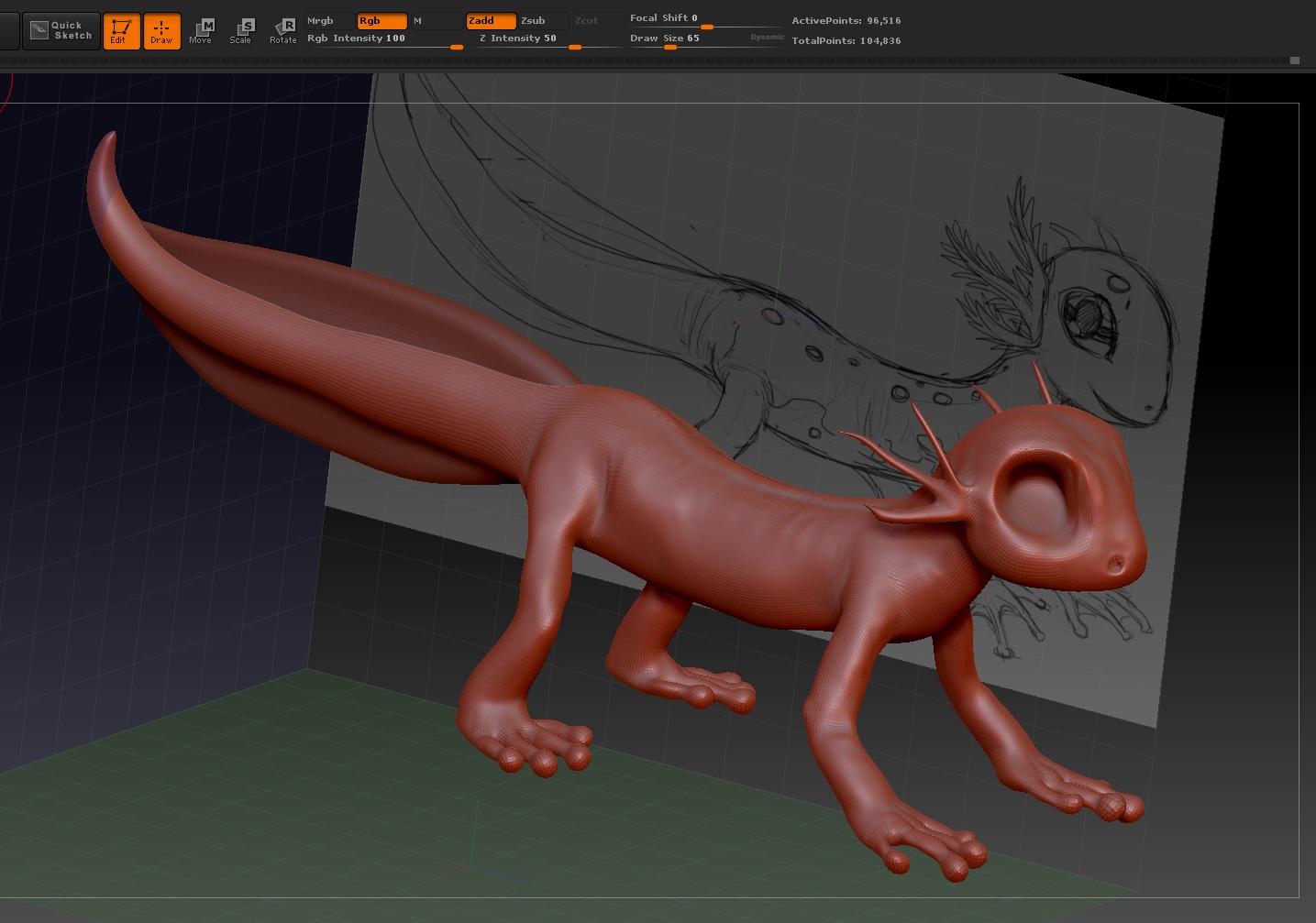
Subdividing a mesh uses a specific formula (such as Catmull-Clark), and as a result in order to go backwards with reconstruction you can only use it on a mesh that has topology which could have been created through subdivision in the first place. More often than not if the mesh isn’t the result of a simpler mesh being subdivided, then there’s simply nothing to reconstruct. The topology Dynamesh spits out falls into this category; it doesn’t obey the laws of subdivision and it probably has a few triangles to boot (the kind mergetris isn’t meant to fix).
If lowering the resolution isn’t helping reduce the polycount, you could try smoothing someplace on the mesh just a tiny amount (enough to let dynamesh know that the verts have been edited since the last time it was run) and try refreshing it. If a res of 70 is still pushing out a large number of verts then it could be the result of the mesh’s scale (a smaller mesh will have fewer points per res vs the same mesh scaled larger). If you can get it working correctly, what you may wish to do is: duplicate the subtool, dynamesh the clone at a pretty small resolution, turn off dynamesh, subdivide the mesh, and then use Project All to have it match the original shape. Then you’d have an identical looking mesh, along with lower subdivision levels you can step down through.
QRemesher is another solution to dynamesh, as suggested. It can let you specify the target polygon count, and help guide the topology by using curves. The links here should help get you started: http://www.pixologic.com/docs/index.php/QRemesher
Lastly, there’s manual retopology as well using zspheres (which should be covered in the game res videos at http://www.pixologic.com/zclassroom/homeroom/lesson/military-character-assets-with-joseph-drust/#building-game-resolution-mesh-part-1). The same deal as before can apply: just keep it humble, subdivide and project away.