ZBrushCentral

Answered: Tool sticked to camera and I can't remove it.

Hello, I’m new on this Zbrush area and i’m having a problem with a tool that is stuck on the “camera”. It got there after I clicked “Use posable symmetry”.
Wherever I move or spin it remains on the same position following the camera.

Thanks for the help.

Attachments
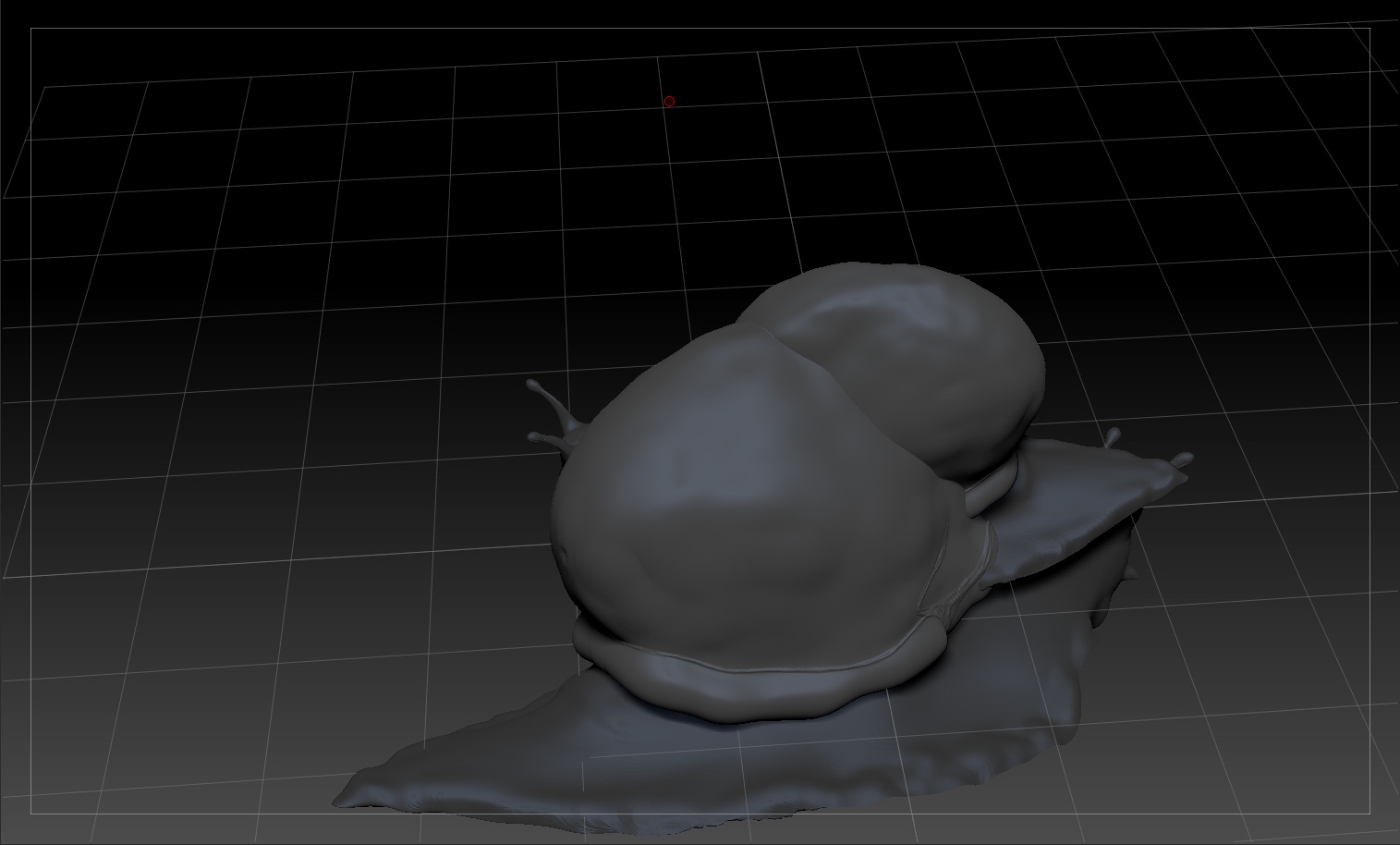
bughelp.jpg

I think you accidentally snapshot a copy of the model as pixels. Simply press Ctrl+N to erase all pixols on the canvas. The instance of the model that is in edit mode is not pixols and so will not be erased.

Thanks aurick, problem solved, that was really easy.
I feel dumb, hahahaha.
Thanks again! :slight_smile: