ZBrushCentral

Answered: The Mystery of the projection...

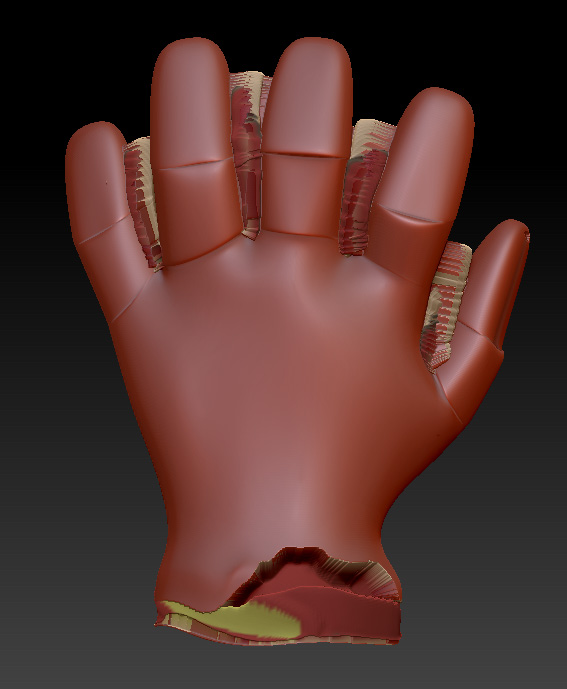
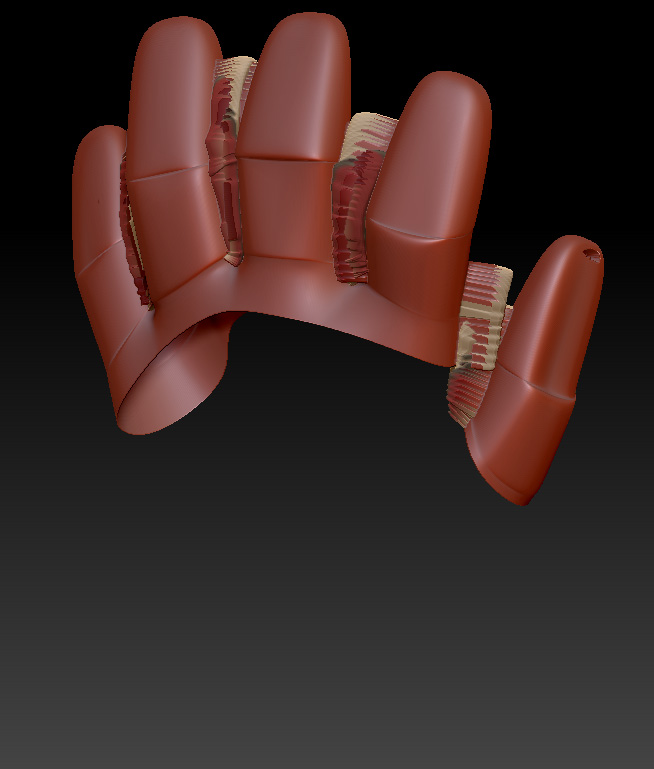
Something really strange is happening to me during a retopology. I’m trying to preview how the details project onto my new mesh. The point is that everything was going pretty well for the first 4 fingers (it is a glove) but when I did the thumb it started to “explode”.

This is the original mesh, and how my new mesh should look like:
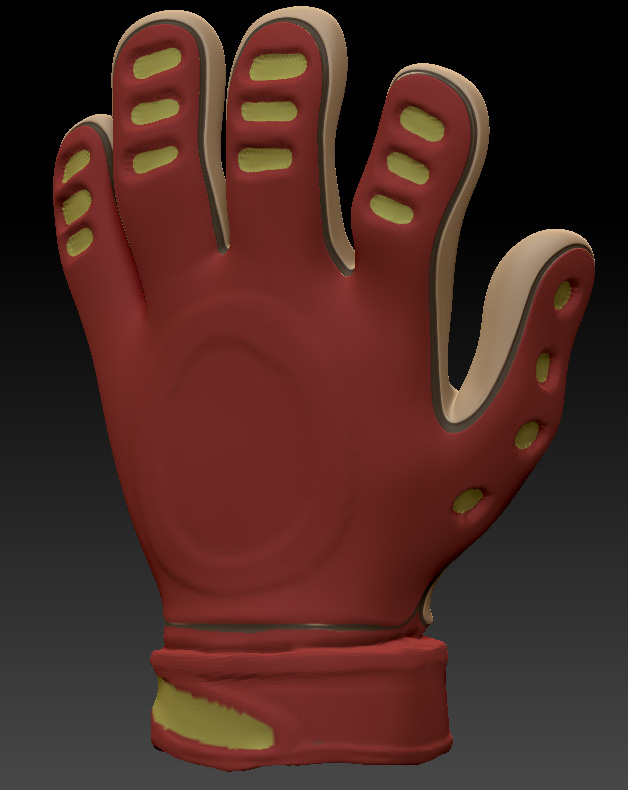
Original.jpg

I really don’t understand what’s going on, so I would appreciate any kind of help. Anyone knows all the mysteries behind the projection of detailed Hi-res meshes? Hope so…

Attachments
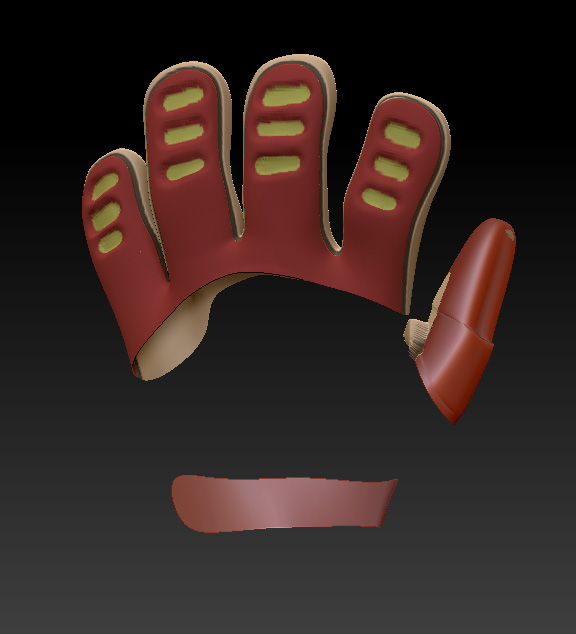
Problems_starting.jpg

Final_mess.jpg

Without_strip.jpg

Try adjusting the projection settings to see if that improves things.

If not, another method is to finish your retopology without projection, skin the mesh, append it to your source model and then use the Tool>SubTool>Project All. This has different modifiers available. If you still get problems with certain areas you can also mask those spots so that they don’t receive projection. You can then invert the mask, adjust the projection settings some more and complete the projection on those areas.

Thanks, aurick!

I had already adjusted all projection settings with no improvement at all.

In fact, your solution was’t suitable for me because I was already using the appended zsphere method and projecting with Tool>SubTool>Project All. But I thought it might be useful to try the old method, so I cloned my new mesh, loaded it as a new tool and then rigged it to the original mesh to use the projection menu.

At first, with default values, nothing was projected, so I changed the ProjectRange to a negative value and… everything projected just PERFECT!

Thanks again, aurick, you lightened my way!