so i am making topology off of a high poly model for comicon and I want the exact topology i am making using the retopology tool. when i hit A to preview it divides the low poly and I do NOT want that. I’m asking for the proper procedure in getting my low out of zbrush. look forward to hearing your solutions!!!
In the Adaptive Skin settings set the Density slider to 1
Richard ty ty
When I reload and continue to work on a tool, the retopology points seem to be invisible in the Edit mode. But in the Preview mesh mode, the newly added points do appear as polygons.
That means I can add new points/ polygons, but I only can see them hitting ‘A’ for preview. Someone had the same problem? I am using ZB4.
Attachments
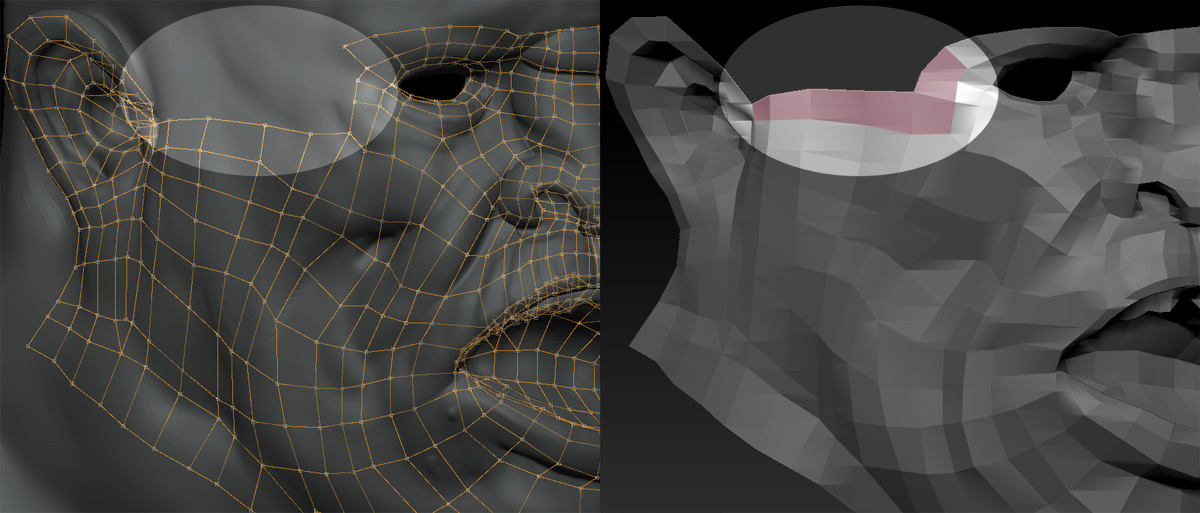
Turn the Edit Topology button off, then on again.
Thanks for your reply, but it remains the same…
Attachments
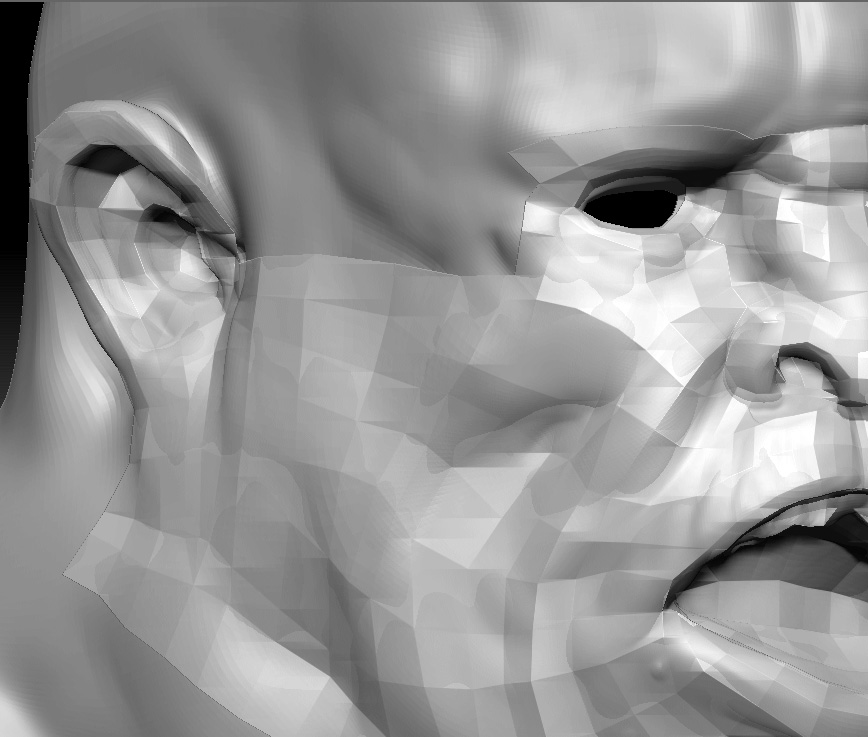
I saved the tool again. I reopened it, and now it works. Curious though is, that the already added points (which were invisible in Edit mode) were not saved. Strange, but Ok. May be it was just a kind of display refreshing memory thing?