ZBrushCentral

[Answered!] Problems with Spotlight: Not painting texture onto model

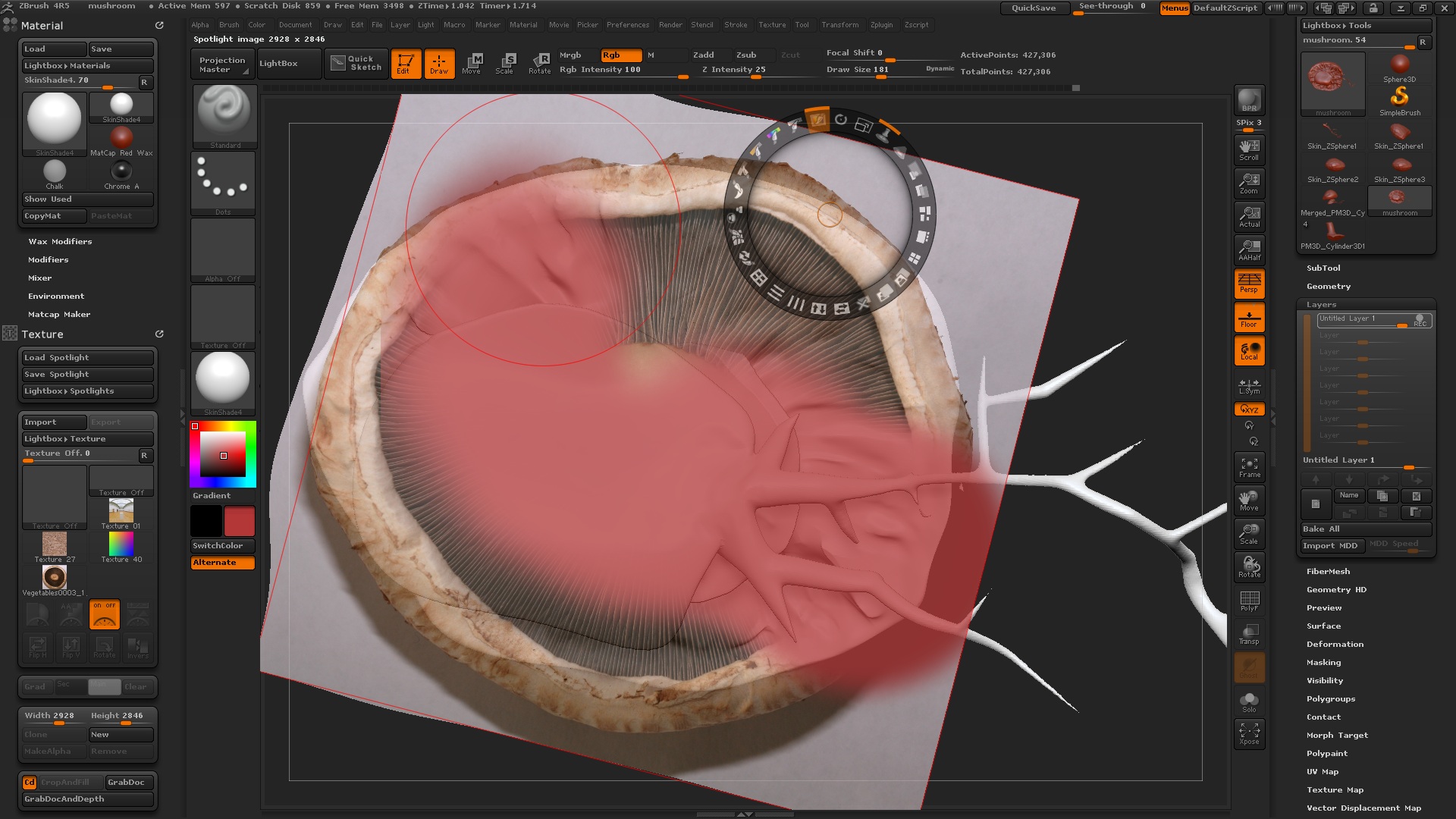
Okay, now I’m just getting fed up with this needlessly complicated dial, you click in the wrong place
and your image goes out of whack and I got used to toggling Shift+Z and Z but this time, it’s
painting exactly the opposite of what I want: the picture and not the 3d object. :rolleyes:

Little help here for a total newbie?

Attachments
fuckingshit.jpg

Press Z on the keyboard to hide the dial; you will then be able to paint on your model. With the dial visible you can make changes to the image, which is what all the icons are for. The dial/icons don’t affect how the model is painted. You control that by turning on/off the Rgb, ZAdd buttons at the top of the UI, and adjust the RGB Intensity and Z Intensiity sliders.

See here for more info:

http://www.pixologic.com/docs/index.php/Working_with_Spotlight

I would learn the basics before I call something needlessly and complicated, you just don´t have the knowledge how to use it.

I agree!