hi i have a problem pls help me!!
why i have this problem when i want to use the brush palette???
Attachments
hi i have a problem pls help me!!
why i have this problem when i want to use the brush palette???
If you have a keyboard modifier held, the Brush palette will only show the options for that modifier.
For example, if you are holding Ctrl+Shift then clicking the Brush thumbnail will only show selection brushes. If holding Shift, it will only show smoothing brushes. Selecting one of them will then set that to be the default brush each time you hold that modifier.
To see all the normal brushes, don’t hold down any modifier keys.
tnx for help
but i want to use the select Rect
i want to cut my box…
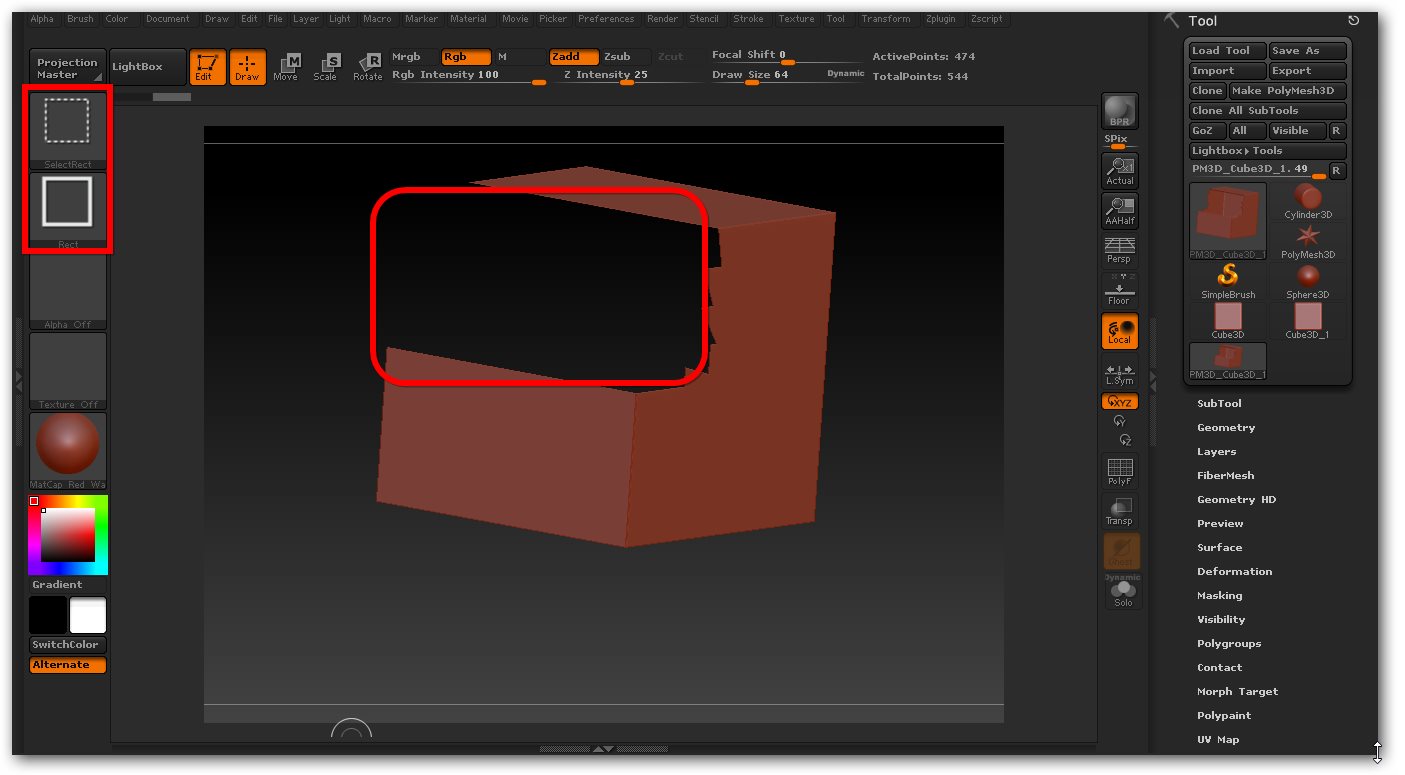
when i hold ctrl+shift and click and drag on the box and hold the alt key… Look at the picture ,Box is empty
What can I do to avoid showing an empty box
i am very noob
pls help
You might do better to mask a rectangular area and then group masked?  Looks like you could use the Axis plug too.
|
Its not that is ts empty (though it actually is I suppose) its that you cant see the BACK of the mesh, its still there and if you look at it from the other side you will see that.
In order to see it all the time you can go into Display Properties on the bottom of Tools on the right side of the ZBrush Window and turn on Double. Double allows you to see both sides of your mesh.
Don’t worry about being new, this stuff takes some getting used to.
Cheers!
Mealea|