ZBrushCentral

Answered: Pollypaint streching over sides

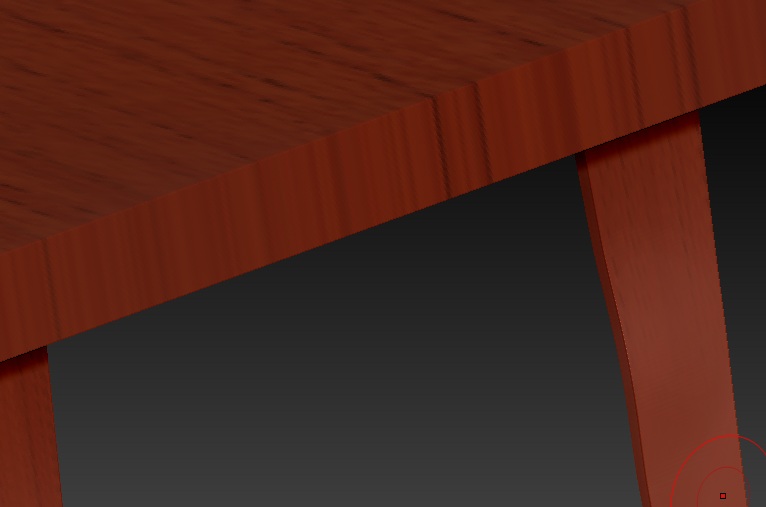
When I stretch a texture over a model in polypaint (because I’m still using 3.5 and they made it so image plane doesn’t work with projection master in preparation for v4.) When I stretch a texture over, on the edges where it wasn’t a perfect match it stretches over. How can I lay a texture down without it stretching and ruining the polypaint on the sides of the model?

Example:
[[ATT=]test.jpg[/ATT]](javascript:zb_insimg(’’,‘test.jpg’,1,0))

Attachments
test.jpg

One easy way is to mask off the sides.

That’s true but it leaves marks. If I mask off an area I can’t just mask off the plane, I have to mask a bit of the next thing which causes little bits of leftover like in my uploaded pictures. How can I mask just that one top surface (without trying to paint it perfect by hand, yea right) or leaving little bits unpainted/stretched. I do need help, thanks :slight_smile:

Attachments

poe3t.jpg

poi4t.jpg

You could hide the other parts of the mesh so that the image can’t transfer. If you use polygroups this should be easy.