ZBrushCentral

Answered: [Interface Help] Cannot find rigging subpalette in Zbrush 4r6

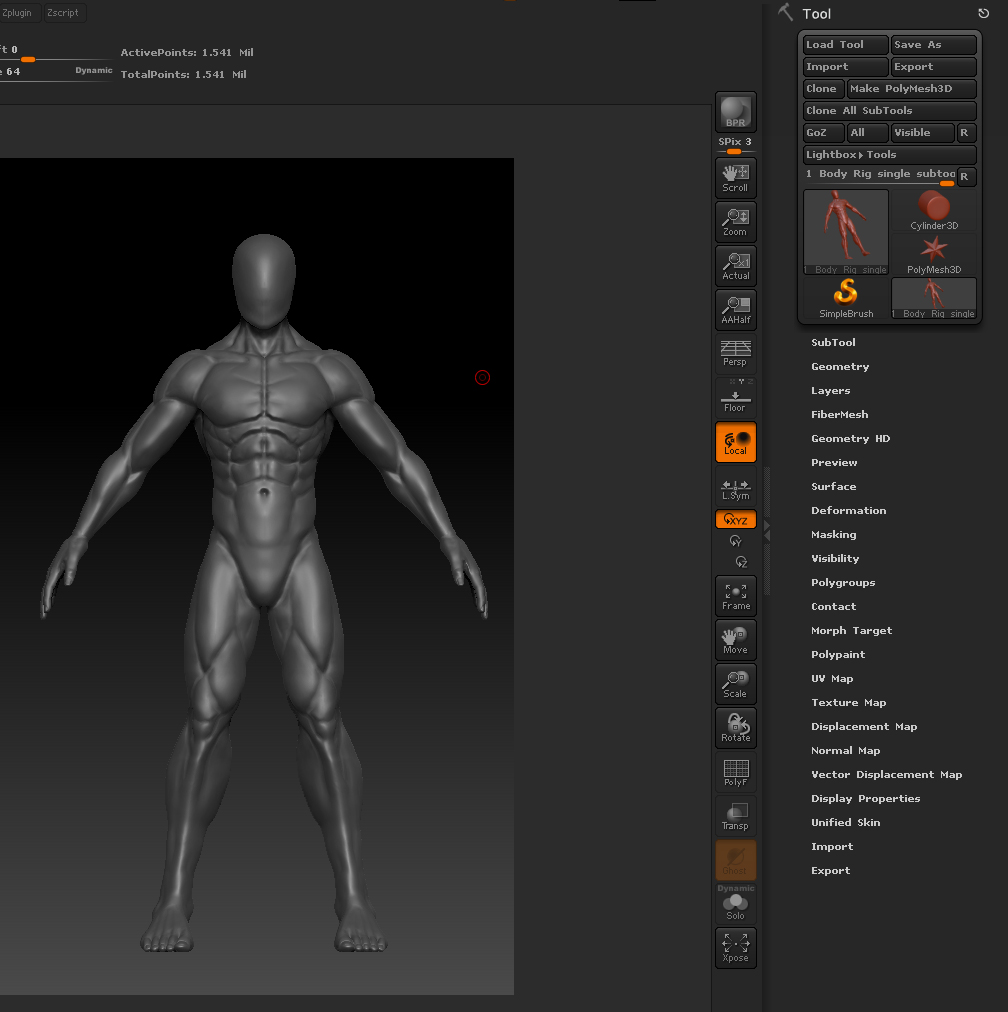
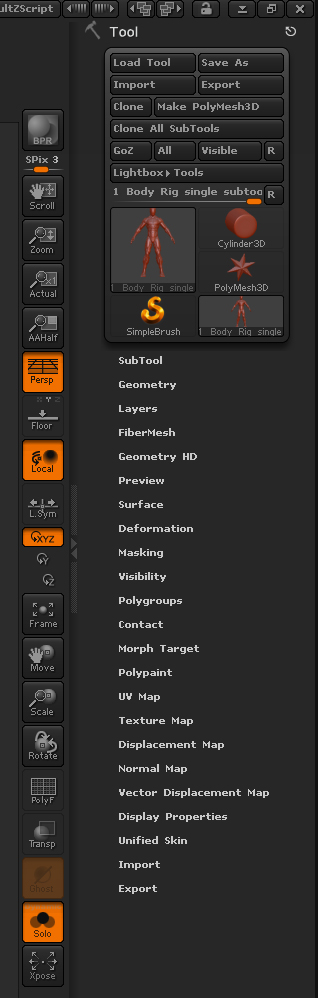
I’m using Zbrush for the first time and have recently created my first model, however I simply cannot find the rigging sub palette. All the tutorials I am watching have it located under tools, but mine simply is not there. Does anyone know where it was relocated? Here is my tool palette showing it is missing.

Attachments
RIgging.jpg

You need to have a ZSphere tool selected and in edit mode. This gives you access to the Rigging sub-palette from which you can then select the polymesh that you will be rigging.

Thank you soo much!!

Attachments

Rigging issue.jpg