ZBrushCentral

ANSWERED: Hiding the Geometry of a Mask? [UPDATE: Separating parts]

I think this is kind of out of date http://www.ehow.com/how_7788003_delete-parts-tool-zbrush.html because I can’t find it where it’s saying or I’m overlooking a submenu.

I have two points where the geometry fused while making a Unified Skin and I need to run Delete Hidden on it to “cut” it away.

Other proposed solutions are fine too, as long as I can cleanly separate the two parts. Trying Clip Rectangle kept on grabbing geometry I didn’t want it to.:+1:

Attachments

It appears there is a mask. Are there hidden points? Clear the mask and you can sculpt. you may be able to split by polygroup. You should have the base zsphere model you could go back to.

“HidePt” is in Tool:Visibility.

There it is! Thank you much. I wonder where we can find up to date directions for Menu Commands for the latest version?

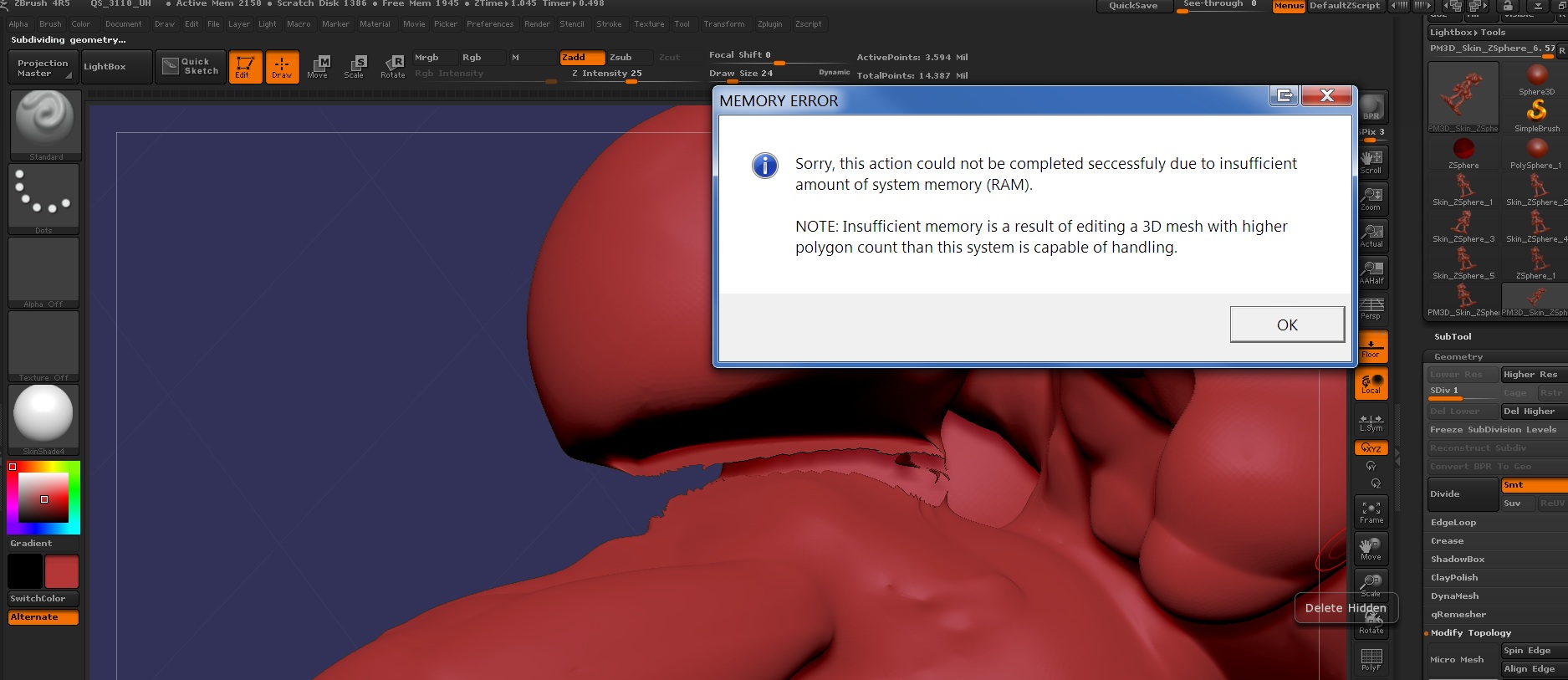
Aaaaand Zbrush 4R5 is still sucking and crashes whenever anything remotely complicated is done. Any other ideas for separating these two pieces?

Attachments

ihater5.jpg

Look in the ZBrush4X/Documentation folder, should be about 175 Mb’s. PDF files inside. You appear to have a bunch of copies or clones. :idea: I’d recommend cleaning up your project. Working with subtools is a very common practice, as is subdividing. ZSpheres and unified skin have their place as does shadow box. You can be in the box, or in another relationship to the box, think outside the box. ZBrush rocks! :wink: