ZBrushCentral

Answered: GoZ to Maya - Displacement Issues

Hi all I really need help with this one!!!

I’m having undesirable results with either my Displacement or normal maps generated in ZBrush. Rendered in Maya with mental ray they look so bad! Do I need to work with any scaling settings when creating my map? Do I need to address any settings in Maya. Perhaps with tthe approximation editor? If so, I thought that ended with the loss of the zapplink. However I noticed they now have a zapplink v3 for ZB4. Why have I been waiting for GoZ? I thought all of this was ready for render once you sent it into Maya. Is this not the case?

I’m sooooooo under the gun here!

Attachments
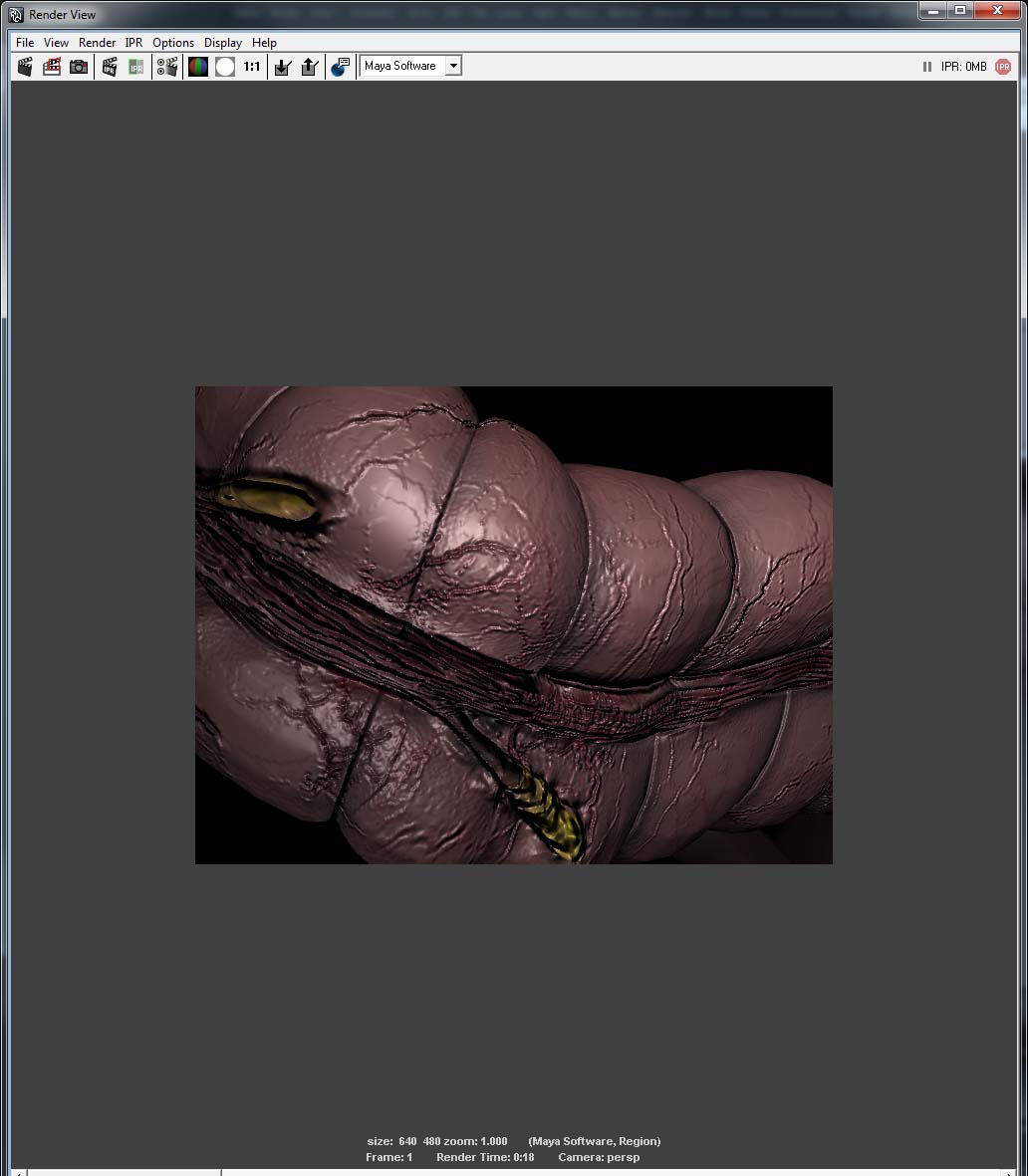
Maya Output.jpg

settings.jpg

I tried some other settings and I got the Same results.

Attachments

settings2.jpg

I deleted the Normal map from the network and it looks great in my opinion. Great not perfect. I’d love to hear some feedback on setting to adjust for making improvements.

The support team suggested that I delete the normal map. There was a concern that the normal map was conflicting with map displacement map.

With that, How can I generate a Bump map? Is it as simple as sending the displacment map to the alpha pallet and saving out from that? Or is it more involved? In my opinion, it’s lacking some frequency on the surface.

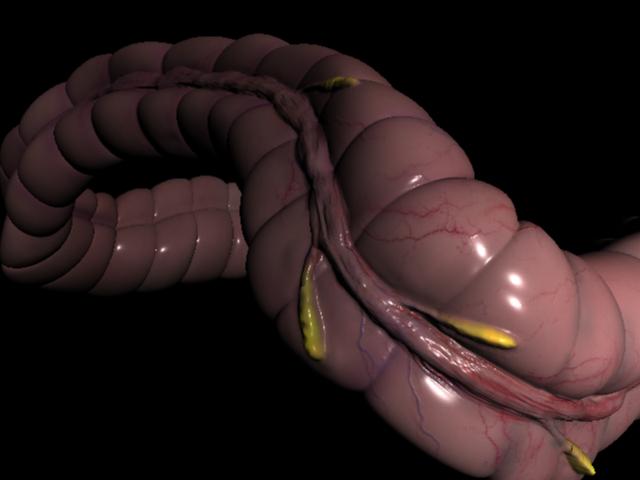
Anyways see the image below. How would YOU make this better?

Attachments

Maya Output 2.jpg

What up Ryan

Two issues here.

First, make sure to change your render to Mental Ray. In the image you put up it is showing MayaSoftware as the renderer.

Second thing, Make sure to put SmoothUV on in the displacement map setting as well if you are going to have it on in Normal Maps. Also putting 32BIT and RGB will have no effect. a 16BIT map will only come over with GoZ but for what you are sculpting a 16BIT is enough. GoZ will take care of all Alpha Gain and Alpha Offsets.

What Approximation Setting are you using? What is it set at?

Talk to you later.

Paul

I think it’s working for me now. I’ll post my Maya settings for the Approximation Editor later today.

What do you think about using the Displacement map for division levels 1 - 5 and the Normal map (surface noise) for the higher frequency divisions? Is doing this common practice? I’ve been calculating all division levels within both the Normal and Displacement maps.

It is common practice to use two maps like that. Displacements take longer to render than normals. By using displacements only for the details that have an effect on the model’s silhouette and normals for the higher frequency details you dramatically reduce your render time.

Using normal and displacement maps that both contain all details is not only redundant, it also results in rendering artifacts since two different processes are trying to render the exact same details.

:idea:

AWWWWWWha! That helps so Much!!