Hi,
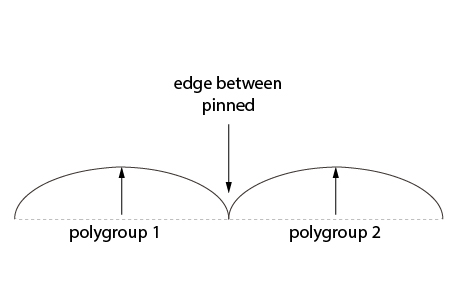
How can I freeze or hold these edges in place so that when I drag a standard brush across them the faces on either side are bumped/inflated but the edges do not move, resulting in a sharp “valley” between the two sides?
Thanks
Attachments
Hi,
How can I freeze or hold these edges in place so that when I drag a standard brush across them the faces on either side are bumped/inflated but the edges do not move, resulting in a sharp “valley” between the two sides?
Thanks
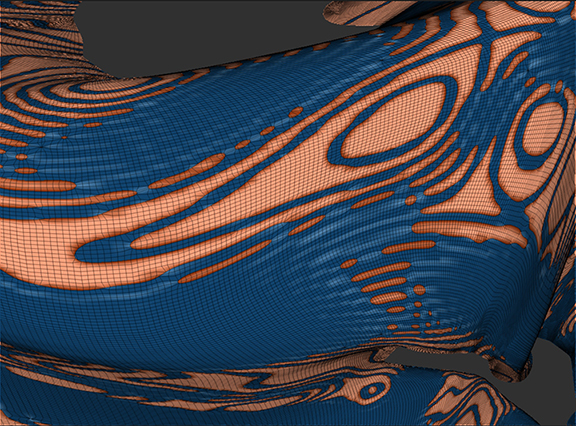
Mask the areas that you don’t want to move. If it’s separate polygroups (which appears to be the case), Ctrl+Shift+Click on the polygroup that you want to mask. That will hide the other group. Ctrl+Click on empty canvas to mask the group. Now Ctrl+Shift+Click on empty canvas to show the entire mesh again.
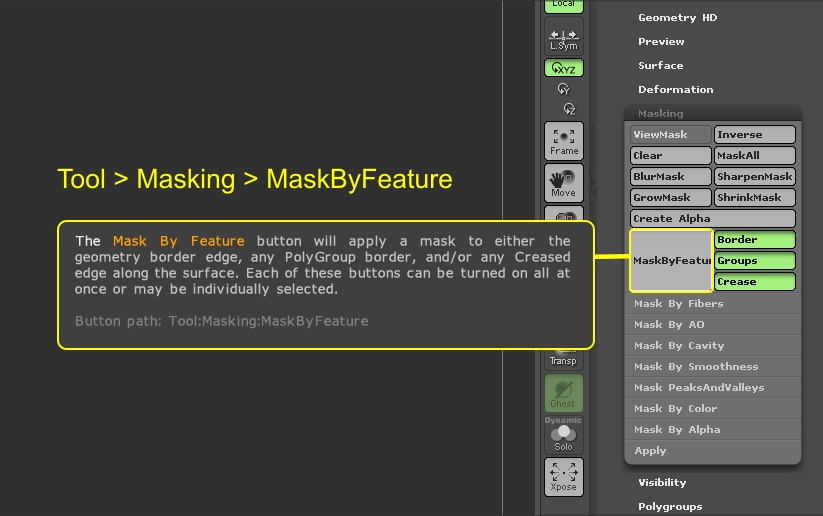
Can I mask just the edge between my polygroups?