ZBrushCentral

Answered: an incredulous rant

Okay, I am warning anyone reading this that I am ranting. If you dare, read on.

<rant on>

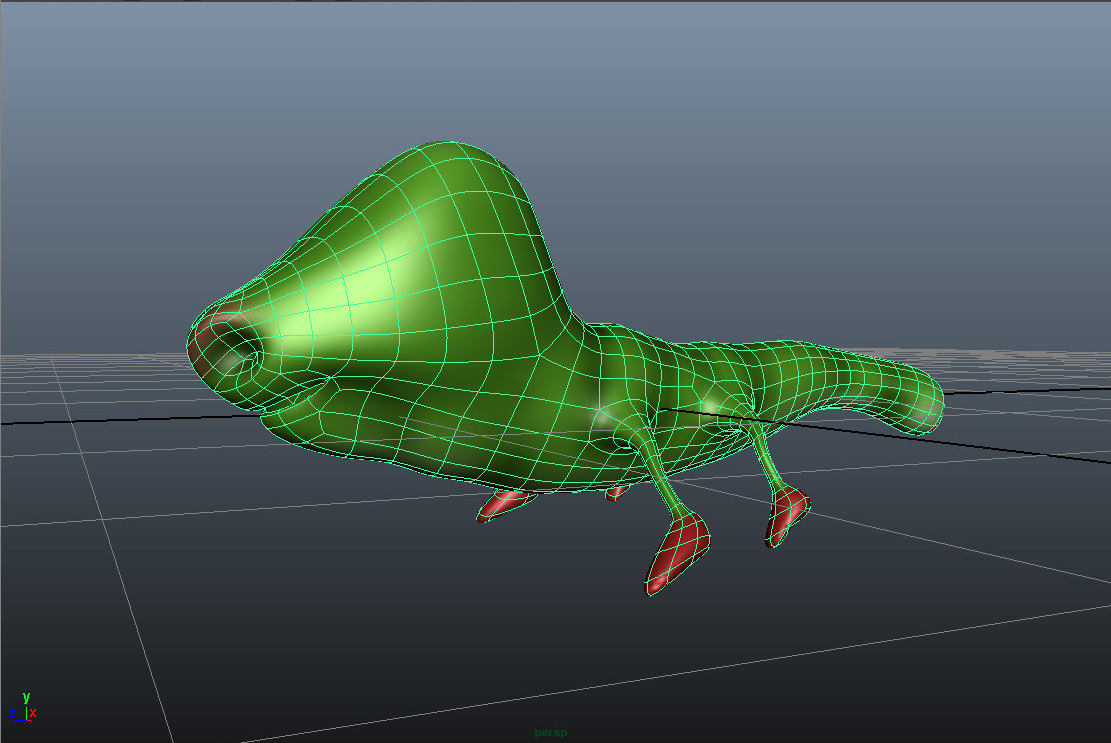
I have a mesh. A VERY simple low poly mesh, originated in ZB 4.0. I bring it into Maya 2011 as a “.ma” file, create my UV’s (and I do this in Maya because ZB crashes relentlessly with UV Master), then back into ZB for poly painting and then again exported as a “.ma” file for use back in Maya. So far so good. (GoZ only works about 50% of the time…hence the import/export fiasco).

Here’s the mesh as seen in Maya:
1.jpg

I am beyond frustrated with ZB. I have tried (oh HOW I have tried) to incorporate ZB into my workflow, but at every turn ZB seems to fight me. It is unstable, it’s basic paradigm is one that NO other software follows (i.e. the way it handles basic functionality such as navigation. If you doubt me, use Maya, Mudbox, Max, 3DCoat or any other industry standard software and THEN use ZB. Or how everything is a “tool” instead of a mesh. No one else uses this silly naming convention and to be forced to change from industry standards to follow the ZB rationale is cumbersome at best).

</rant off>.

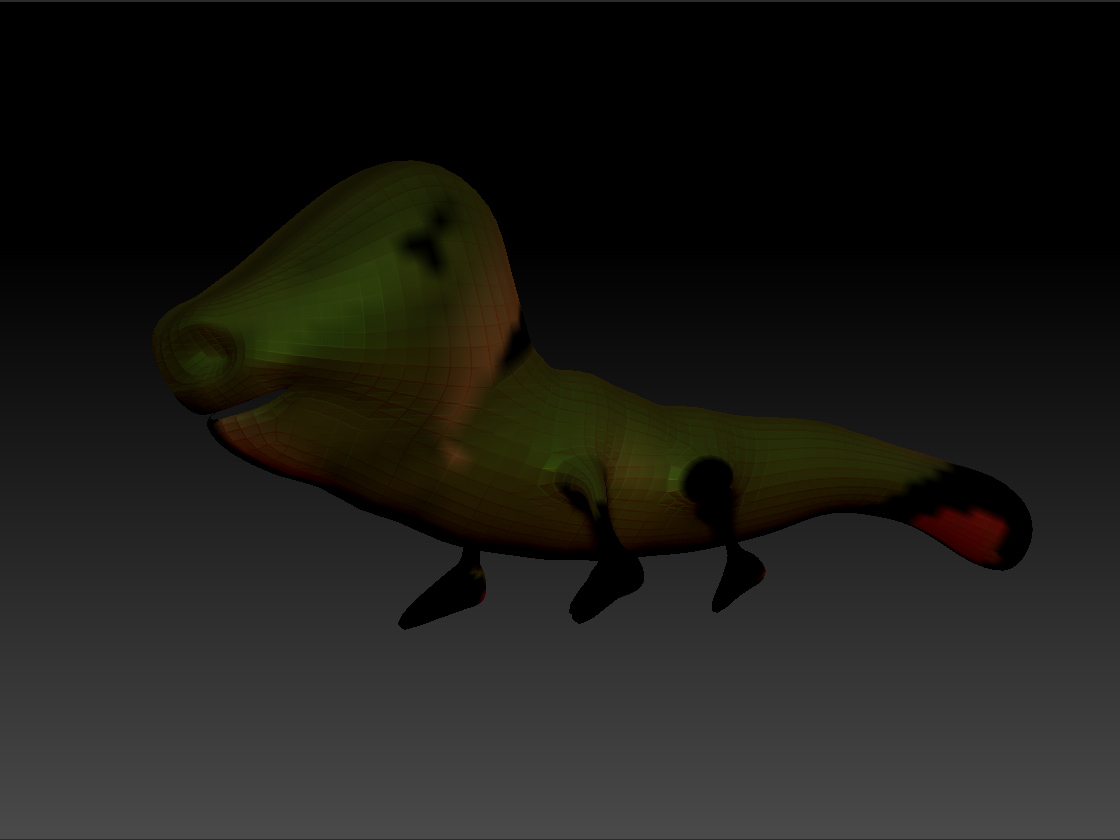
Maybe someone can enlighten me as to why I should continue beating my head against the wall to use this 2 bit (oh, excuse me, 32 bit) software. Short of that, if anyone can enlighten me as to why the texture in ZB looks like this, I’d appreciate their help.

</rant really off this time. I swear>

Attachments
2.jpg

from what i see, in the model you don’t have a texture but a polypaint data. tried to go up in subds after reimporting from maya? the paint data should come back as it was :).
and as a humble opinion, complaining about the differences in navigation and principles of a program is really only a personal problem, a matter of experiencing the program etc. also the “great” maya needs his wokarounds to deal with things that don’t work, work partially, are counterintuitive or are buggy in a certain version (i spent 1 hour trying to realize how to invert a selection, another trying to figure out why the skin shader didn’t work with passes, another to figure out how to match the transform of an object to another one, and i could elongate the list with all these 1 hours problems for a total amount of various weeks :D)

Or how everything is a “tool” instead of a mesh. No one else uses this silly naming convention
It’s no big shakes. A Ztool is merely a name for a native zbrush format that allows the user to store practical working information with that model far in excess of the information capable with just an .obj

Ztools are your friends :slight_smile:

If you’re manually transferring files between ZBrush and another app you need to flip the texture vertically. It looks like that’s all that’s wrong with the way the texture is being applied in your image.

I have noticed some funny things happen after using goz and crashing. Some ‘switches’ get set to do with flipping axes on export, in the preferences. Load a default scene, note down their states, then load your wacky scene and check if they match. For me this allowed me to circumvent the issue.

Good luck!