Agreed, very beautiful, and rich with detail.
Sickeningly awesome, love the anatomy. Uber cool.
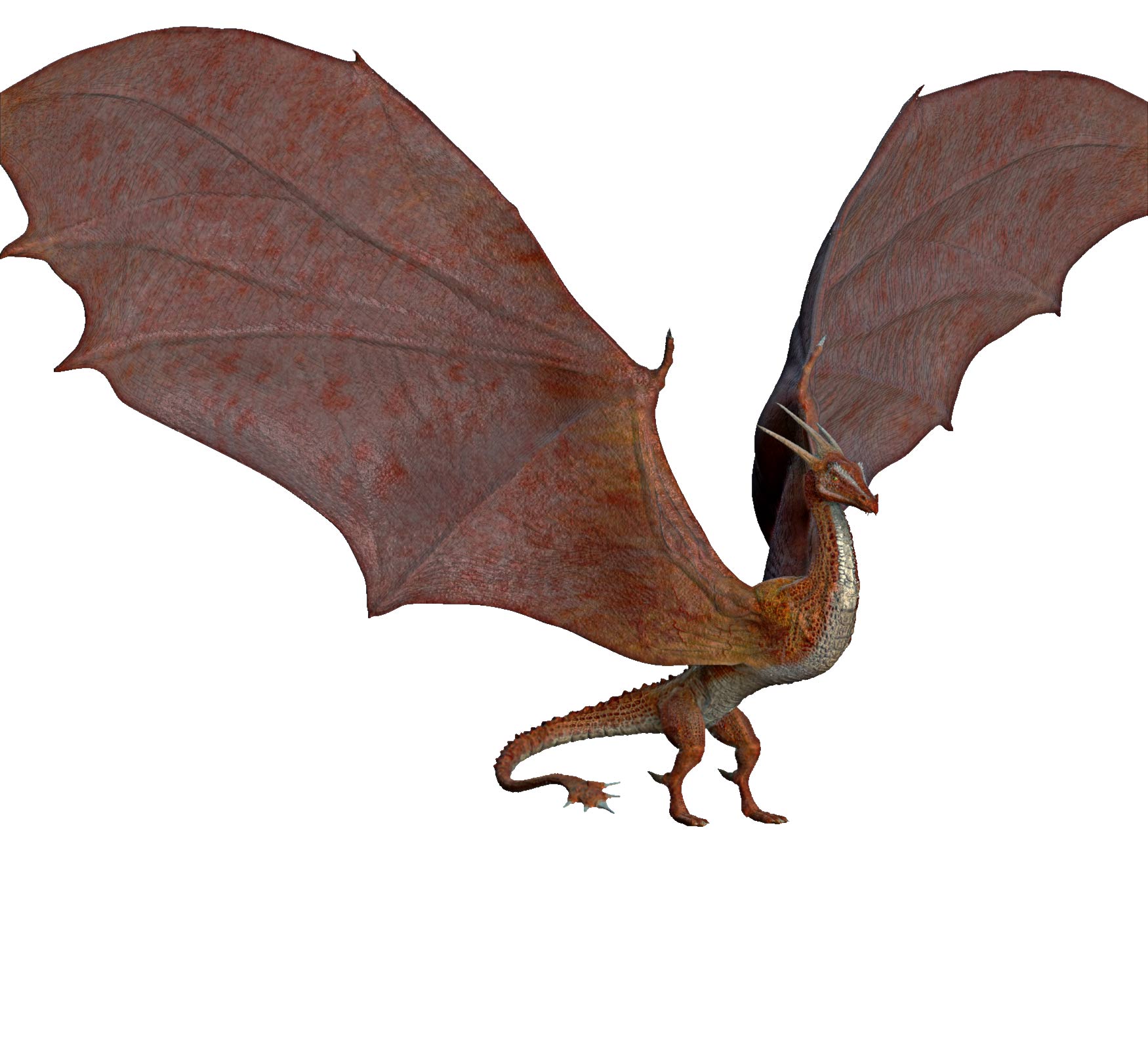
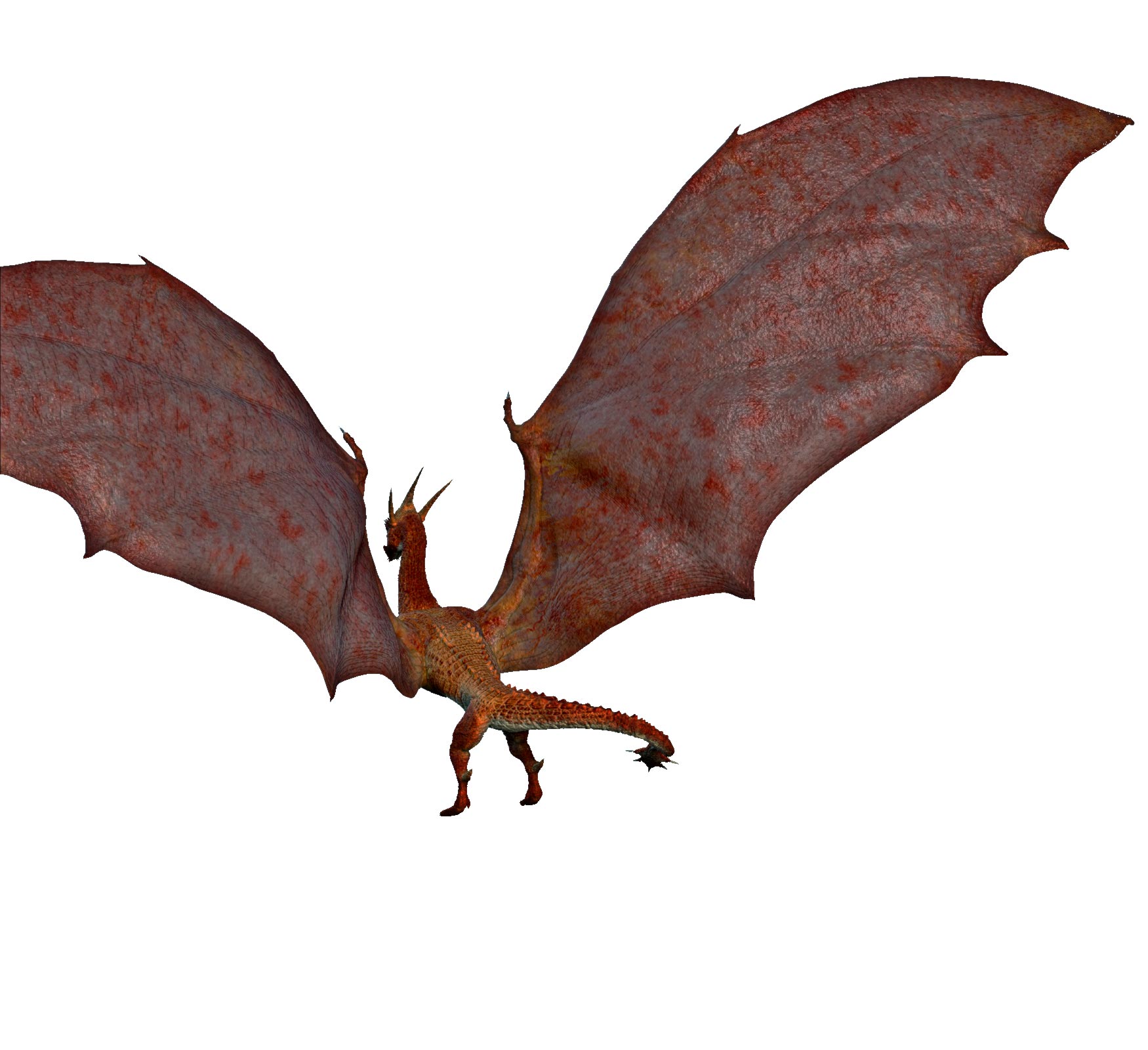
hi, beginning color map, tell me what u think. wings need something to fake the poly lack.

answering questions & comments: it´s sculpted in preview mode, keeping zspheres for poses. I´ve tried to define shoulders and low neck muscles a little. About texturing, nothing special, only that blending the layer with the alpha scales with the color maps gives a good cavity effect.
thx a lot for c&c
This is really starting to come together.
I have been following the progress of this and the color map suits it well.
Nice details by the way 
~BW
oook, i´ll keep going on painting scales, some veins, nails, and something to enhance the wings look…tyvm mr. monster

Nice!
~BW
I’m loving the progress on this gal, keep it going.
briliant… keep going…
material and lights from malikus the black, work really well for this model features
Attachments
Dang, that is looken good
Looking good, nice scales…only problem i have is that i wonder how it would maintain stabilily and not fall over on his face.
yep, this is not a natural position. i´ll try to do a pose standing on his elbows and folded wings. nice dinos, btw, soyseitan.
took it into lightwave to get some translucency effect

the lens flare is taking way too much attention from the dragon
i agree, these lens effects must be handled very carefully, and i put it not caring too much. my fault, next will be better.
i need help from whoever reads this, i dont know how to save my zbrush renders! Please Help
“hi baby, how u doing?” or something like that…

gd one
markedbullet, render it and then export the document as psd or bmp or tiff for saving simple 