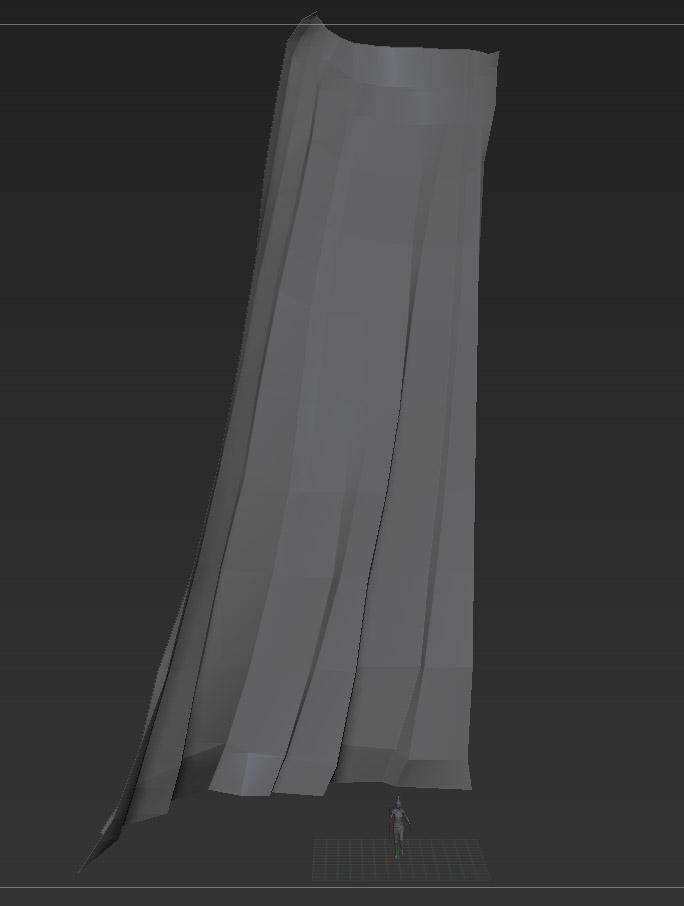
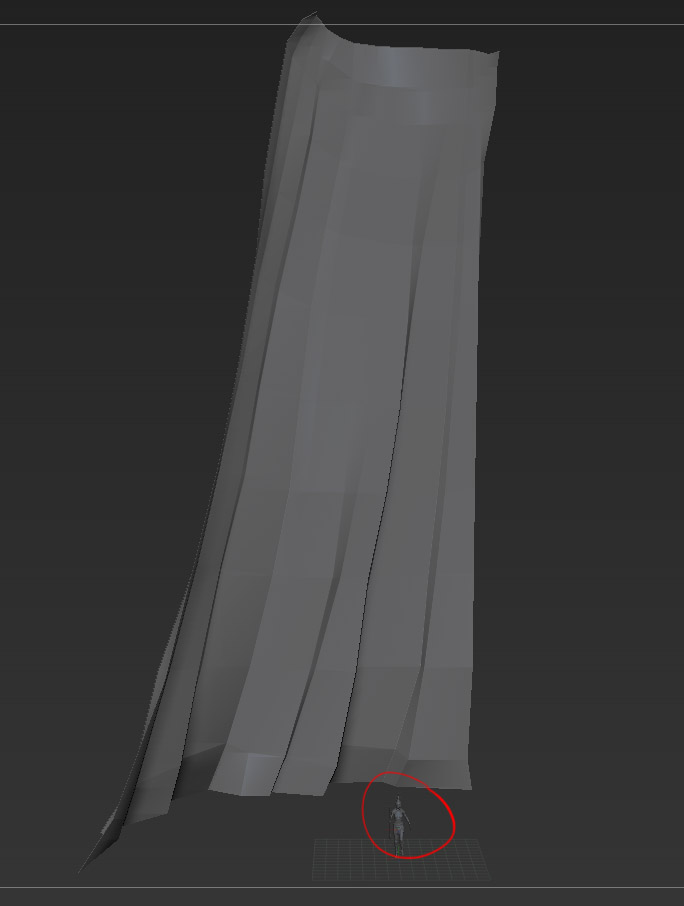
I am getting this really annoying issue where after importing an OBJ as a subtool, the imported OBJ appears MASSIVE compared to the rest of my tool. In the image below you can see difference in scale between the imported OBJ and the rest of the subtools:
Here is how I imported it (from Maya):
- append a PolyMesh3d object from the SubTool pallete
- make sure the new object is active
- import OBJ with the Import button on the Tool pallete
I don’t think it is the importing method since I have added other Subtools before and haven’t run into this problem previously. On the other hand the tool that I am importing the OBJ into hasn’t been touched in few weeks (no idea if that has any bearing on it). Is there a proper way to import the OBJs into the tool so they are the correct scale or a workaround or something?
Thanks
Attachments