Hi!
Sorry if a similar topic was posted already, but I think that it’s still a very basic and important thing which everyone should know.
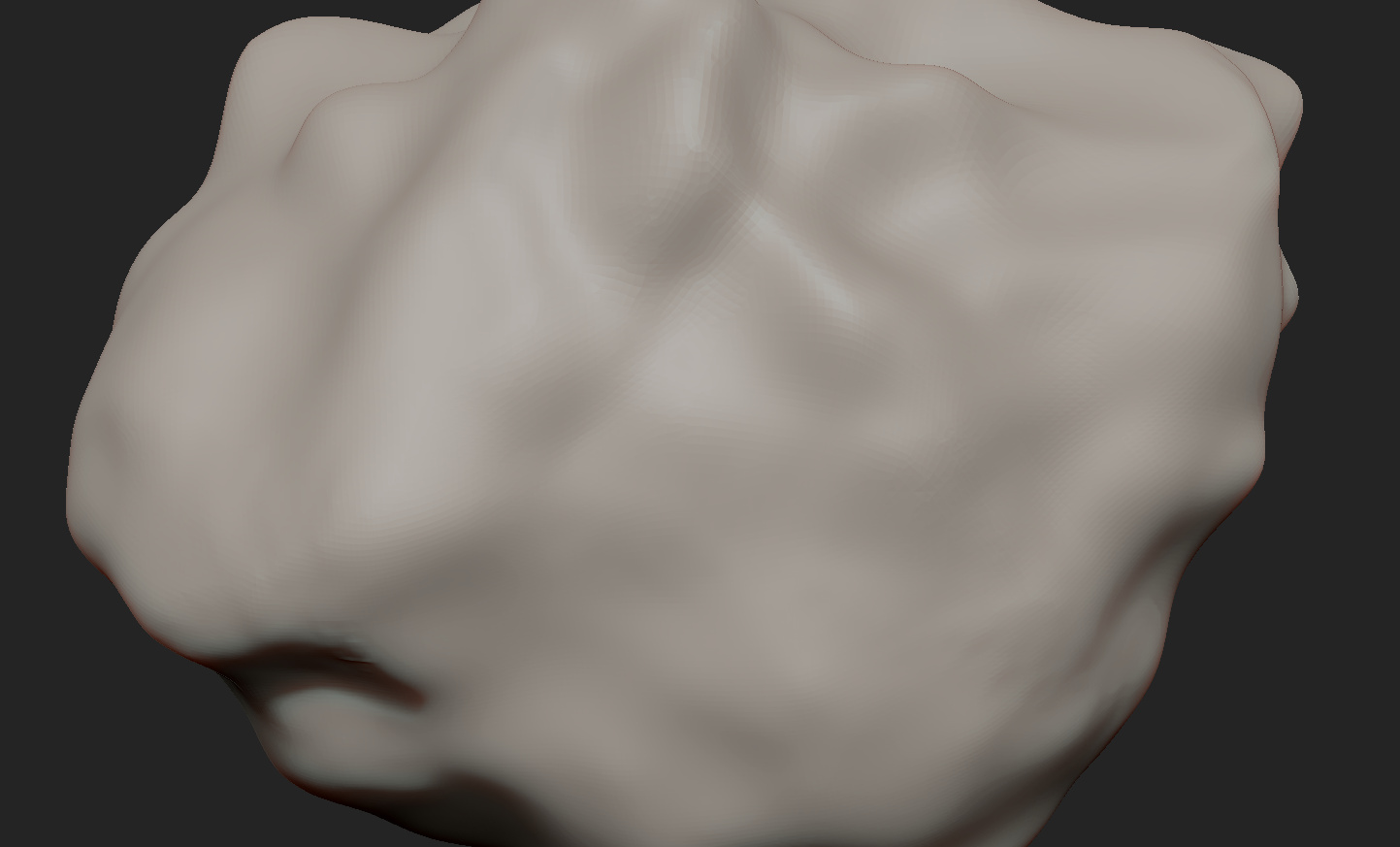
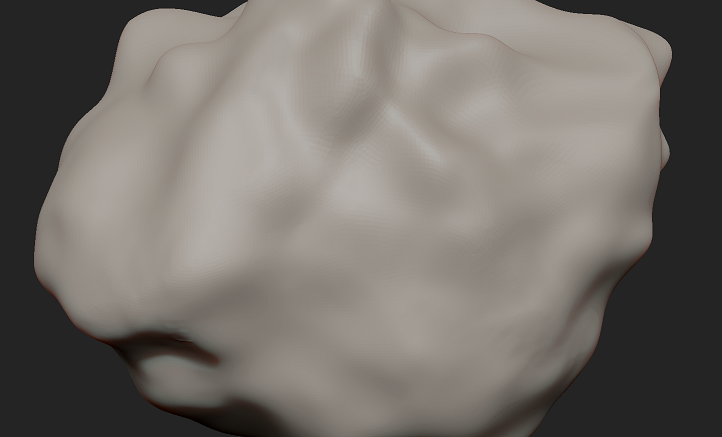
Always when I’m using Dynamesh set to high resolution, my mesh becomes almost unable to make this surface smooth. For example, by using simple smooth brush I’m not able to make much more changes comparing to low poly surface. That creates a kind of “plasticine” effect which is ugly and unwanted. And this is in my opinion the biggest disadvantage of this feature.
For now the only solution which I know is turning off Dynamesh, than ZRemesh so the tool can get a clear and even topology. This is how I can have multiple subdivision levels and just easly switch between them doing changes to the shape of my mesh or make more details. But what if I want to add again a new, bigger part in the same tool without polygroups, but not using Dynamesh? Reminder: I would want to still have low and also high poly mesh in my subdivision levels.
Attachments