Why don’t you just hide the ball?
you can also click on transparency
I want to be used as a guide to review such an eye for exzmpel
Hey.
Not sure if I got this right, but…you’d like to use the sphere to get the eye to look “right”, like as if there was an eyeball in the eyesocket?
I guess in that case I would pull the surface out before trying to “wrap it around the sphere”, rather than trying to build it around the sphere. The result should be the same, but less tedious.
Oh, I just remember something I found to be very effective, but you need symmetry for that.
So you got 2 symmetrical eyes there, right? If you put only a single sphere as an eyeball on one side you can still work on the other eye without the eyeball getting in the way, since the mesh is symmetrical.
You can still see the eyesocket clearly, while on the other side, you can check how it wraps around the “eye-sphere”.
Once you’re done, just use Subtool master to mirror the eye subtool.
Just thought I’d share this, even though it’s pretty simple.
Good luck, and happy new year, guys.
EDIT:
About the image viewing software, why don’t you just use ImagePlane?
http://www.pixologic.com/zbrush/downloadcenter/zplugins/
Just load it in and take a snapshot of it to drop it to the canvas. (Shift+S)

old man wrinkle end Gravity

old man

old man c


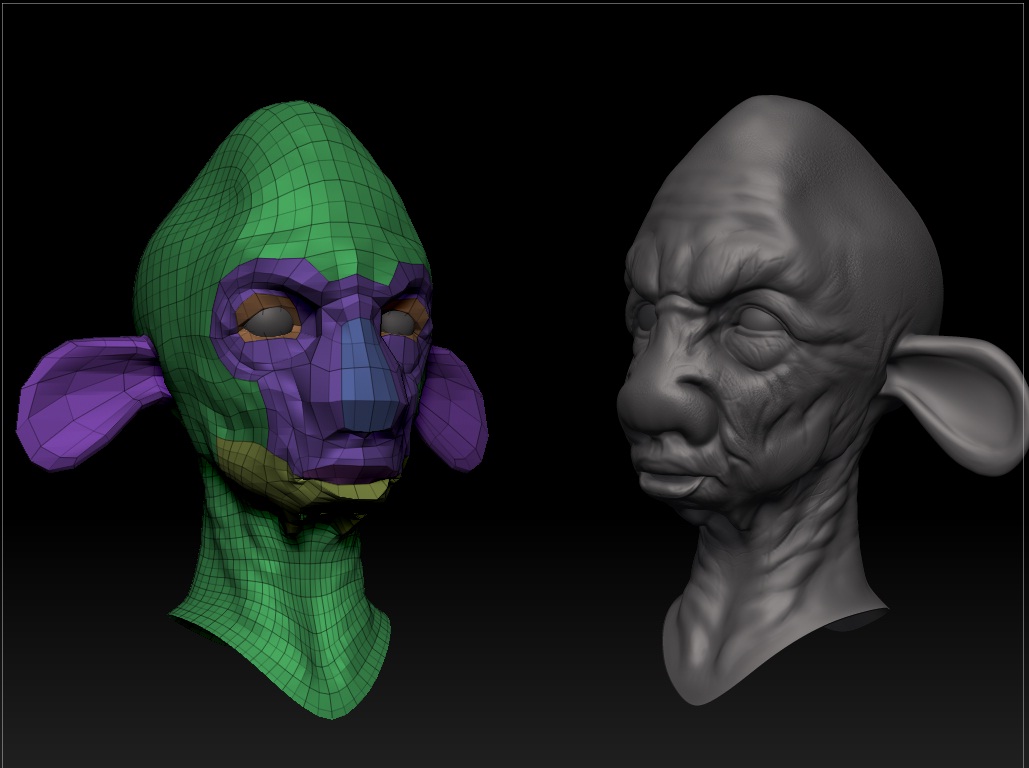
Just something to see if I can connect all the muscles in an imaginary creature
Comments and help are welcome
Thanks

Wrinkles
I pushed the sculpture with deep Wrinkles
[attach=241508]Untitledd.jpg[/attach]
Attachments
woman face
Hey guys I started to try and model a woman face
I struggled with the Ear
Tips and advice are welcome


very good job.


female hade

sam skech
