Hi guys,
i try to follow this tutroial from Ryan Kingslien, but i have a Problem with bluring the mask.
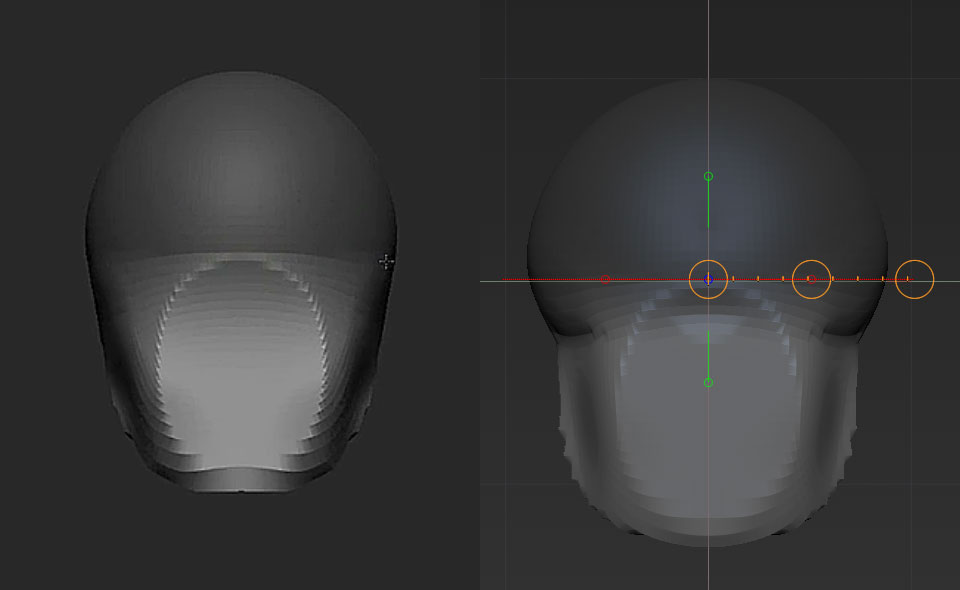
He blurs the mask two times, moves it invers and gets the result. i get this:
Thank you very much for any Help!
Attachments
Hi guys,
i try to follow this tutroial from Ryan Kingslien, but i have a Problem with bluring the mask.
He blurs the mask two times, moves it invers and gets the result. i get this:
Thank you very much for any Help!
It’s hard to answer without any idea of what it’s supposed to look like at the end. You might want to post a screenshot of what it should look like.
Ups i see i forgot to write it. The left one is the result in the Tutorial, the right one is mine.
It looks to me like your masking it slightly different. I almost looks like the bit you are trying to shrink is masked at the back took. Also, are you putting your transpose line in the same place as he does, and using the same control to move it?
I followed the workshop step by step, the redline marks the masking end.
I didn’t mask with the transposeline, its just there because i did the Screenshot activated with it.
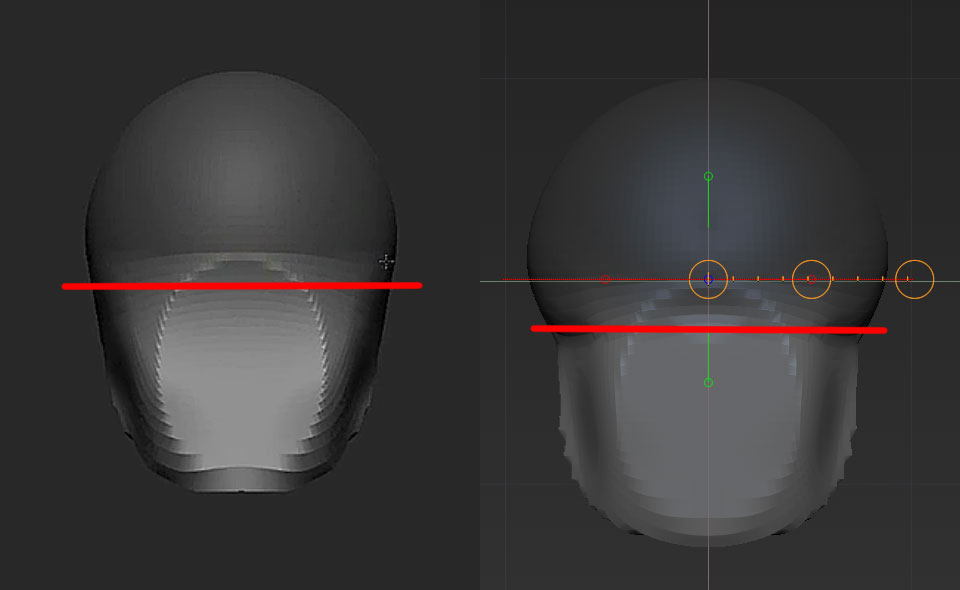
If I recall the tutorial correctly, then I think you simply masked too low. You want it to be just below the equators, but just barely. Too low and you’re working with the portion of the sphere that is noticeably smaller than the rest, which is what yours looks like.
I tried, but i still get the same result!
Is it maybe something else? I Use Zbrush 4r4, i beleve in this Workshop, hey used 4?
I noticed it has to do with the “Mask”, the blurring is different its soften very much, but if i blur, how he did (klicking two times), it’s very hard and short. His mask reaches very far down and it is smooth.
EDIT: I noticed something, if i blur by klicking on the mask ist blurs different as the blur button under Masking, in the Tool Pallet.
And now i get a better result, without this hard cut in the geometry, its now smoother. anyway… it is strange
So far, thanks guys for your answers.
But can somebody explane this please!! 
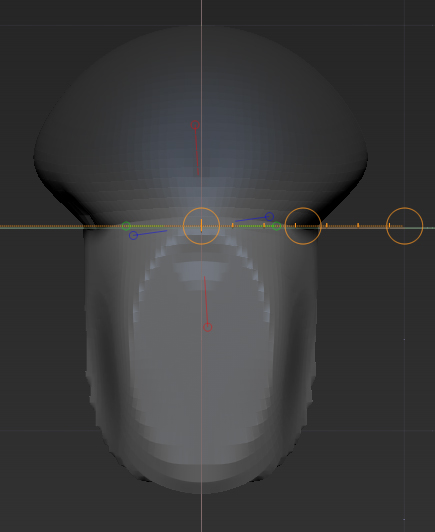
Hey, are you using the same version of zbrush as in the video? One thing I noticed at 4R4 is that, when you blur, the unmasked part bleeds more into the masked area. Basically, it doesn’t blur like before at all.
Hey, no i do not use the same version. And yes, i think so too.
The trick is to blur, flip mask, blur, flip mask, etc. That way you get to blur in both ways sort of like before.
Thanks for the tip i will try it too! I used now the blur option in the toolpallet and i got the result i need.
It seems to be a Problem or just a change in the Programm. SO THANK YOU ALL!
But there is another Problem i have now…:mad:
I hope its ok that i link to the other thread. Because ii want keep it ontopic.
http://www.zbrushcentral.com/showthread.php?178779-Anatomy-of-the-Face-for-Ar-tists-BrushSize-MeshScale-Problem