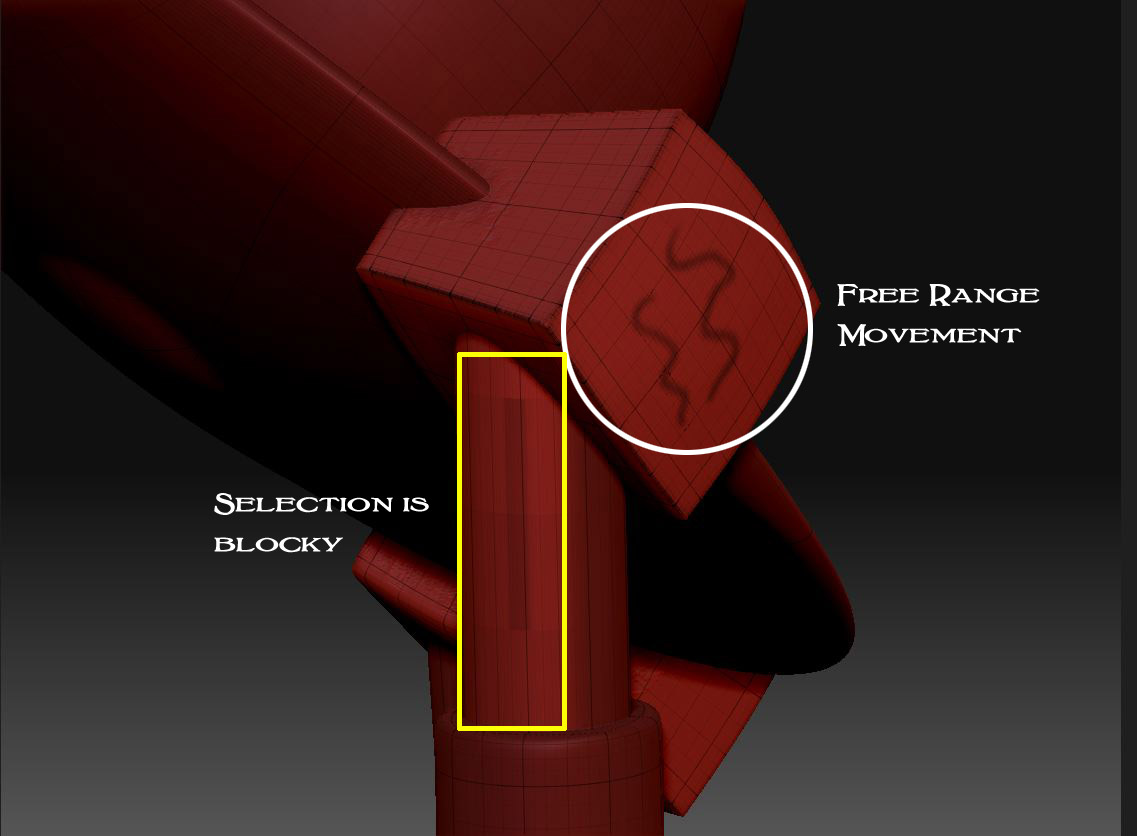
I am masking out an area on my model and I have the geometry at subdivision 6 so I have plenty of resolution to work with. Parts of the model are allowing me to mask with great detail, but two small sections are getting all blocky when I try to mask them. Also, the selection dot jumps all over the place when I go to these areas like it’s trying to “snap”. It was masking fine earlier, then it got all funny. I have attached a screen grab for reference. I think I may have caused this issue by hitting a shortcut key or something, but I have no idea how to fix it.
Any help would be appreciated.
Attachments