ZBrushCentral

Alpha -> Make 3D ...weird results

Hey all,
I thought this would be an easy thing to do and I wanted to try out a new method.
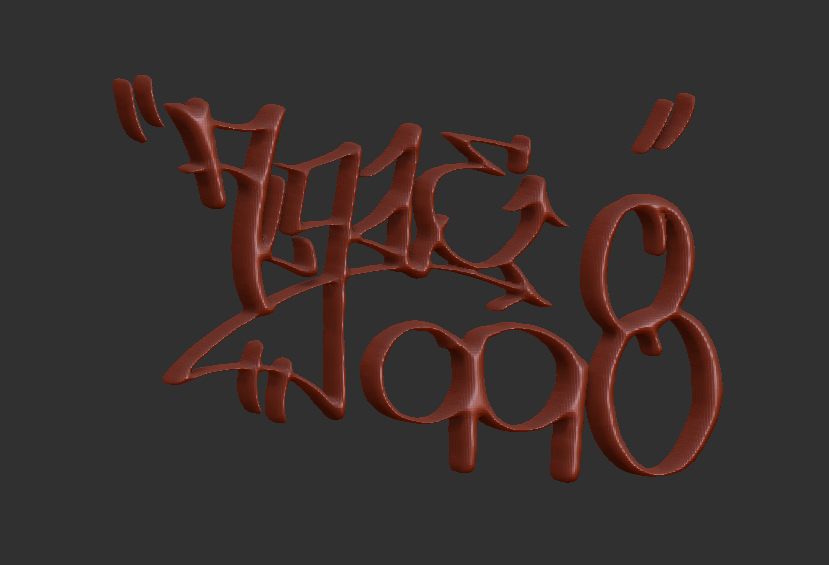
I made my black and white logo image in photoshop (1650x1275 or 11x8.5), with a hard brush and saved it as a .psd. In ZB I imported that image as an alpha and hit the “make 3d” button…heres my results:
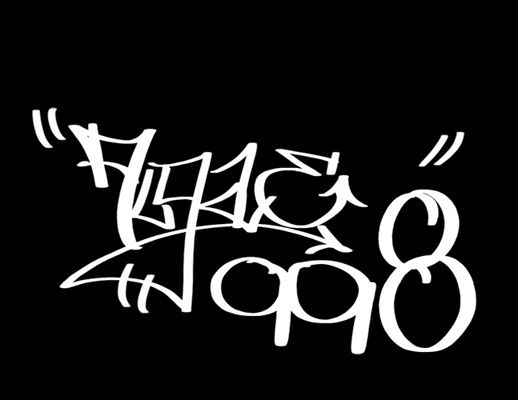
algae998_3d copy.jpg

I suppose I could just drag this alpha out over a 3d plane and extract…but wheres the fun in experimenting with that? Plus my skills in tradition 3d apps are worse than my ZB skills! haha.

Any idears?

Attachments
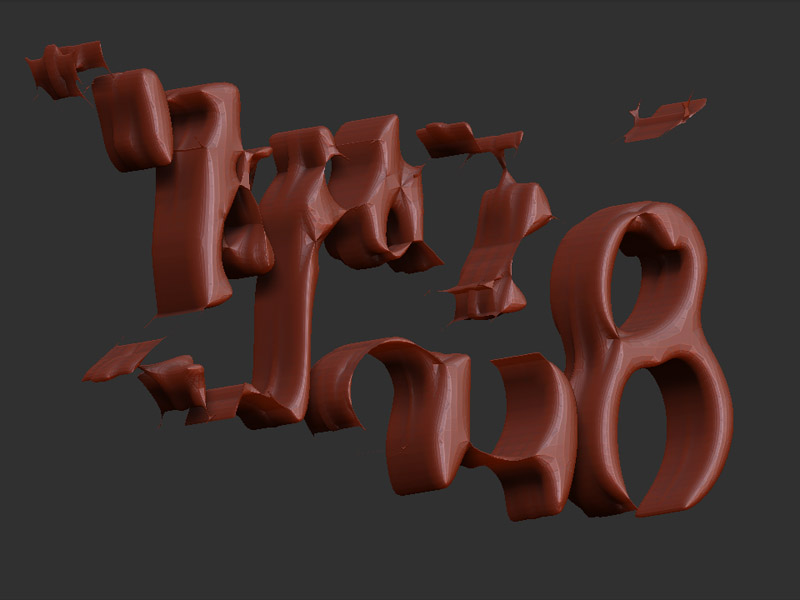
messed up.jpg

sometimes the extract actually gives better results, however, when i use the alpha make3d i do about 10-20 iterations by playing with the res sliders and adjustments, this is something i think you need to do to pull off this pic. here i just turned up the mres slider all the way to 256.
i also did another test, using the alpha as a mask for extraction on a poly plane at 1mil gave a much more accurate result that the pic i posted here.

Attachments

ZBrush-Documen.jpg

Thanks for helping out, spaceboy412. Ill have to give that method a shot when I get on ZB next.

Ive tried something similar to this by dragging out the alpha as a mask and using the mesh extract but it tends to get very feathered around the edges (the circular brush fall-off)…how can you eliminate that effect? I dont usually mess around with alpha masking a whole lot so Im not too familiar with that.

Are the mres slider setting for the make3d method inside the alpha dropbox menu or in the tool menu?

Also, could making the actual letters thicker help out some for this?

yes the mres buttons are right next to the make3d in the alpha palette.
if you don’t want them smoothed play with the msm smoothing slider.
as i said i found the best results for this using the extraction method. i think what you are experiencing is alpha falloff, the trick is to turn your focal shift to -100.