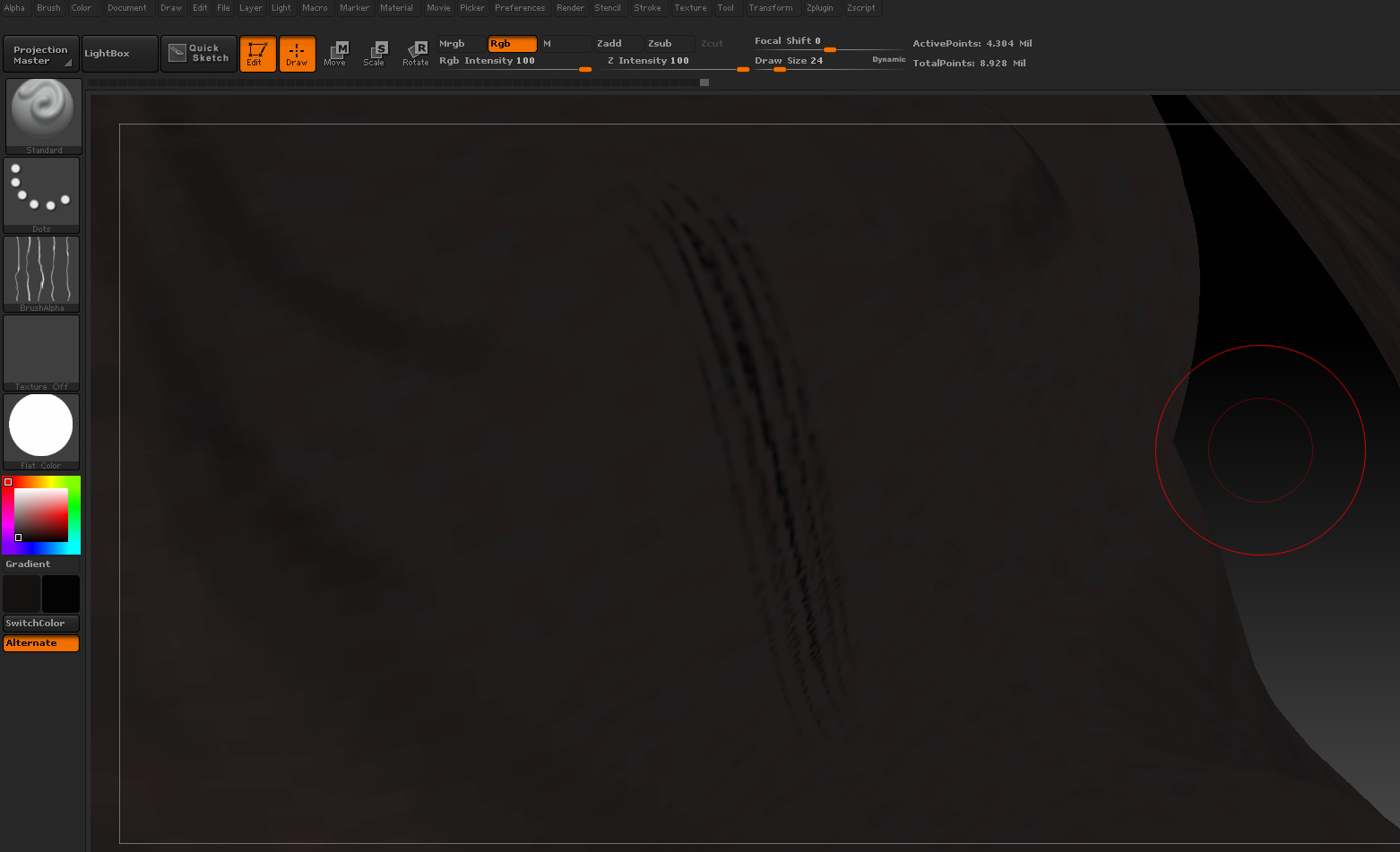
I’m uncertain of what you’re after here. You can adjust alpha intensity in the Alpha menu, but I don’t think that is what you want.
The Alpha is the alpha. It’s not procedural. It’s a 2d image you’re applying with a brush. There is no way to change the relative “spacing” between elements in the alpha, except on a global level (making it bigger or smaller), without changing the alpha itself. If you make it bigger, the spacing will increase between those lines, and the lines will become larger in proportion.
You can, however set the alpha image to “tile” or repeat itself on a stroke in the Brush> Alpha and Texture> ALpha Tile control. That will make for denser coverage.
If you change the stroke type to a Spray stroke, in the stroke options you will find variable elements such as color, size, and placement jitter.