ZBrushCentral

alpha and surface question

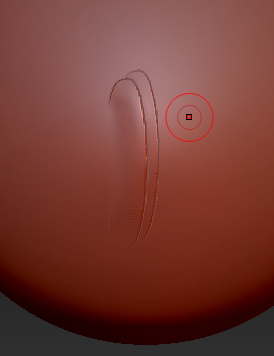
I was wondering if someone could help me to adjust this alpha, so that it would fade into the surface as if it were tilted on its side fading into the surface . I’m hoping there is some setting with the brush or any other I missed that can achieve this. Thank you for any help.

Attachments
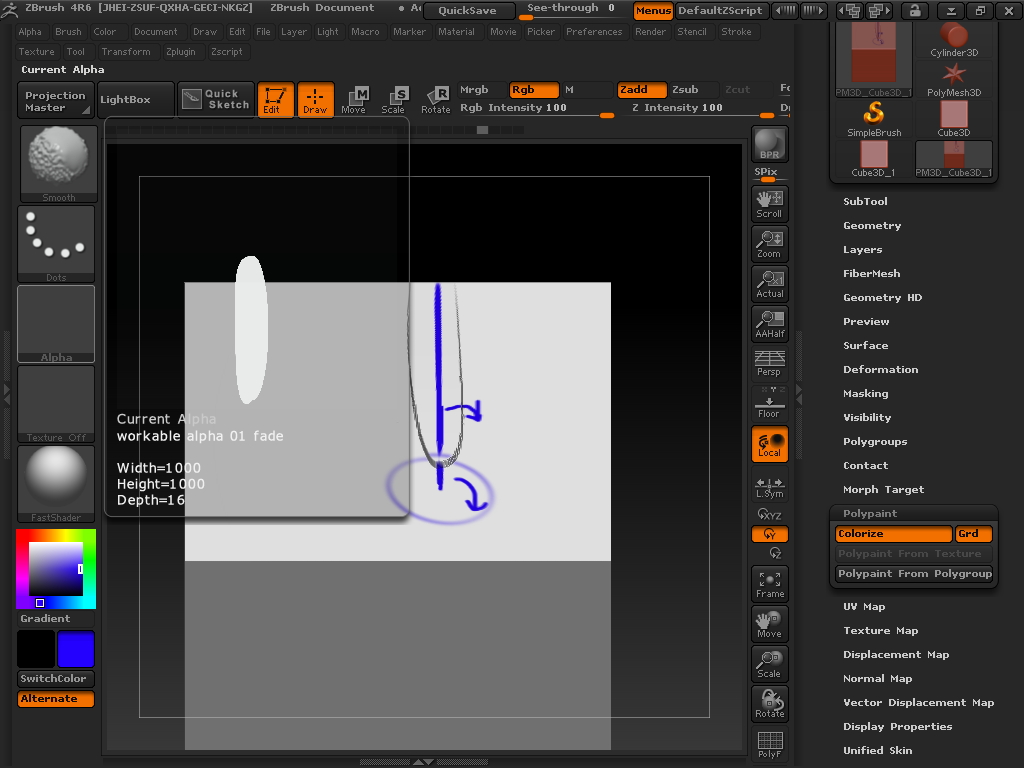
rotate alpha.jpg

Your program is several versions out of date. Please upgrade to the most recent program version. The upgrade is free for registered users.

Alpha shapes with soft edges can be selected, if you want the edges of the stroke to “fade”. Likewise you can adjust the blur and radial fade values of the alpha in the alpha menu. The stroke type selection will also change how it is drawn into the surface. Experiment until you find what you’re after.

Thank you for your reply, looks like in the end stencil was the way to go for me… I suppose I should have explained my alpha was a feather shape and that I was looking for a way to over lap them without them crashing together.

Attachments

stencil.jpg