Okay, I need some help.
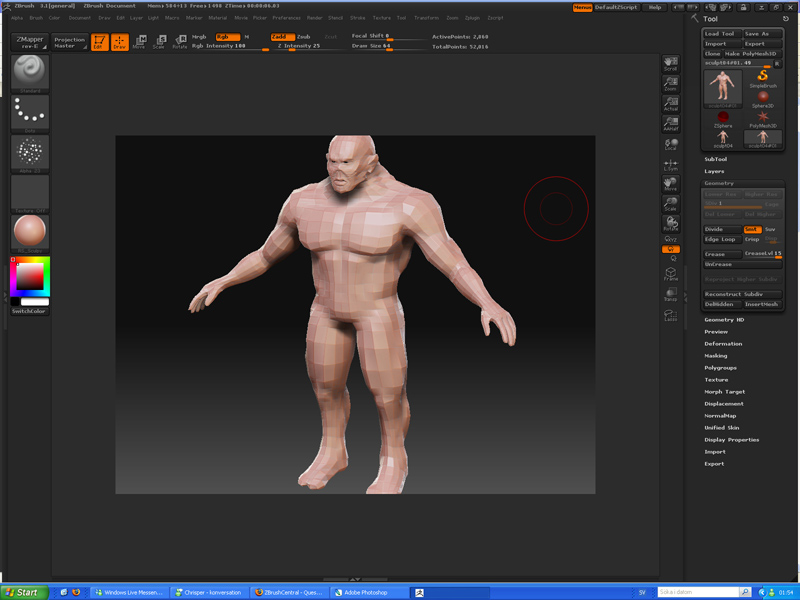
I made a high-res character in Zbrush, then I did retopo on it.
Exported the low-res into Maya fixed the topology some more, then I exported it into uvlayout. The back to Maya and then back into Zbrush to generate normalsmaps on the low-res from the high-res.
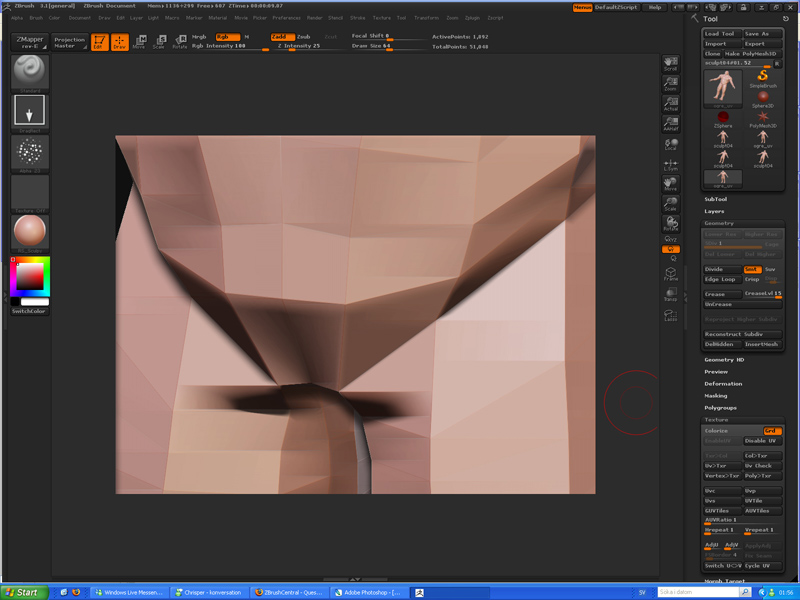
Now to the real problem, after I have captured the high-res within Zmapper and I am trying to import the low-res with fixed uvs it’s scaling gets all messed up.
And I have already tried this method, It worked yesterday when I tried it. But today after I fixed the uvs the method doesn’t work. I would be really grateful if someone has any idea what I could do or what I have done wrong.
“:
- We begin by assuming that we have a sculpted mesh A with multiple subdivision levels, and an external mesh B that is the same shape as A but with a different topology. If we were to import B directly, we might find that there is a scale mismatch.
- Instead, select A and use Tool:Clone to make a copy of A; we’ll call this copy C. since C is an exact copy of A, it has the same scale as A.
- Now select C, set Tool:Geometry:SDiv to 1, and click Tool:Geometry:Del Higher. This creates a copy of the base mesh of A, with the same scale as A.
- With C still selected, use Tool:Import to import B. A new tool will be created from B, replacing C and with the same scaling as C. Since C has the same scaling as A, the new tool will also have the same scaling as A.”
Attachments