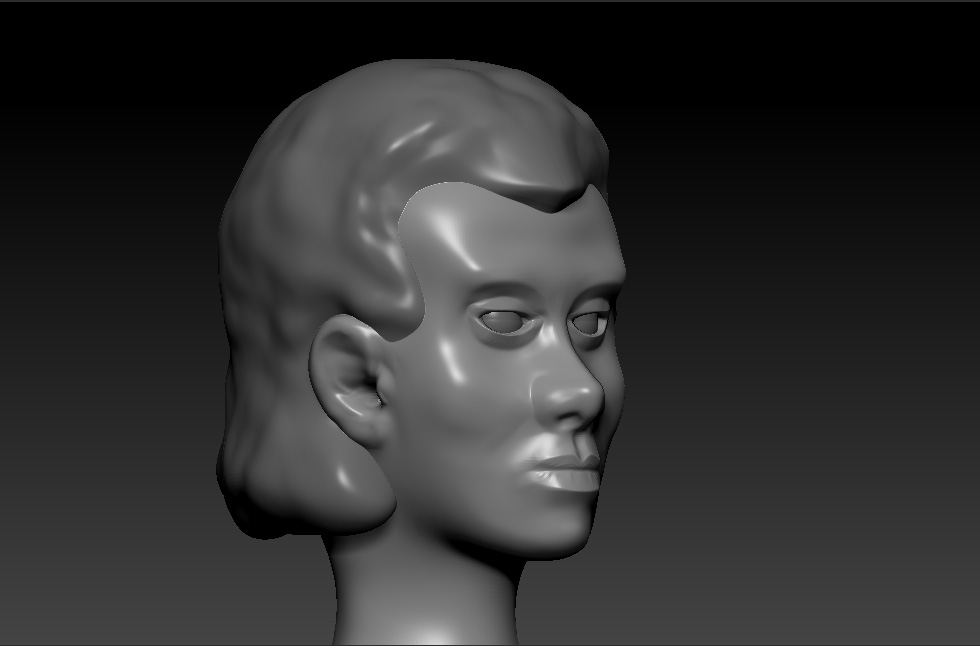
Hi. Does anyone know how to fix aliasing? In this image one can see around the contours of the sculpt.Is there a good technique for that?
Attachments
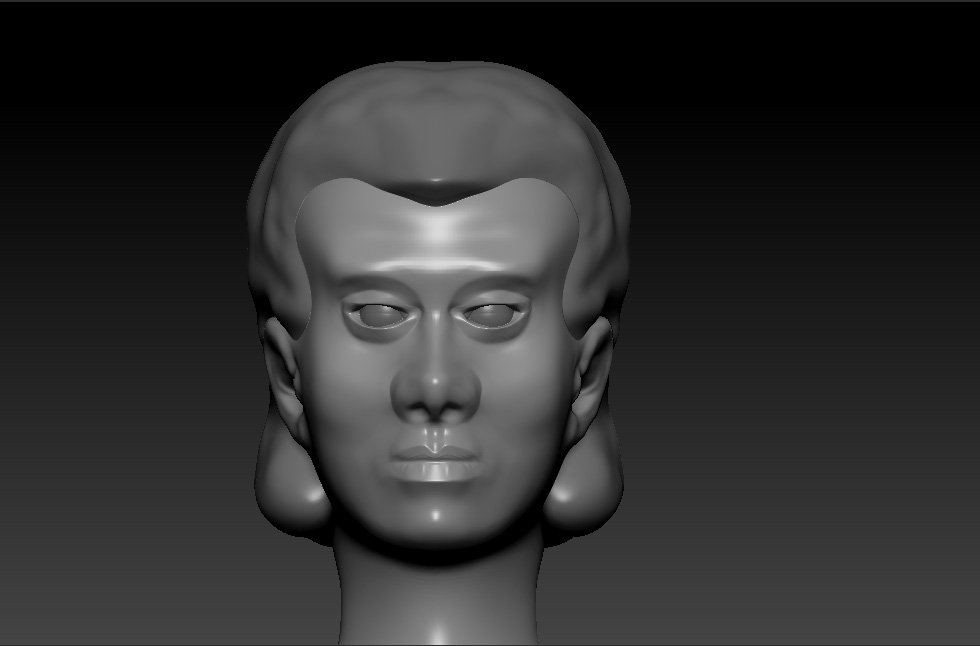
Hi. Does anyone know how to fix aliasing? In this image one can see around the contours of the sculpt.Is there a good technique for that?
Go to “Document” in the menus at the top and find “double” ( double size on the document ). Then it says it’s an undoable operation, just press continue or yes.
Press “AAHalf” in the menu where you find scroll, zoom etc. ( to the right of the canvas ), it then goes back to normal size. Then press CTRL + N to clear the canvas/ remove object. While the cursor is in the middle, leftclick and drag. Voila 
BTW: this should probably be in the "Questions & Troubleshooting Forums"
Thanks, it works perfectly.