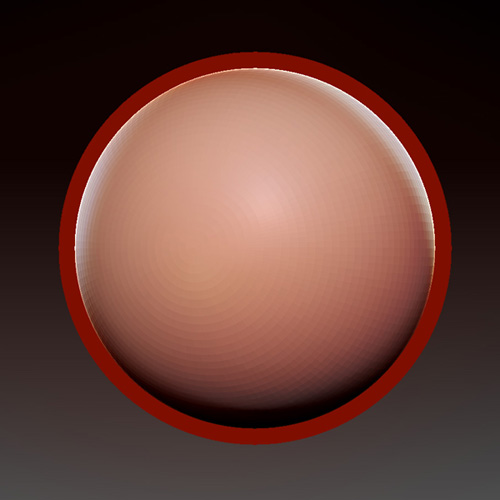
This is kind of an odd question. But I was wondering if there is a way to adjust the sculpting overlap of a subtool for where the program starts to sculpt vs rotate around the canvas.
I included an image. Basically it would be like if I was working on a sphere, I would like it so that the red area in the image is a sort of sculpt zone where if I clicked and moved inside there it wouldn’t rotate around, but rather sculpt… So I could pull it back into the model (often times while holding alt)
Is this possible? Or something even potential for the future?
Attachments