ZBrushCentral

Adding parts to mesh model

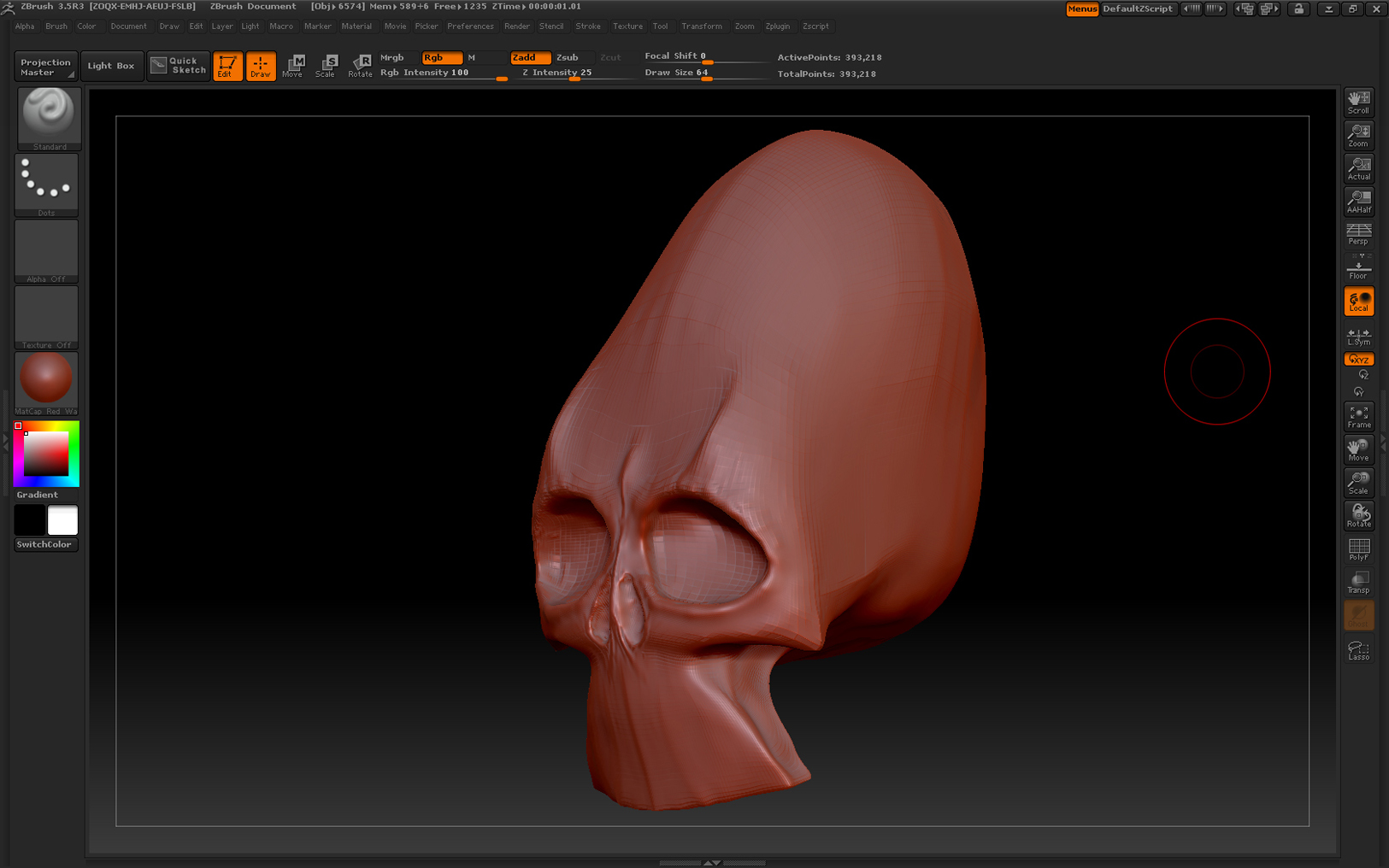
I have this skull I’m making which happens to be my first model. What I need to know is how how can I add a part to a mesh model instead of molding from
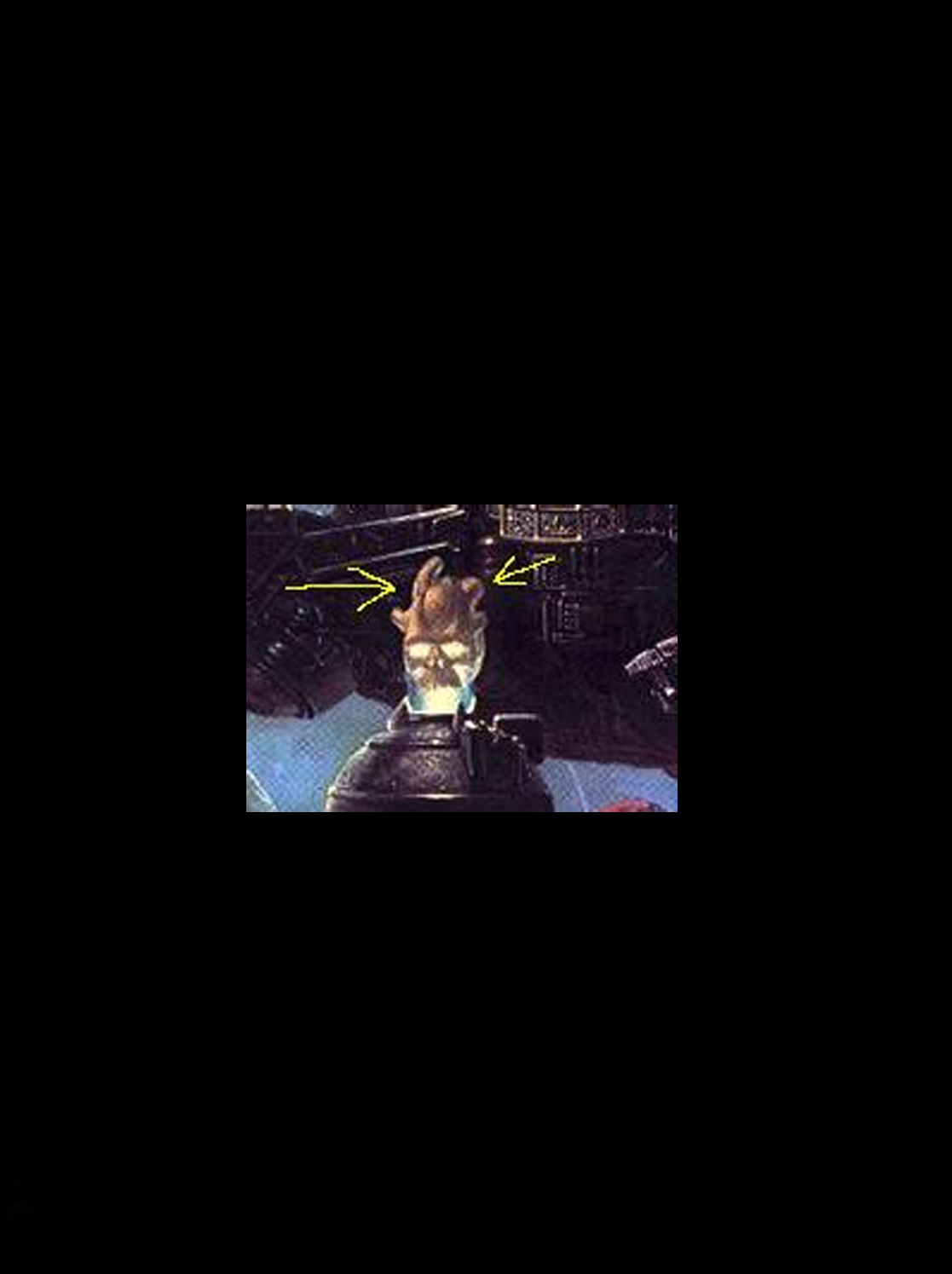
it. I need to add bone to the skull which extends upwards. There are several of them as indicated from the picture.

Here’s the picture and my model

Attachments
skull.jpg

WIPSKULL.jpg

What you need to do is to create a subtool with the new extra geometry and blend the seams together using the clay or clay tubes brush (on a low strength). Then you would merge the two subtools and create a new adaptive skin. With the new skin object, you load the original merged as a subtool and use the projectall tool to wrap the new skin around the old merged mesh. You may get some small errors with the projection so you might have to manually fix those.

I hope this helps.

Good luck.

Paul
(from Mix Mash)

Do you know of a vid tutorial that would have this info, seems like alot if steps I need to take that I’m not sure off.

I am confused about this, as well…

I am trying to make shin pads for a model… so I need the thigh from the model and I import that into zbrush…
I created a circle so I can scuplt that around the thigh… but i need the thigh to be visable and stay still and not turn around when I move the circle around.

Question is…
how can I import my thigh, still be 3D and move with the camera, while making the shin pads from the circle…alicethigh.jpg

if i scale down my shin cloth, then my thigh scales down too… ughhhhhhh…

any help will be great…

~alice

hi LadyKassie if you import both models and have them both in the tool palate click on either model then go to subtool and append the other to it then select the one to be edited in this case circle or shin pad in the subtools will allow you to model one while the other remains the same

Yes… got it… yeahhhhhhh… thanks so much… this has helped me so much…
I have a whole new world now!

One thing. is
when I have the ring… or what ever object…
I have to take the base objects: sphere, ring… etc… export them, adjust the fit and placement… then import them back into zbrush and do it that way…
but that is not a big deal…
is the layers within the sphere… which causes it to be so thick… can you advise me on (masking really doesn’t cut clear) what to do for that?
~alice

not sure if i understand the question what you mean ??edited- do you mean the the thickness of the model your trying to edit is changing?? try using the move brush instead of the default brush will move the inner and outer part of the model at the same time, try setting brush size also??

What kind of tutorial forum is this, is it possible to get links to videos in here. Just curious cause no ones posted a tutorial link yet for my question. Guess maybe there isnt one out yet. :frowning:

Xaero:
I still get confused which to do…
but here ya go…
Sorry, I do not know how to do the video thing…

you want you skull to have bones on the back of the head…

create your bones and make them as a polymesh 3d

import your skull

see your skull in the subtools library

click append at the bottom of the subtools library

pop up window comes up and click on your bones

then you can edit either one…

that’s as far as what I know what to do…
;0)
zbrush.jpg

Gary…

the thickness…

I see how to get a sharp mask but you cant extract the section, if it’s not a polymesh…

let me take some image shot for you and post them… maybe that will help me explain what I am trying to do…
~alice

forgot to add…

once you get your bones (after you click append)… then click drag, and your skull and bones should show up…
just click (in the subtools library) which model you want to edit…

Well, you should know that this is a forum for POSTING tutorials and NOT requesting of them. I tend to scold people who post requests up on this forum but that got boring because people kept posting their questions here nonetheless.

If this was in the questions forum then it would be a totally different story.

Does this answer your question?

Ya that’s what I thought, I guess Pixologic wants to keep this forum to a minimum. Is there a forum that Pixologic has thats for question only or maybe some other really good web site. I checked CGSociety but it seems they really cater to Autodesk :(. Pixo if you guys are watching this I think we amateurs need a questions room, a place we can call home ;). Anyways Ill look elsewhere for help unless I’m desperate and on my last dying breath. :smiley:

cheers
Xaero