Hi!
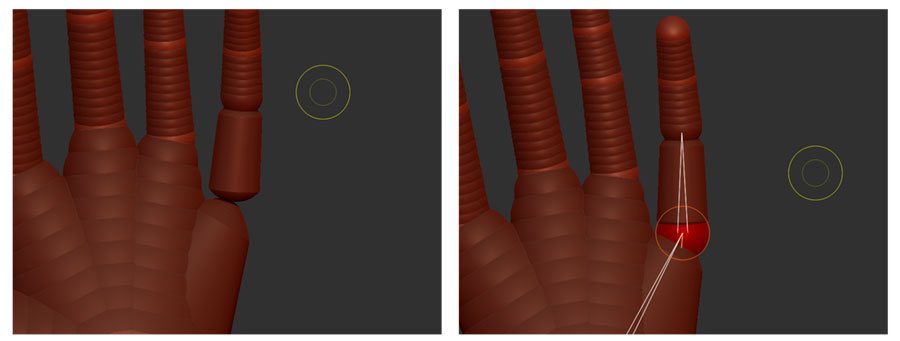
So I started to delve into older tools haha. I wanted to create my own mannequins for hands body parts etc… But it seems when I do the following the sphere disappears visually, still there but disappears when you click away.
See images attached. So I do the following.
Create the joints and connections with zspheres
Go to adaptive tab click “use classic skinning”
Click on a sphere or connecting part
Click on insert local mesh or insert connector mesh
Either way the connector disappears when you are done with this process. Can anyone confirm that I am following the right procedure or that this might be a bug?
Thanks in advance!
Attachments