Hi Zbr,
Is there a way, if in transpose I draw a new actionline from front or sideview to bind/snap it straight to the “worldaxis”?
Hi Zbr,
Is there a way, if in transpose I draw a new actionline from front or sideview to bind/snap it straight to the “worldaxis”?
Yes, as you draw your Action Line, start on the mesh and draw it out so the other end is on an empty part of the canvas. Also, holding down Shift while drawing out the Action Line will snap it to 0, 45 and 90 degree increments.
Ahhh, thanks a lot!
Please allow me one more question:
Is one of the circles marking the pivotpoint around which the actionline will circle?
And:
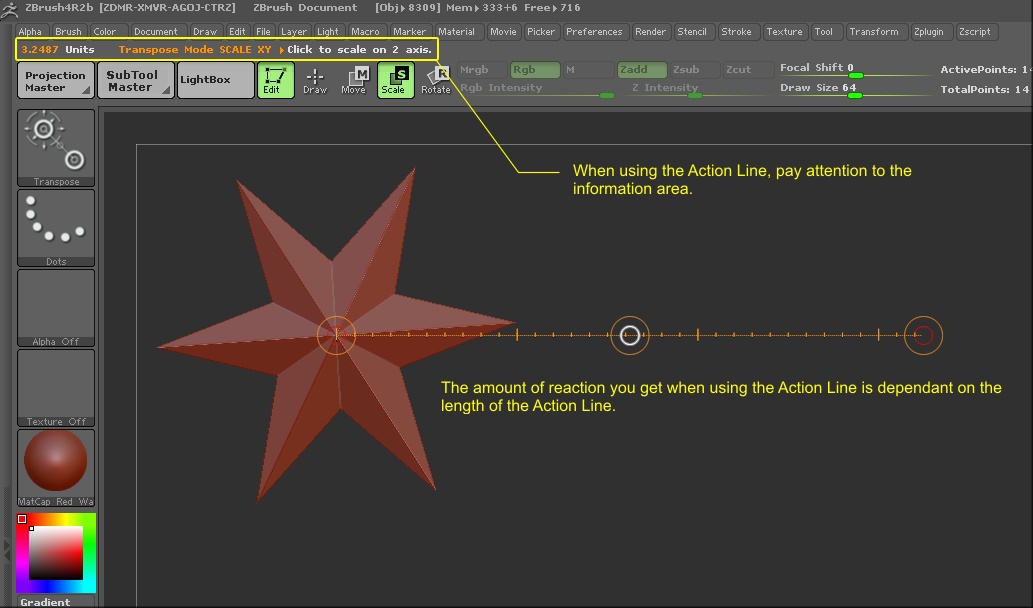
I find when scaling, that the reaction is a bit slow, forcing me to drag multiple times,
also the wristrotating (middlewhitecircle) is reacting only in small steps and only in one direction.
What am I possibly missing here?
Thanks again for your ongoing help.
(On a sidenote , since you seem to be member of pixologic, don`t you think, it would be wortwhile to have something
like a true beginners section on the forum to lower the entrance barrier to z-brush a little bit?)
The Action Line will pivot around either of the two ends of the line.
See Understanding The Action Line.
(On a sidenote , since you seem to be member of pixologic, don`t you think, it would be wortwhile to have something
like a true beginners section on the forum to lower the entrance barrier to z-brush a little bit?)
:lol: I don’t know where you got that idea, but I don’t work for Pixologic. Wish I did though.
Sorry, I just got the idea that, because you are always so generously helpfull, that it could be in service for pixologic…
Just exercising the transposetool with Julie.
Here`s what I come up with using Transposemaster plugin to move all parts simultaniously.
Though it moves along in general, I get some intersections in the swimsuit
t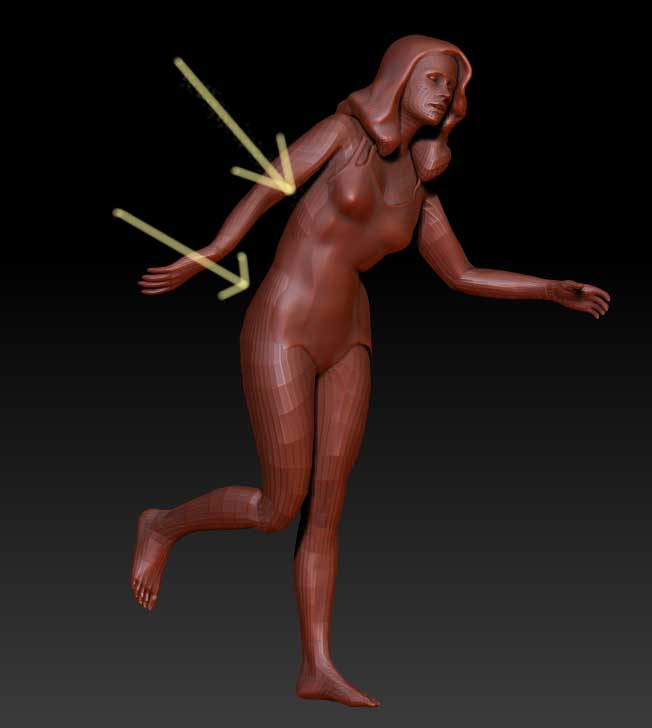
Your bound to get some of that with automated actions. Just turn on ‘Ghost’ with Transparency and use your Move brush to fix it.