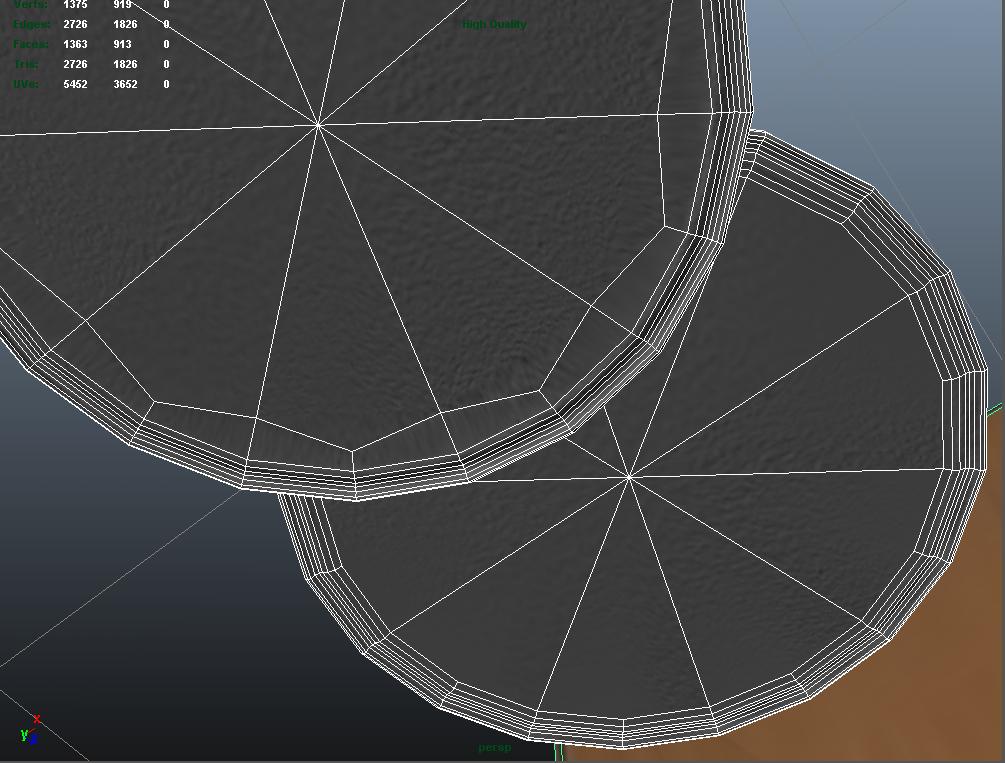
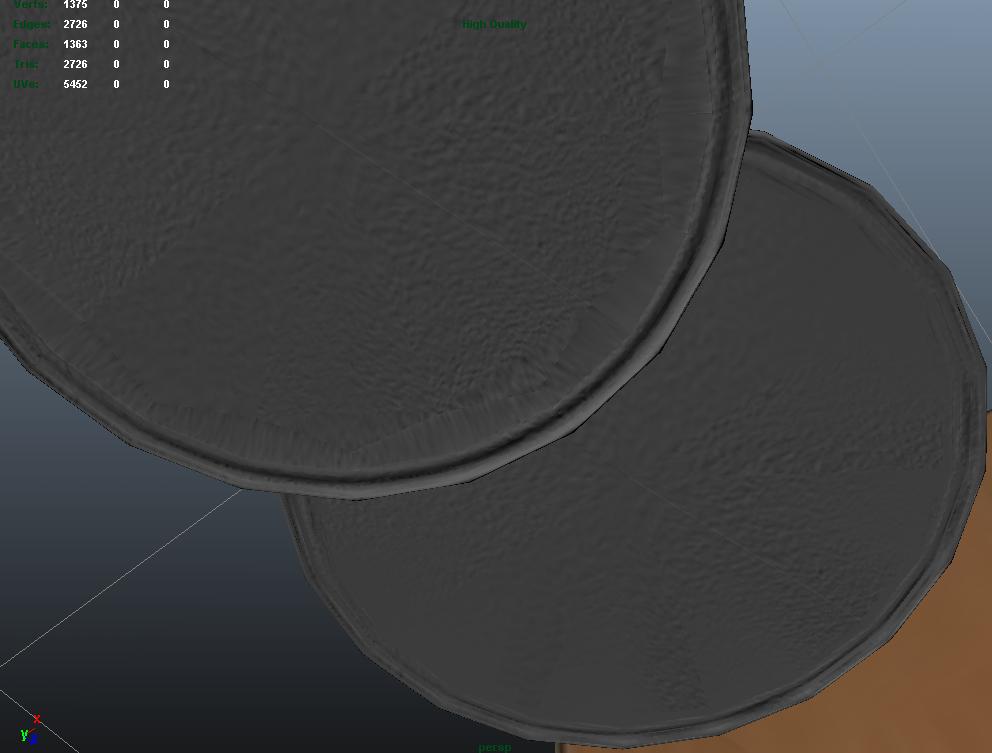
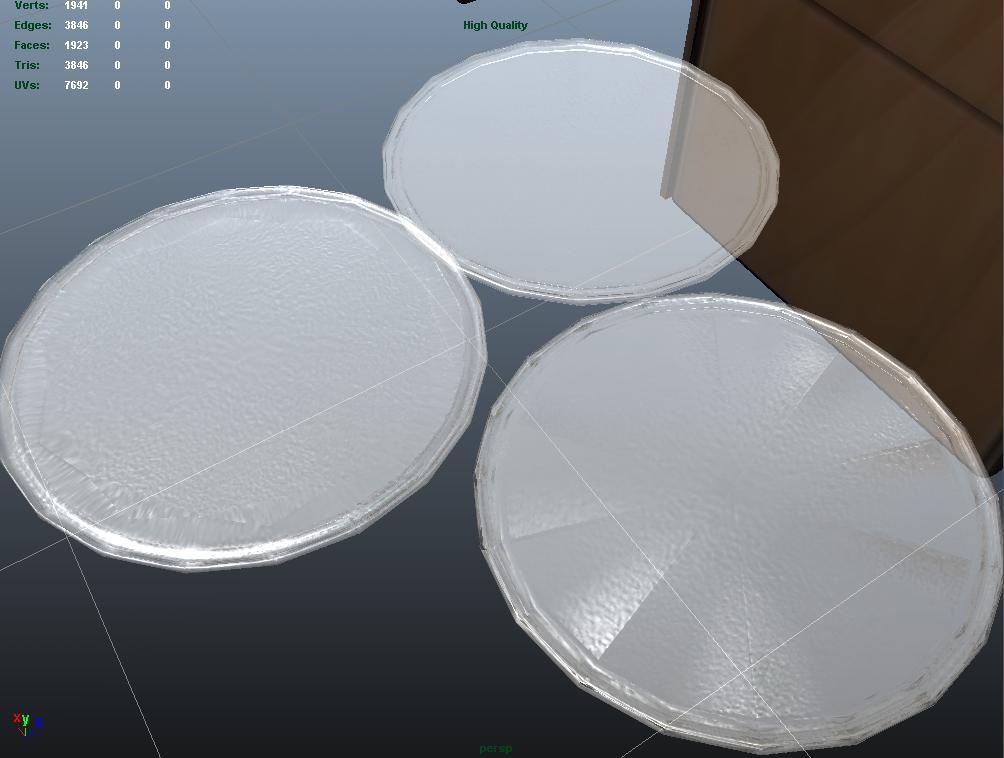
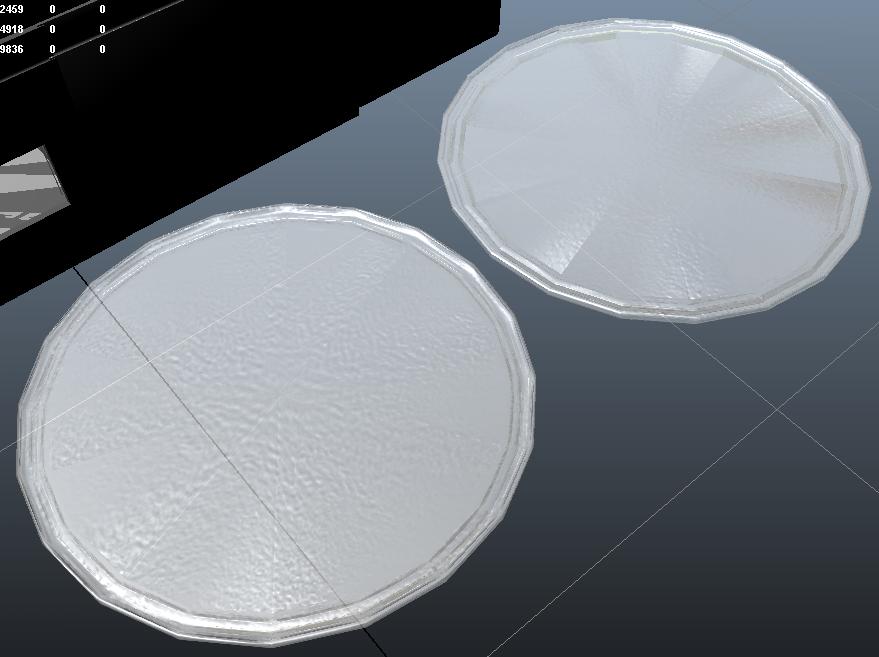
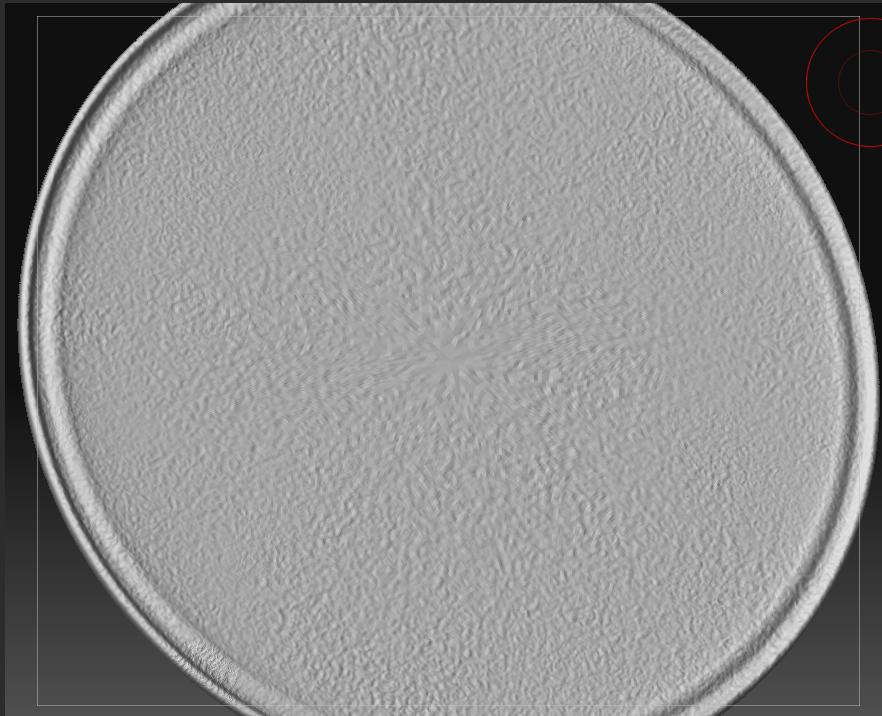
I’m trying to impress roughness to a crystal circular tray. In Zbrush looks really good, but when I open it in Maya, the impression changed.
[ ](javascript:zb_insimg(‘124329’,‘Original.JPG’,1,0))
Finally, here my last try. The original model has been subdivided in Zbrush with Smooth Off and resculpted, normal mapping created again, and still haven’t smooth transitions.
You can see it at up-right, compare with the low original & normal map from the zbrush subdivided with smooth on.
I’m out of workarounds, some idea?
Attachments