Hello everyone!
Today my goal was to render a vehicle using MatCaps but I stuck with transparency issue.
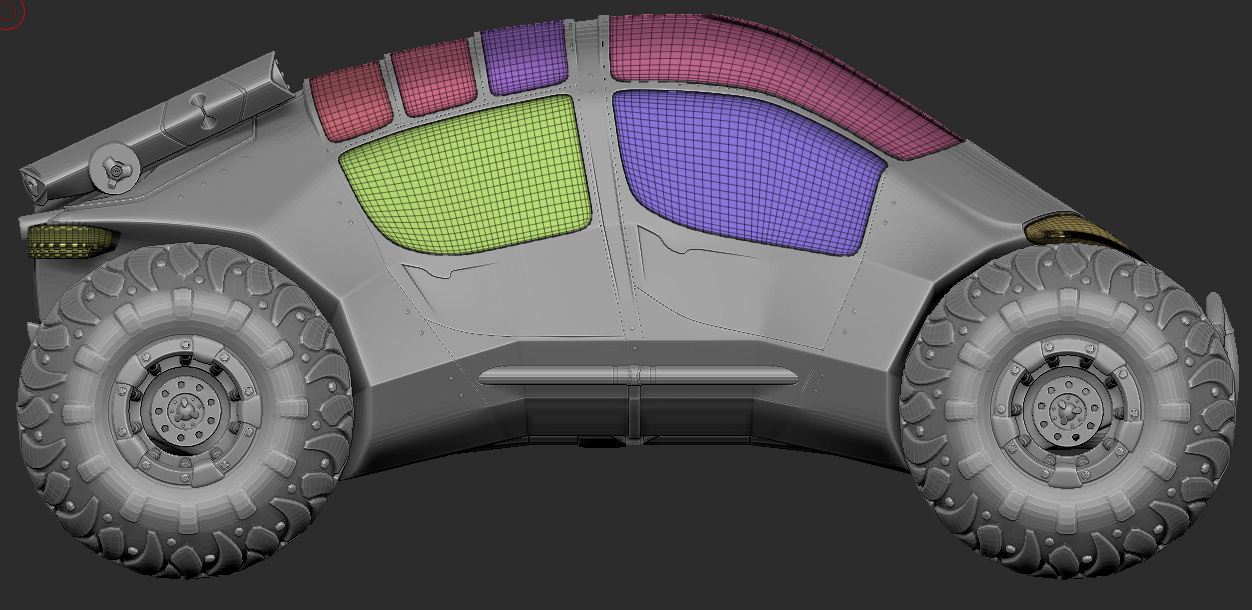
So, here is my jeep of 96 pieces exported from Max as a single subtool. I split it in a Mainframe, an Interior, Wheels, Lights and Windows subtools.
I filled them with a different MatCaps and checked up BPR Transparent Shading Mode under the Lights and Windows subtools as well as Transparency Rendering option.
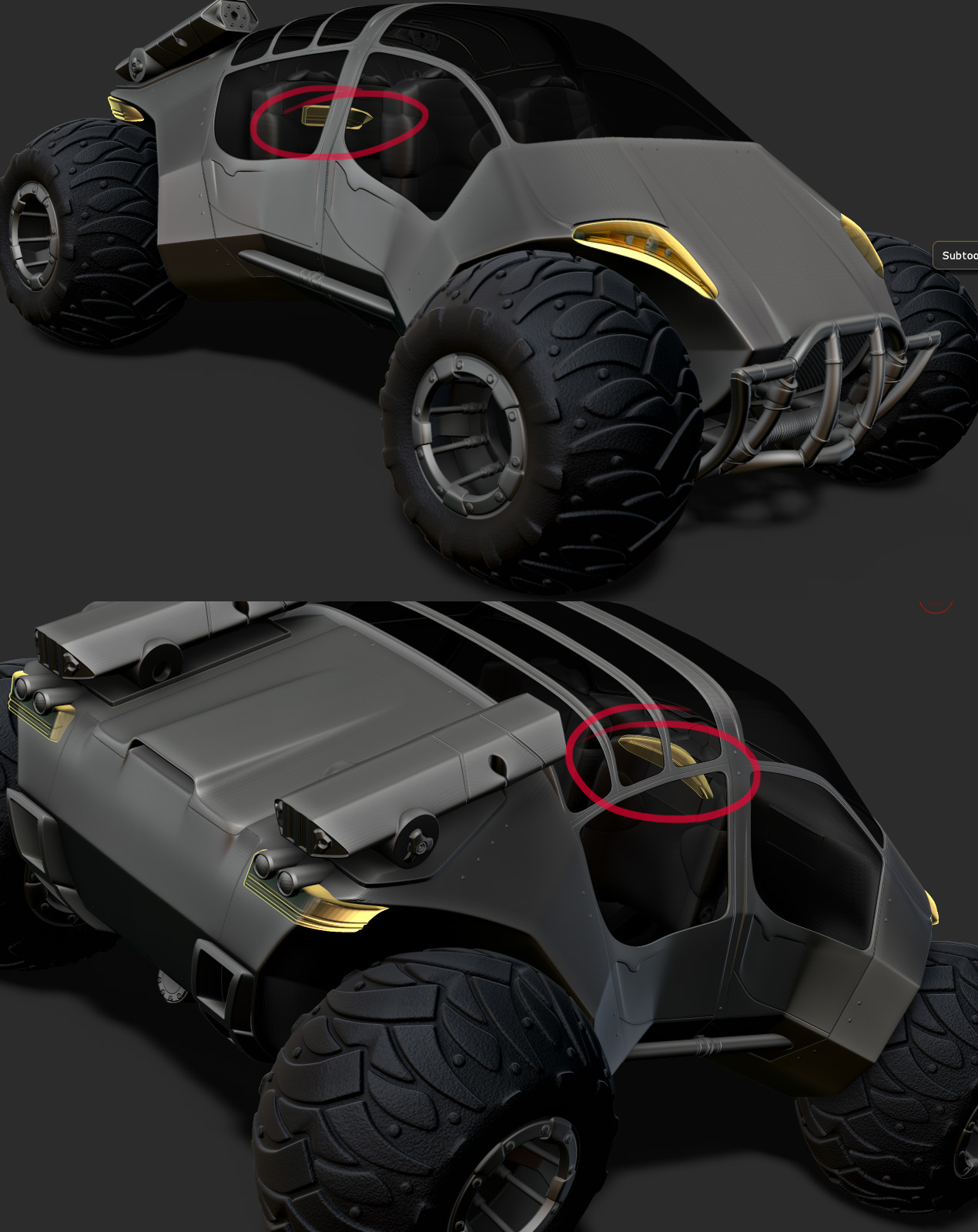
Then I noticed that something was wrong with windows refraction especially when I changed the Light material to a bright one.
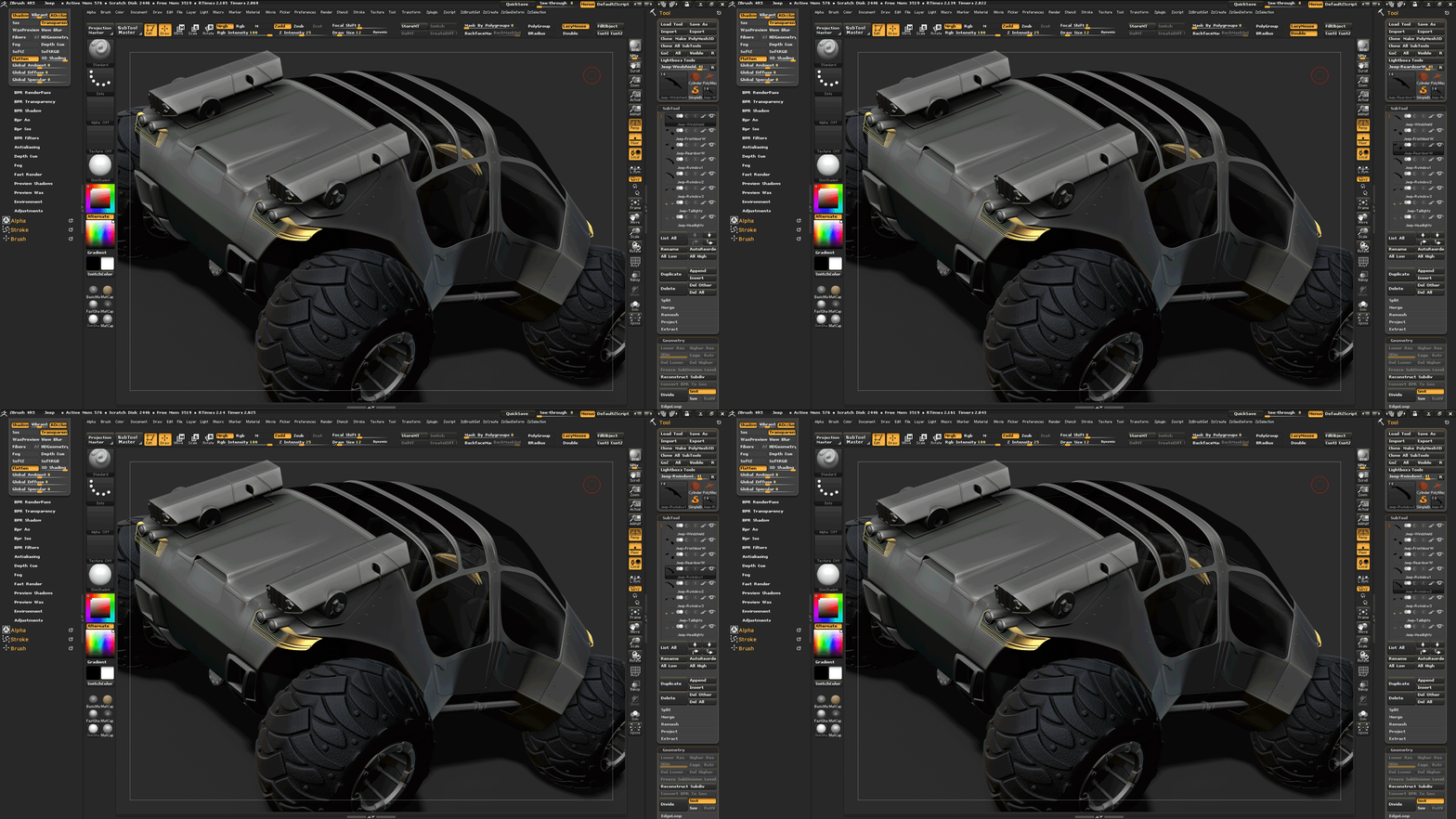
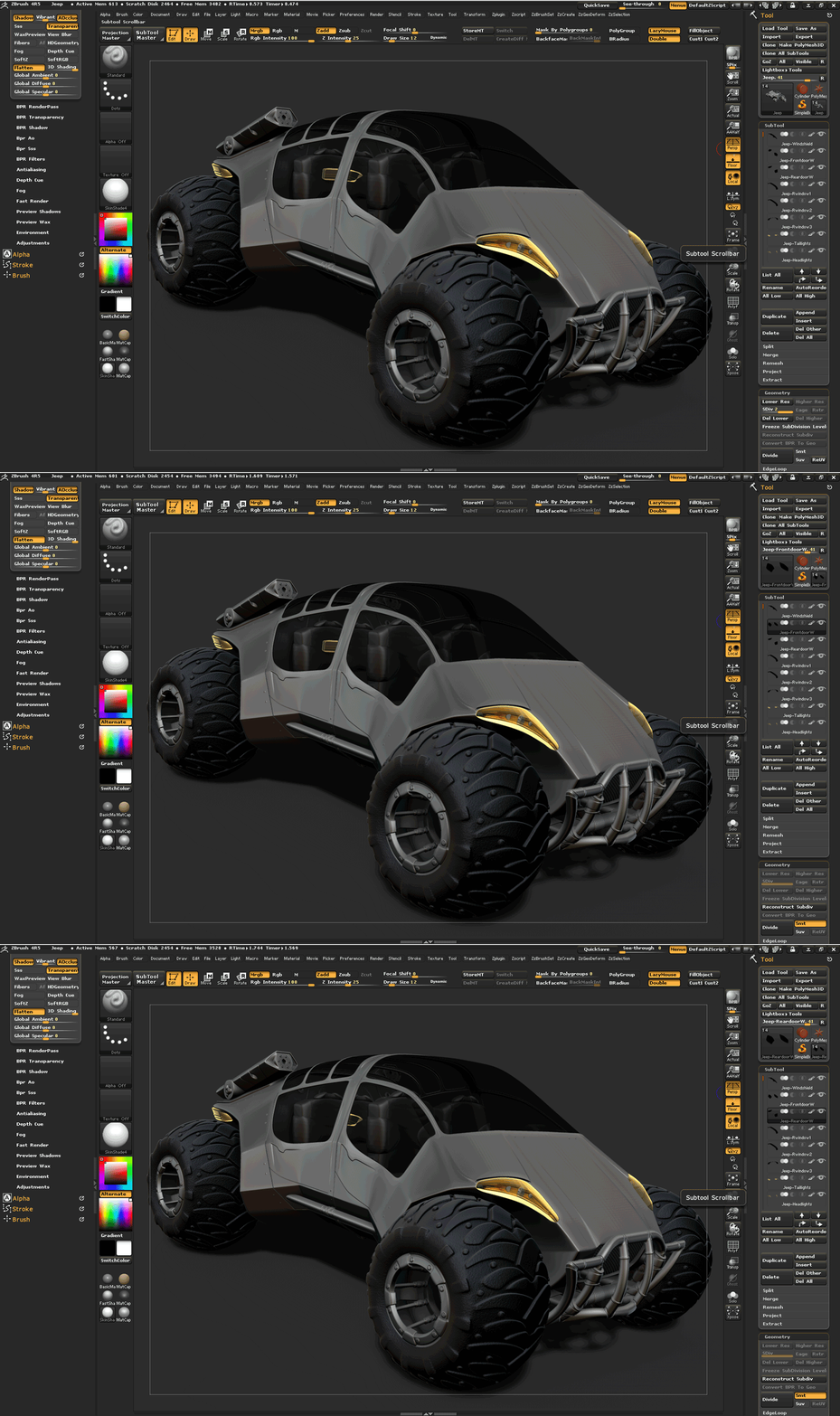
And the strange thing is when I render my jeep with one of those windows selected then this particular window has no transparency overlapping while the other does.
I hope that gifs will illustrate more clearly what I mean:
Actually, there is no serious problem, I’ve already found several ways:
- to use Layer baking with mesh visibility on/off,
- to merge whole area which has overlapping, then render still selecting it,
- Photoshop,
- do not bother ZBrush and render in other application,
etc. etc.
But I’m interested in proper solution or a helpful link.
Attachments