ZBrushCentral

A subtool that can't be deleted

I was working on this presentation for a large sculpture installation. I wanted to bend the finger On the left hand and zoomed in. Everything was going find, and then zbrush froze up here. I closed z brush and opened the file again and the large hand is still there. It is not in the subtools, not editable and I can’t get rid of it. is this file just corrupt? I can go back to an earlier version of the job, but Don’t want to start that far back again- it is the second time I had trouble with this.any suggestions.

Thanks in advance

Attachments
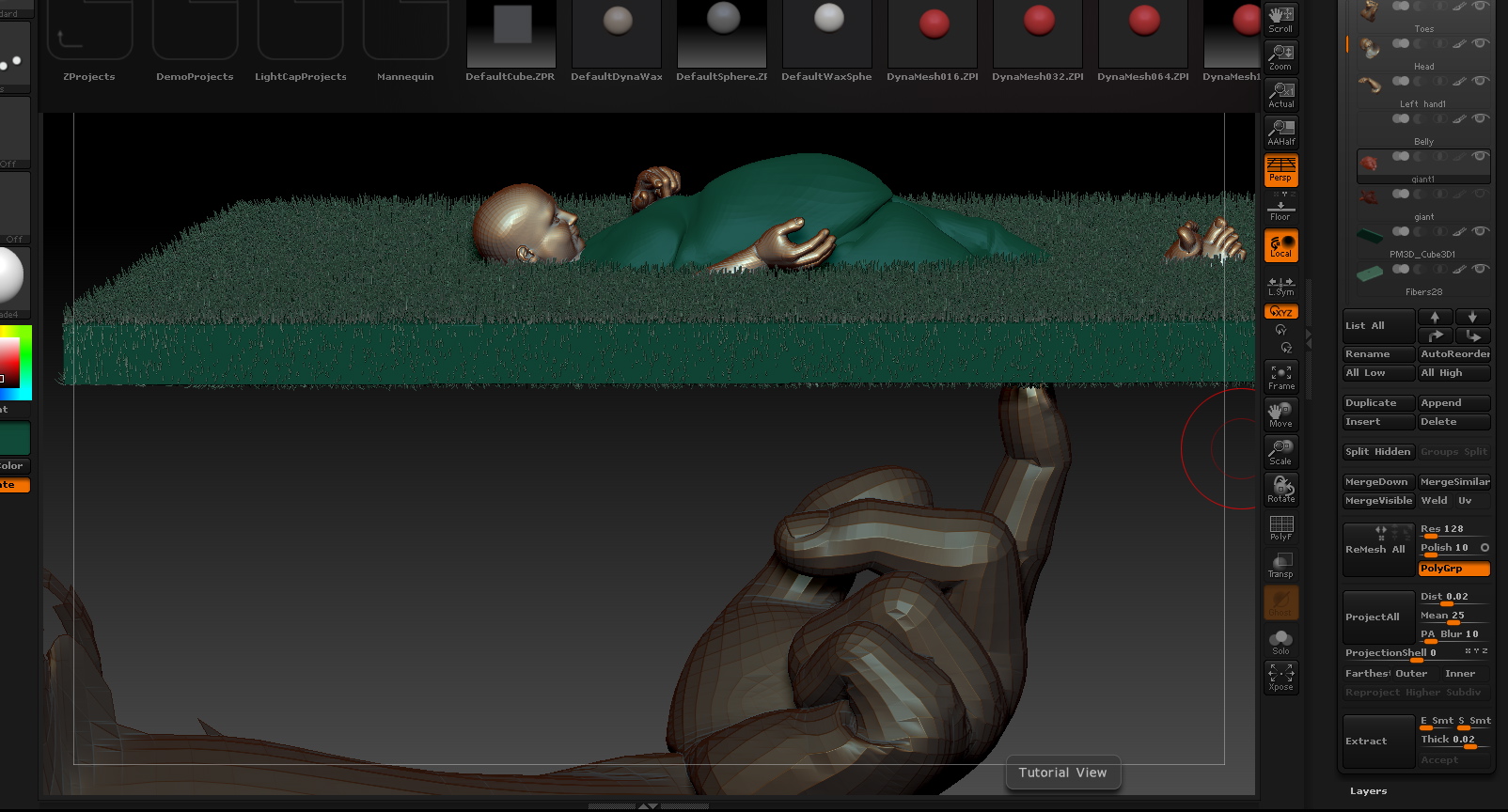
Snapz Pro XScreenSnapz144.jpg

Was the recovered file a .ZPR (ZProject) file instead of a .ZTL? If so, does that hand rotate with the rest of your model?

Basically, I’m wondering if the hand didn’t get snapshot to the canvas. In that case what you’re seeing there is pixols rather than polygons and that’s why it’s not in your SubTools list. In that case, just press Ctrl+N to erase the pixols from the canvas.

Aurick you rock. That is exactly what happend. I bow to you and thank you for deleting that giant hand of a giant made small so that I can see.
Bridgette