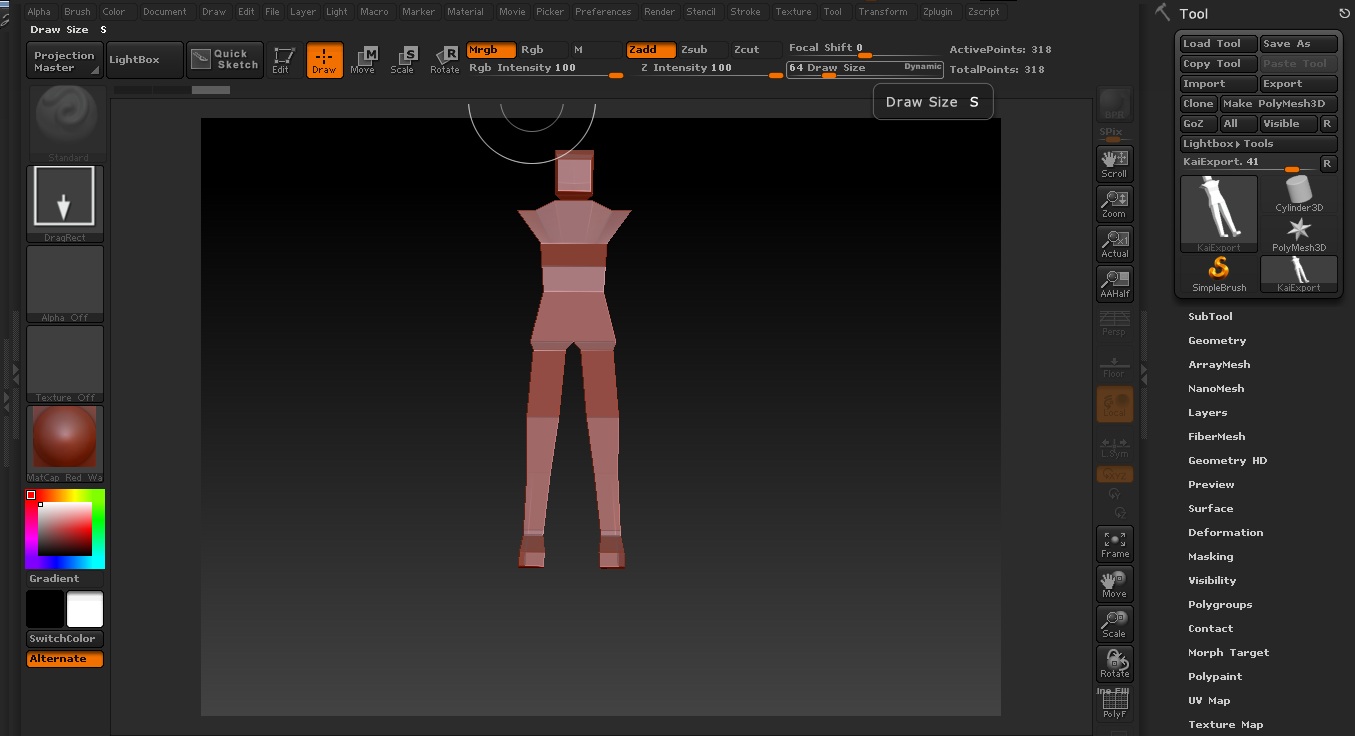
Hey, forgive me for this noobish question as I’m a beginner to Zbrush, no matter what I do… I can’t pan/zoom my screen after I placed my 3D mesh I press alt + right click but it didn’t work, tried with left click aswell and it didn’t work how do I fix that?
Is there a special mode I need to enter, because every time I press alt + right click it simply draws another mesh of the imported model I tried google and it didn’t help, help would be much appreciated.
Attachments