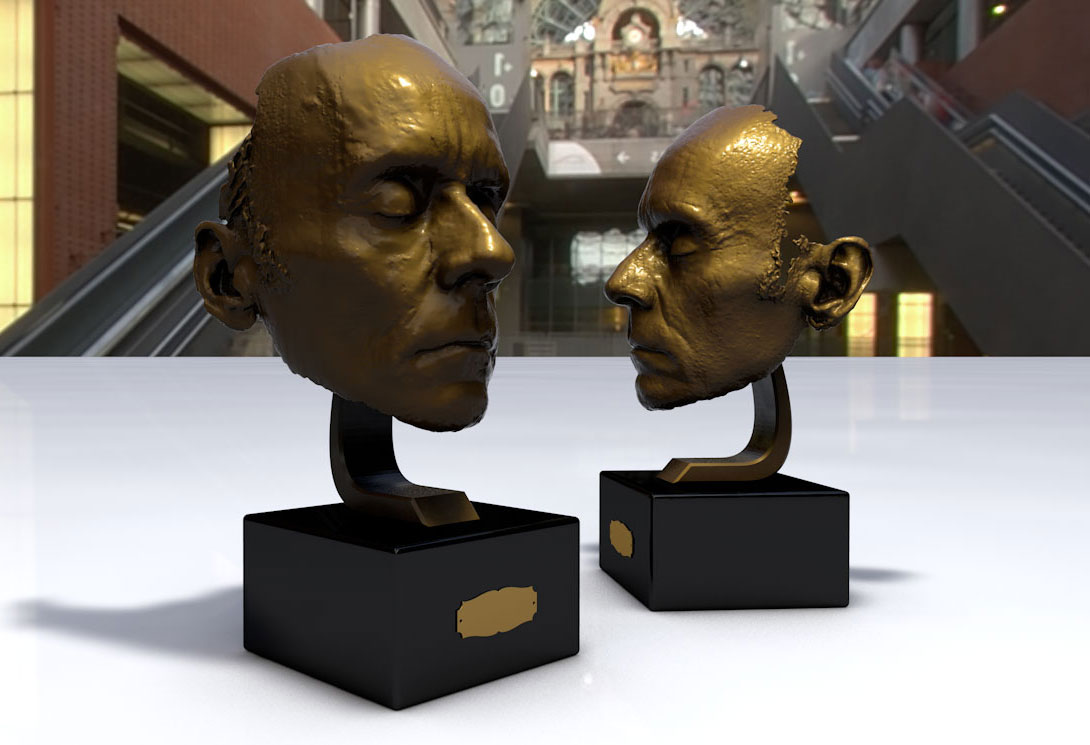
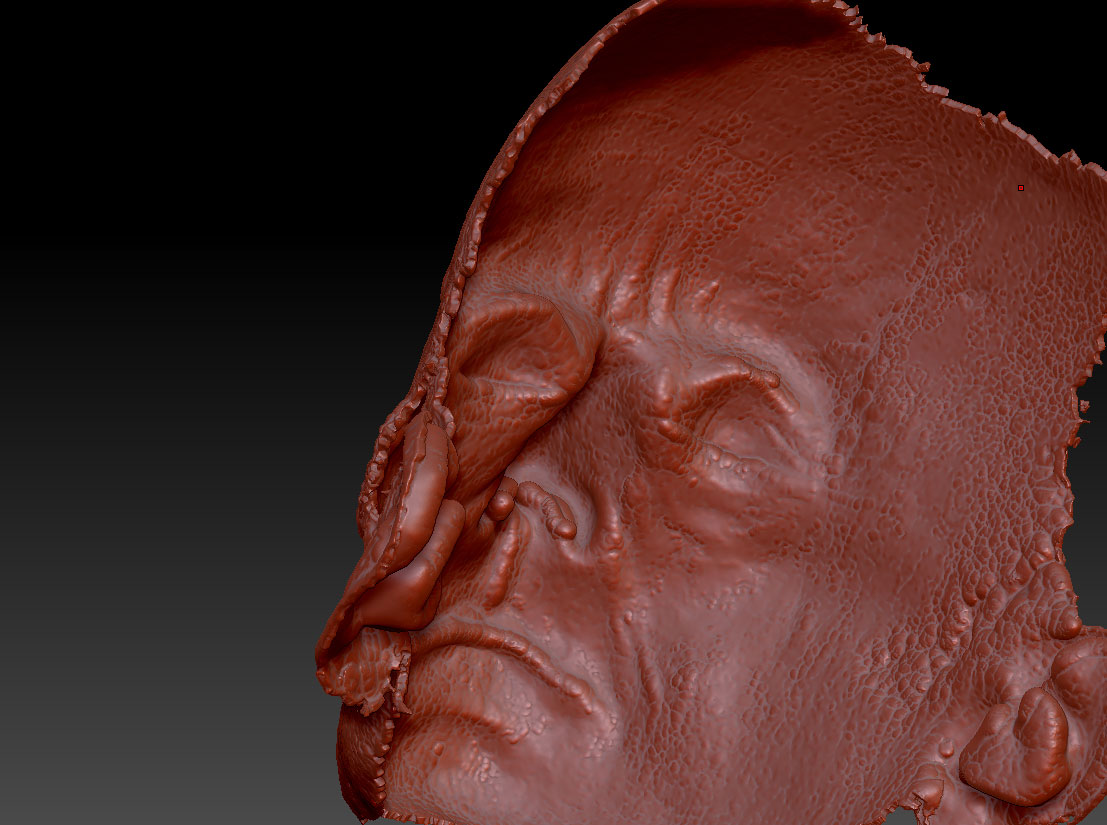
Hello folks, I am somewhat new to ZBrush and having a problem perhaps someone here might help me with. I have a 3d scan of a face which I would like to print using Direct Metal Laser Sintering. The vendor has kicked it back due to wall thickness, minimum wall thickness being 3 mm. I attempted to remedy this problem with ZBrush by extracting a subtool with the following settings: the E Smt and S Smt to 0 with a thickness setting of -0.02. This resulted in a slightly extruded surface as can be seen in the image I provided. The thickness setting (-0.02) was the greatest unit I could apply as any greater figure began to distort the front of the face. I then went about the process of ensuring it was watertight, non-manifold edges, reduced polycount etc. It was once again rejected. I also attempted to create a projection shell with similar results.
I am also having this built with an acrylic based photopolymer to used in creating a mold for cold casting in resin. Seems the standards are less stringent with the polymer as it was not rejected. Their system allows for a much smaller wall thickness.
Any suggestions would be very much appreciated as I have been pulling out my hair on this one. 52 and growing bals already there isn’t much left anyway.
Thanks
JG
Attachments