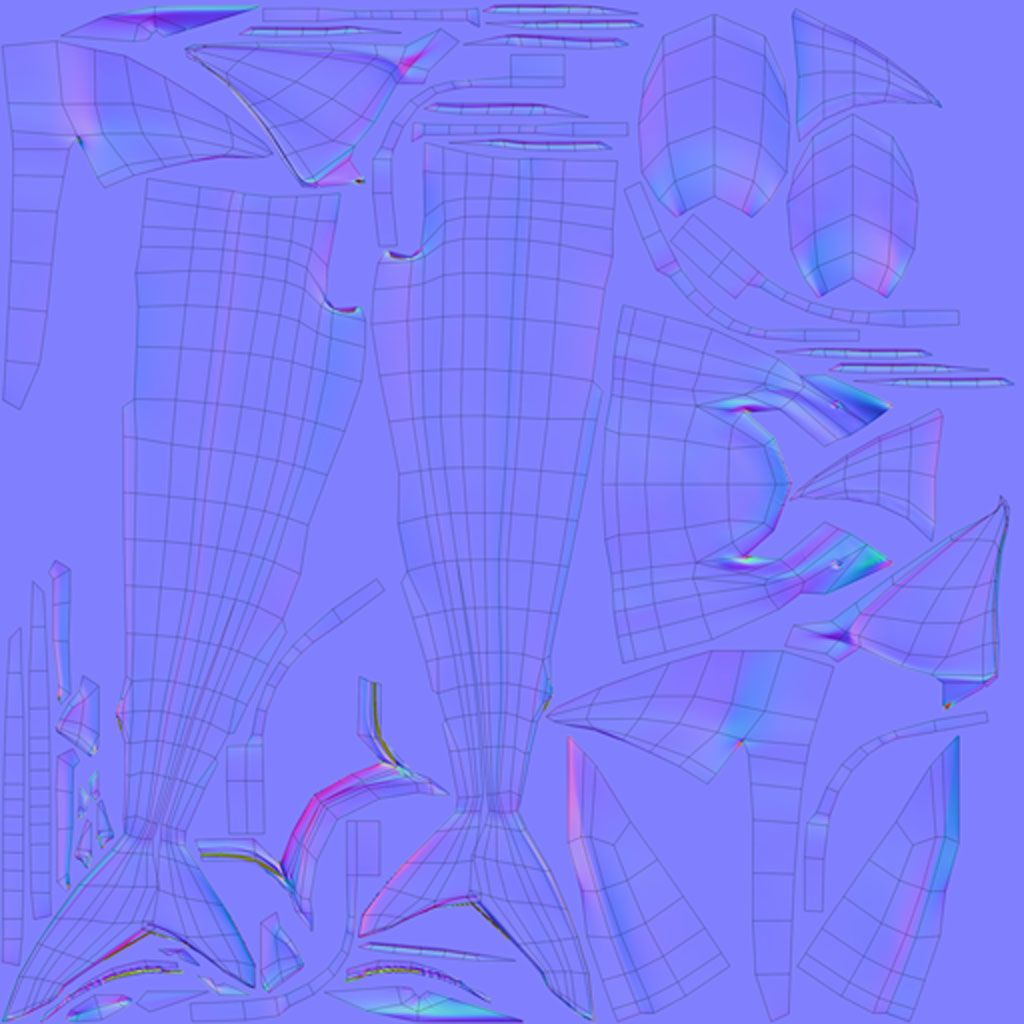
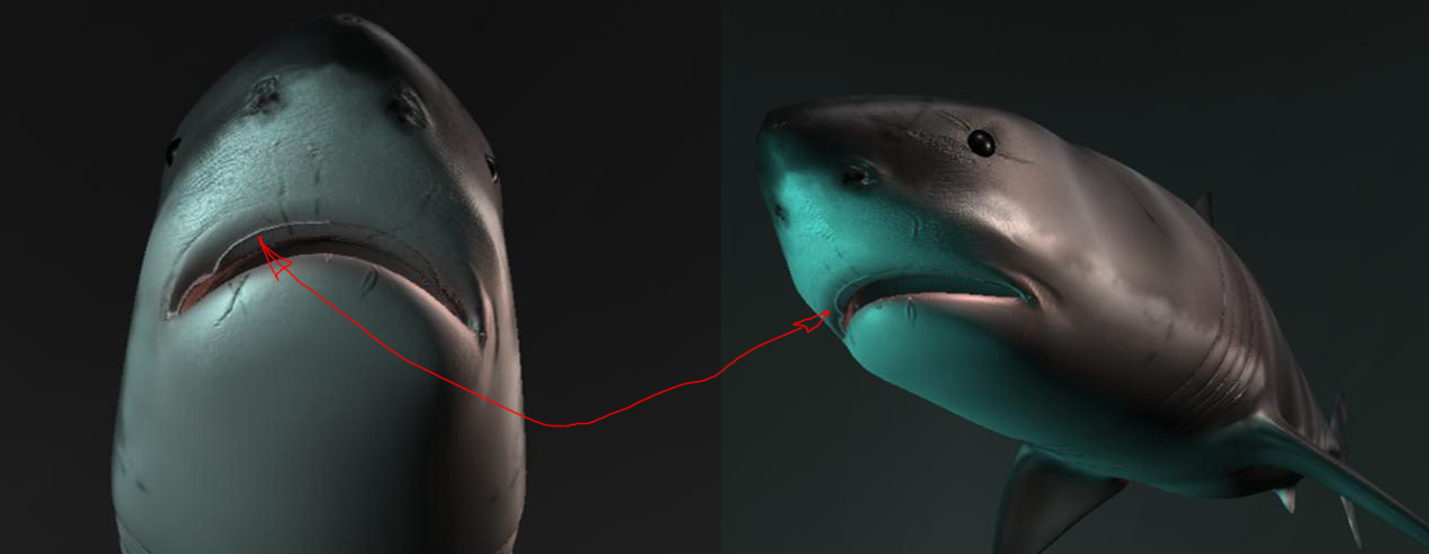
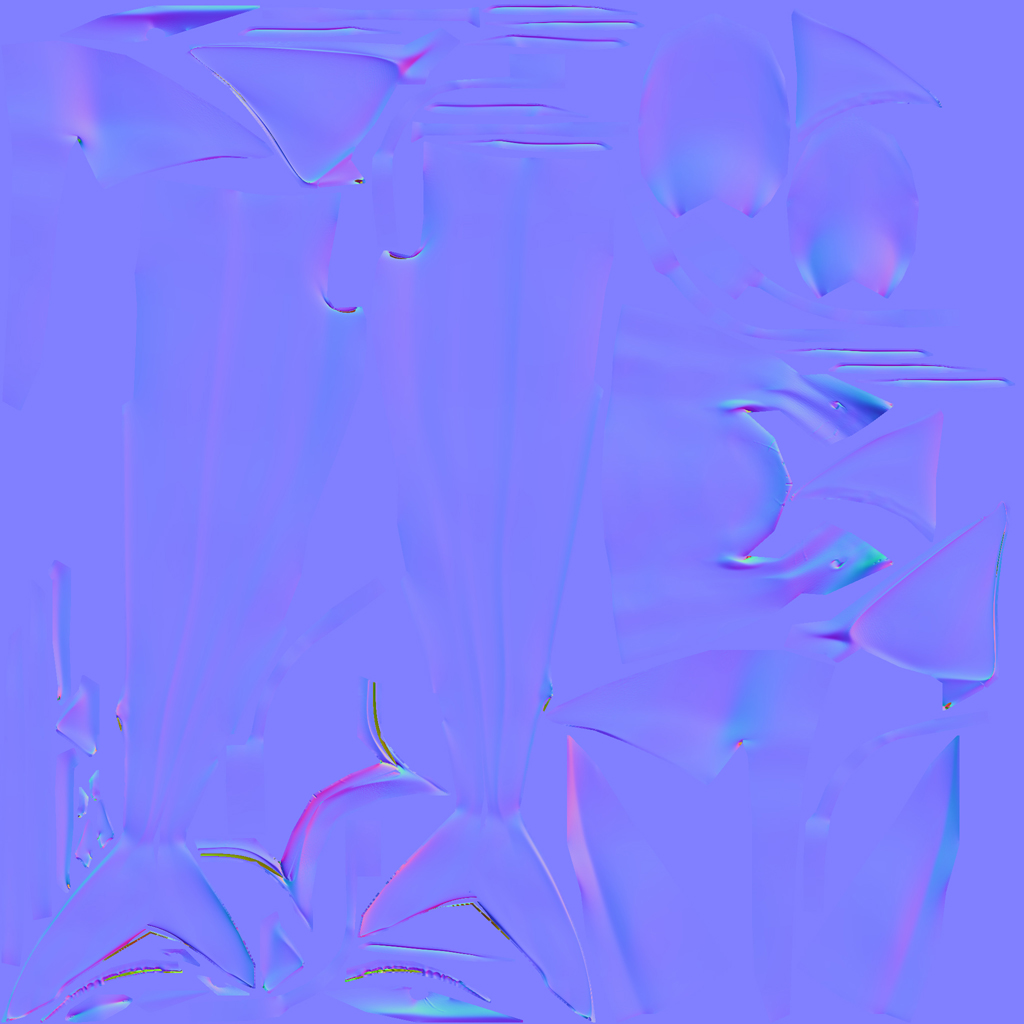
Hello all, I have trolled the forum and others of it’s caliber for weeks to find a fix for this issue. I have found several tutorials for fixing the issue in 3.1 with Zmapper, and have found a few for fixing this issue in 3.5, however, none of the fixes have worked in my case. I have visible seams from normal maps present in my test renders that I just can’t seem to fix.
Also, I am having an issue with my normals map being flipped along the symmetry line of the model, (I am assuming this happened during the duplicate special preformed in Maya to mirror geometry.) Is there any way to remedy this issue without remapping UV's? UV's were unwrapped in UV layout, and imported as morph target after sculpting and polypainting.
With that out of the way, I just wanted to take the time to thank the entire community for inspiring me to achieve the excellence in our form of art that many of you have achieved! Any guidance from you all will be greatly appreciated!
[ ]
]
Attachments